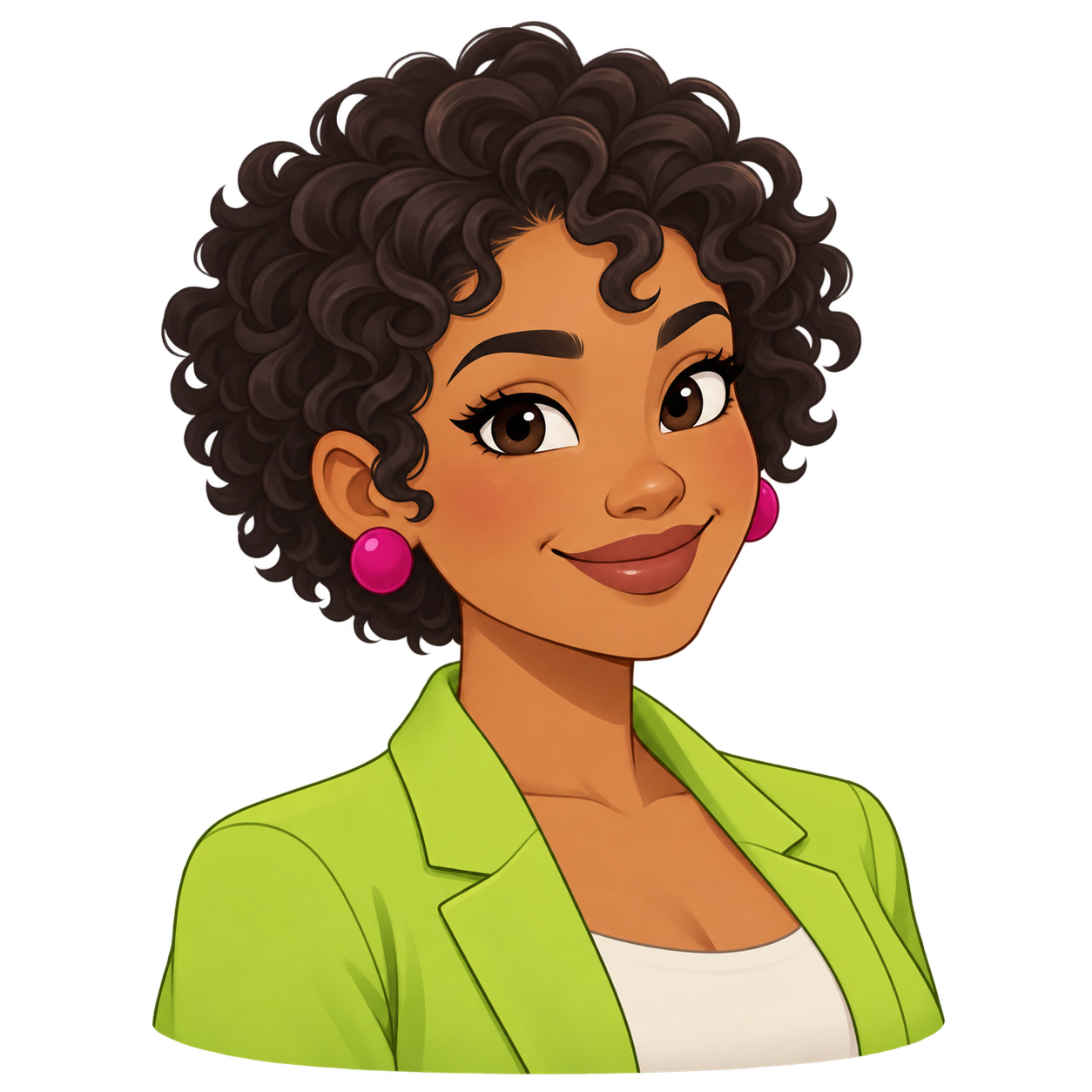
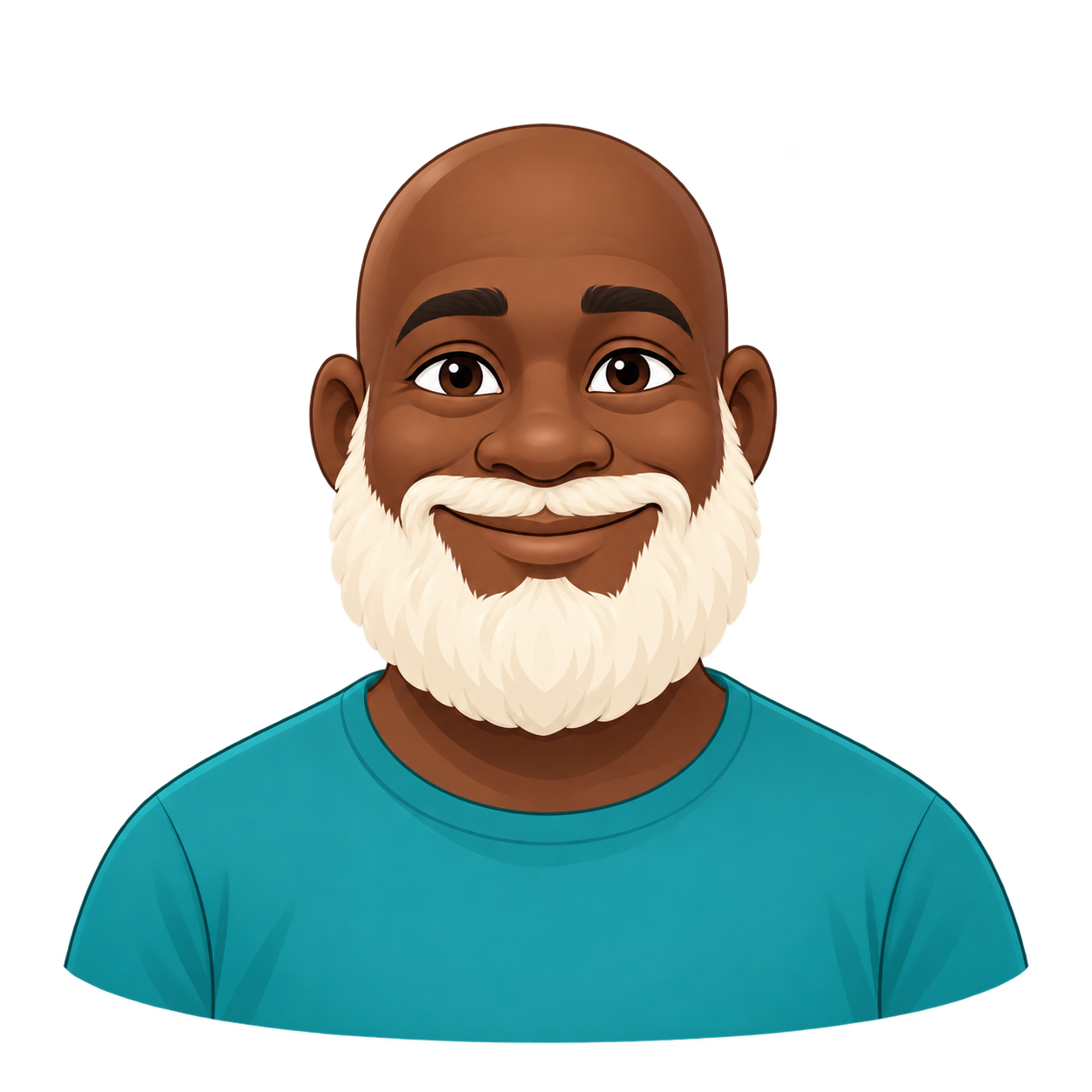
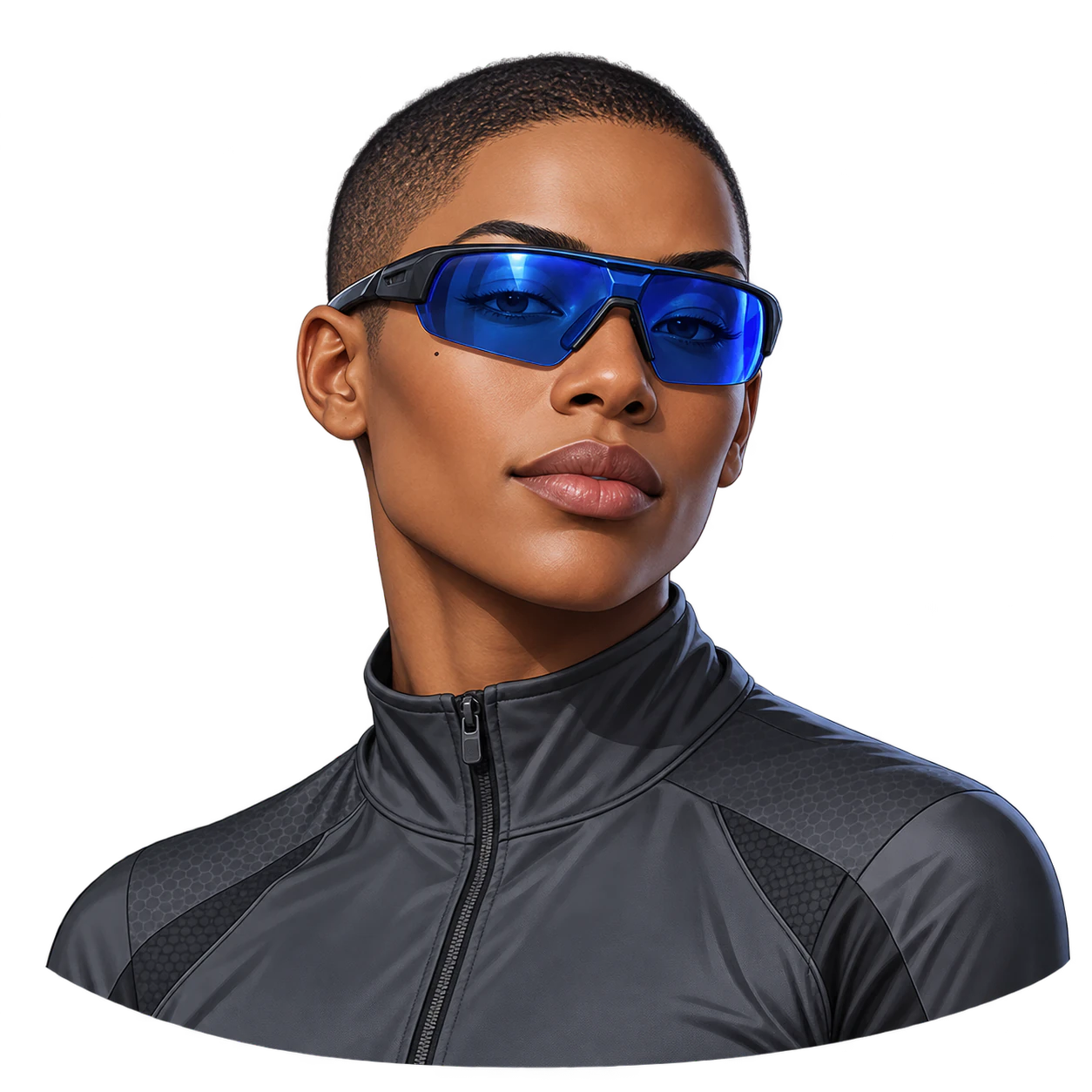
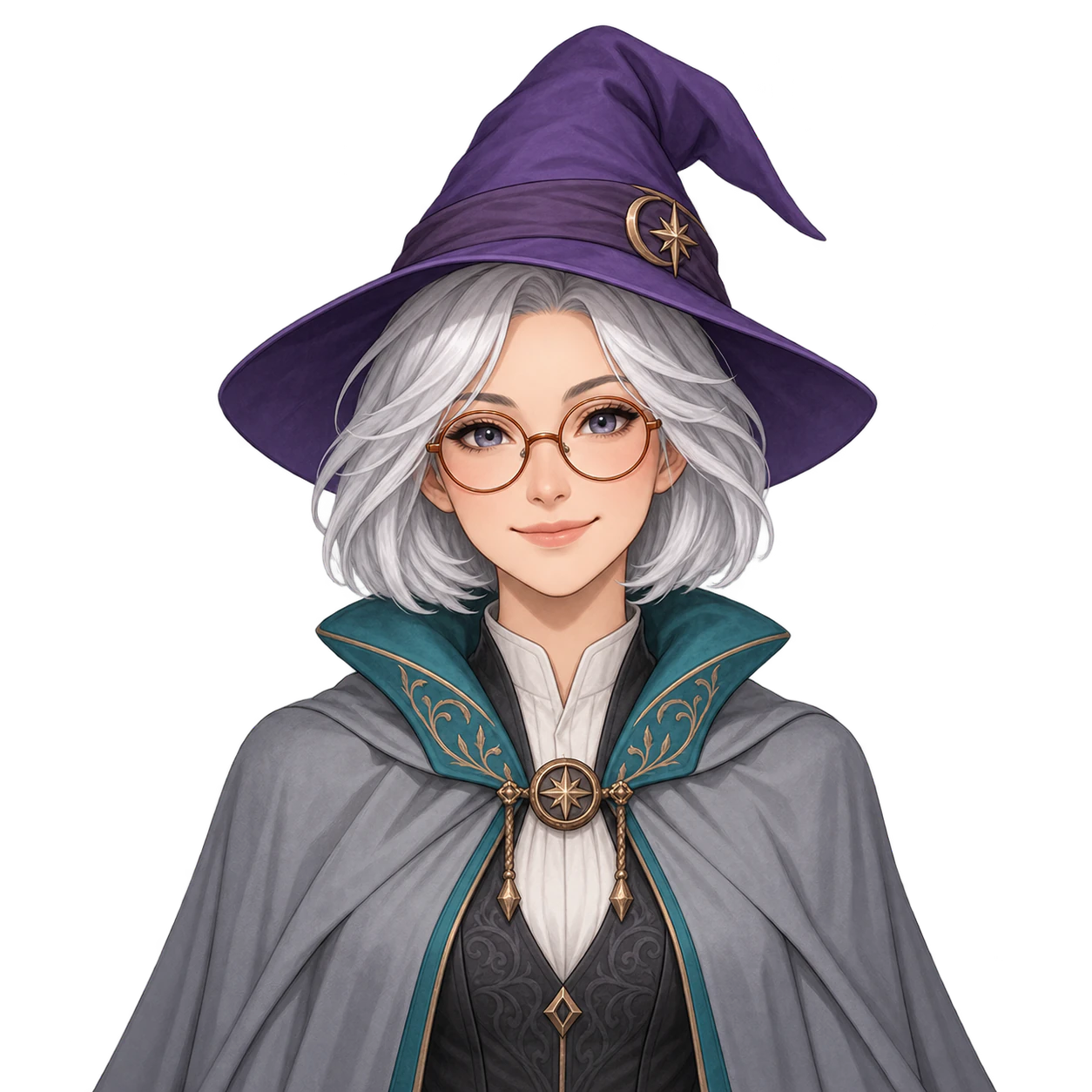
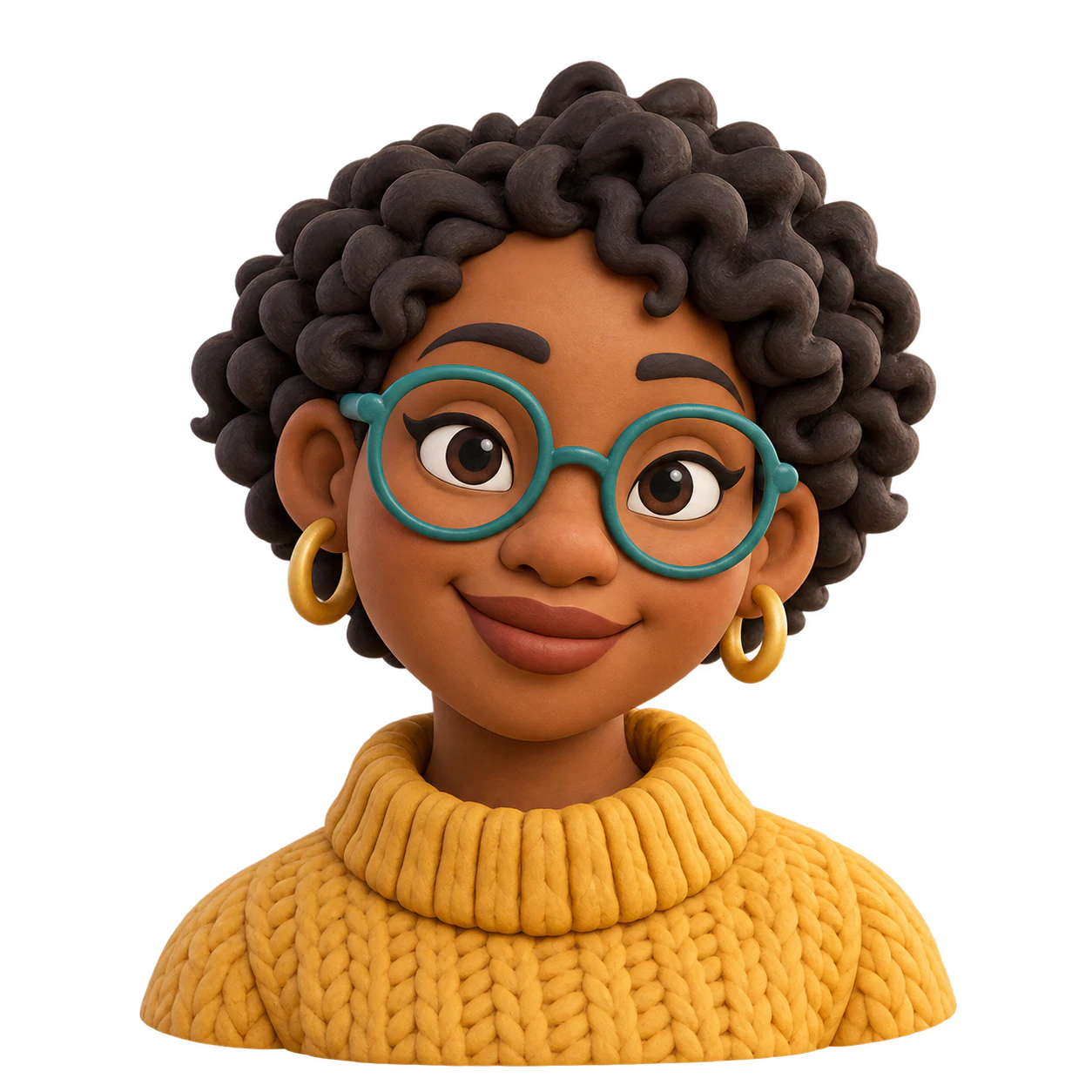
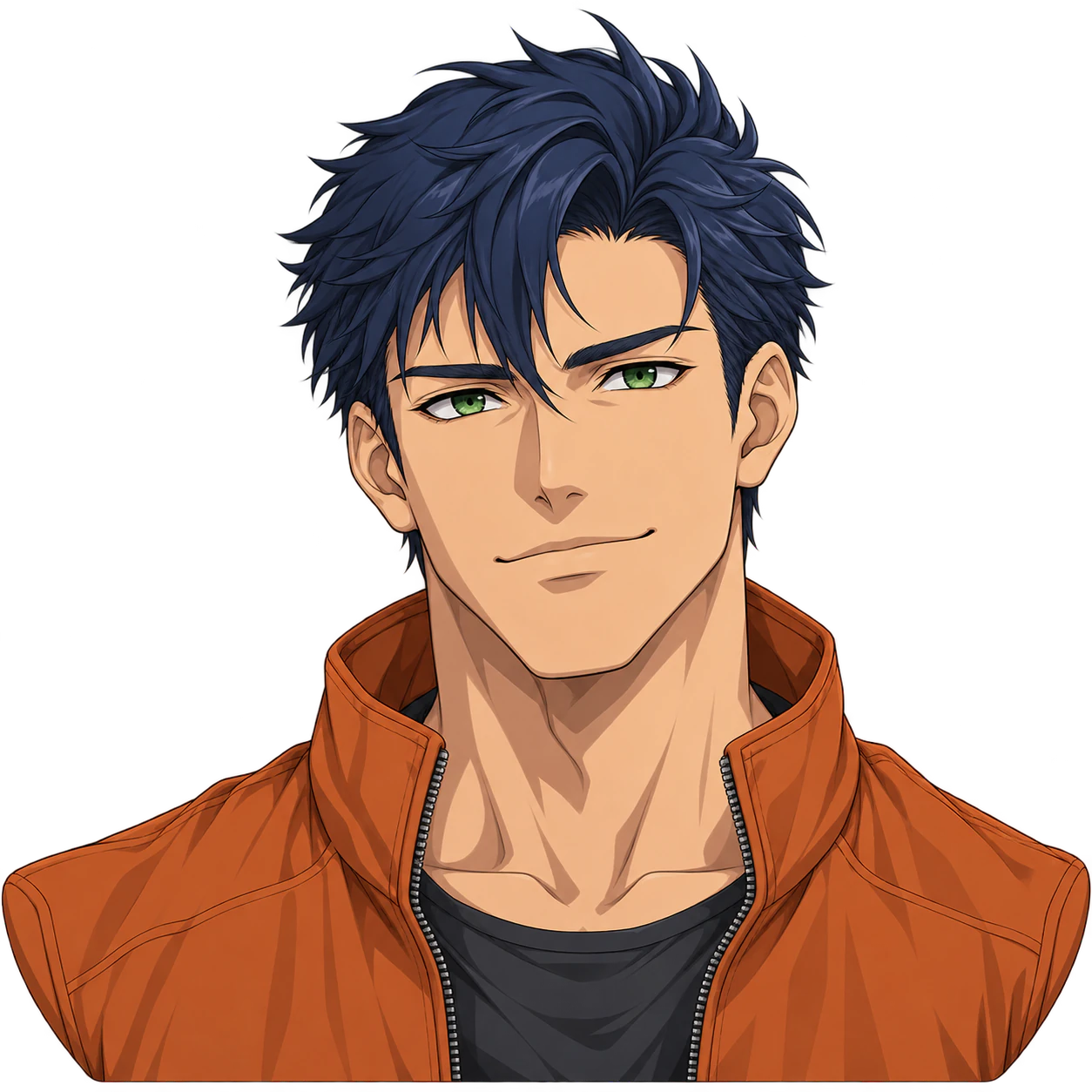
One original cartoon avatar with rounded shapes, a clear expression and a transparent-background request. An optional photo can guide features, but the result is a new drawing rather than an exact copy of a real person.
An original bald adult man with dark-brown skin, a wide ivory beard and a teal shirt
Expression and pose (optional)
A warm closed-mouth smile, front-facing, chest-up
Colors (optional)
Dark brown skin, ivory beard and teal clothing
Details to keep (optional)
Leave space around the beard and both shoulders; no glasses or hat
A broad pale beard against alpha tests edge visibility. The bald head and beard should not gain invented accessories.
Same task, three directions
Pick a direction to start from.
01
Rounded flat-color portrait
Simple fills and a few curves make a friendly icon.
02
Soft illustrated shading
Small shadow shapes add depth without making a photo.
03
Bold expressive portrait
A more graphic expression works well at small sizes.
What the template keeps
The parts that stay consistent.
01
One clear subject
The brief keeps attention on one character or animal rather than a scene or a collage.
02
Named colors and details
Your palette and protected features guide the image. Inspect them after generation because details can drift.
03
Room around the silhouette
A square composition leaves space for the ears, hair and accessories, but you still need to check the actual crop.
How to use it
From details to a result.
01
Describe one original subject
Name the hair or fur, clothing, accessories and any markings that make the character yours.
02
Set the expression and keep important details
Add a pose and colors if they matter. You can upload one reference to guide the visual details.
03
Review in Vizify, then send
The description, reference and template brief open in Vizify. Sign in and send when the prepared request is ready.
04
Check the finished file
Inspect the full silhouette and small-size readability. View the file over a colored background to check that its alpha is real.
Output boundaries
What to check before you use it.
Transparency is requested, not guaranteed for every result. Check for real alpha, halos, lost whiskers or hair, and accidental background pixels.
Cartoon conversion can redraw faces, hair and accessories; it is not a biometric match or a pixel-preserving filter.
The square format is a composition direction, not a guaranteed pixel size, file size or platform-ready crop.
Each request returns one static raster image. Multiple alternatives need separate requests and their own review.
QuestionsCan I use my photo as a reference?+
Yes. Add one photo to guide features such as the hairstyle or glasses, then say which details matter. The result is an original cartoon drawing and can differ from the source.
Is the background actually transparent?+
The brief requests a PNG with a genuine alpha channel from a compatible model. Inspect the delivered file over a colored surface; a white fill or a drawn checkerboard does not count as transparency.
Can I add a reference image?+
Yes. Add one PNG, JPEG, or WebP up to 10 MB. It guides the requested features and colors, but generation can redraw details.
Does it deliver a platform-ready avatar?+
You get one generated image to inspect. Check the destination's current dimensions, file size and crop requirements, and prepare the file separately when exact pixels are required.