A subject brief and up to eight optional references
Original subject, expression and cartoon direction
Optional visual preferences; remove any you do not need
Start with a person, animal or invented character and one clear expression. Choose flat graphic shapes or comic-style ink, then review a static transparent avatar with the full head inside the frame.
Review your brief and references in Vizify before generation. Preferences guide new artwork; they are not exact export settings.
A subject brief and up to eight optional references
Original subject, expression and cartoon direction
Optional visual preferences; remove any you do not need
One original static cartoon profile portrait
An image to inspect for details, complete edges and real alpha
The subject can come entirely from your words. Flat shapes simplify the portrait; comic ink gives it a stronger drawn outline. References guide appearance or art direction without turning the task into a deterministic photo filter.
Check the eyes, mouth, hair and ears for distortions. Make sure the character still reads as a small avatar and inspect the alpha around bold outlines before placing it on another background.
This page prepares your request. Vizify opens it for review, then uploads selected images after sign-in when you send the task. Generation uses credits; preparation does not start a paid image job.
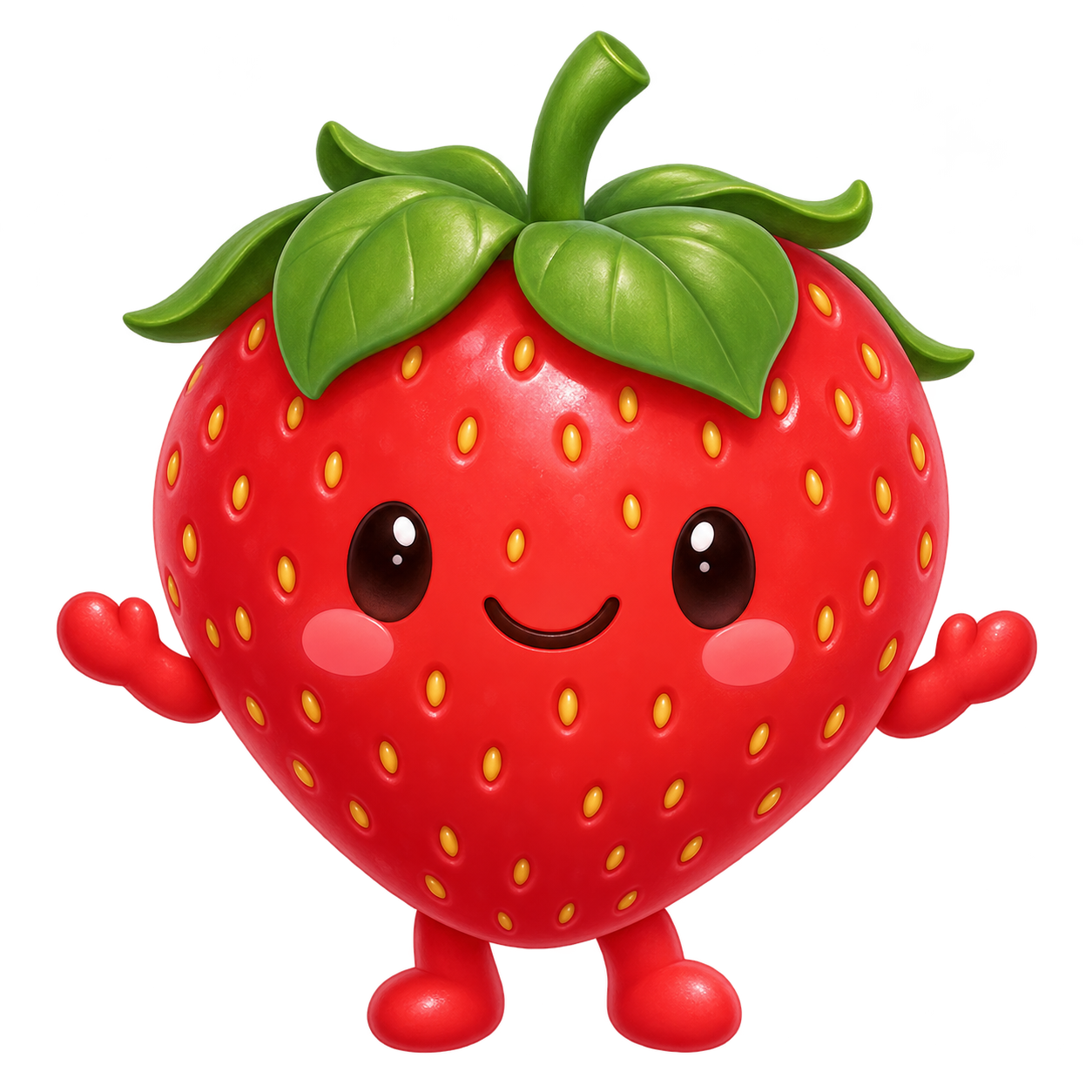
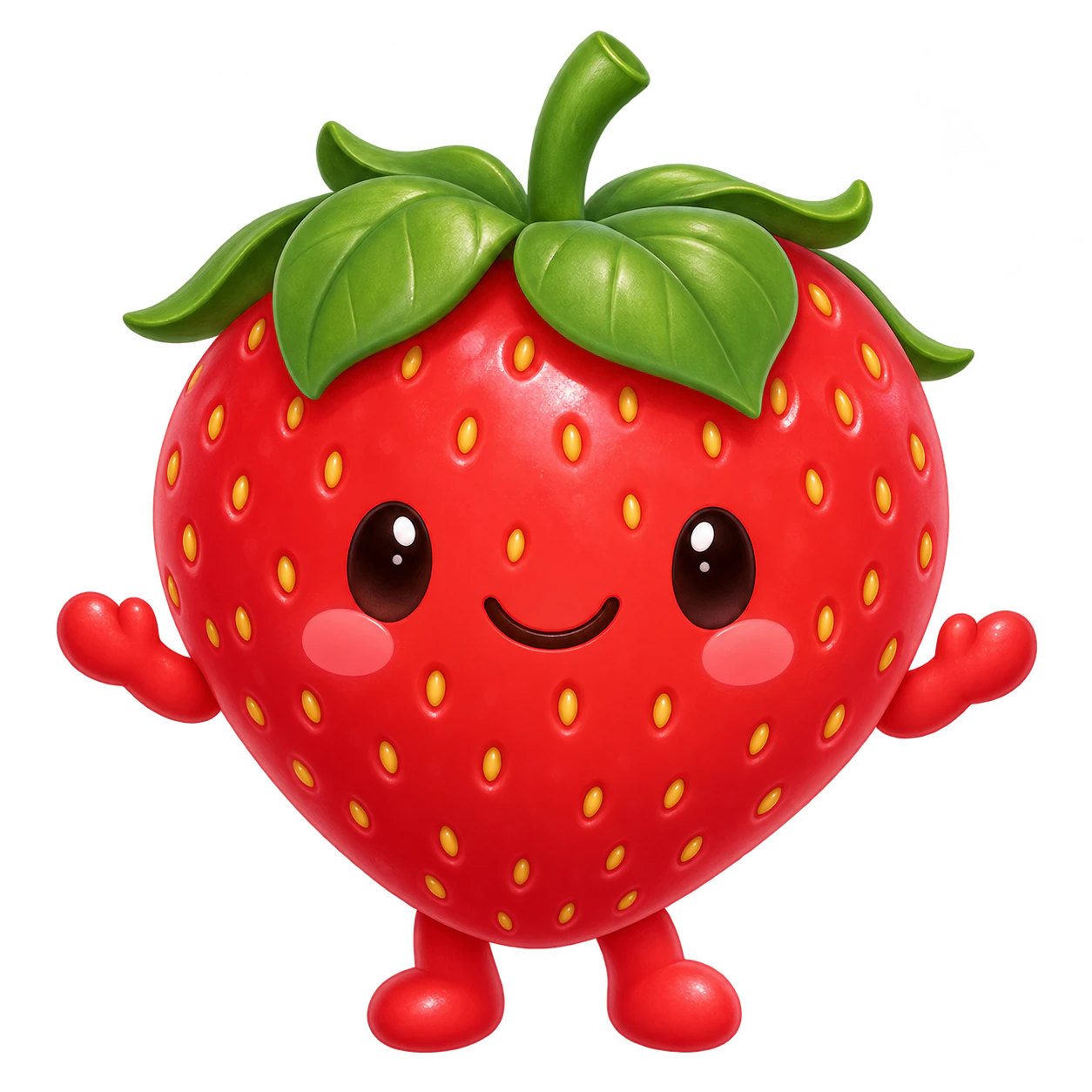
Create one original static square cartoon profile image using simple readable illustrated shapes. One original rounded strawberry character with a green leaf cap, dark oval eyes, tiny arms and a cheerful closed-mouth smile. Center the complete character with breathing room around hands, feet and accessories; keep all named details visible. No text. Use real native alpha outside the silhouette. No scene, letters, logo, watermark or collage.
Example image of this brief. Inspect the actual alpha and complete silhouette.
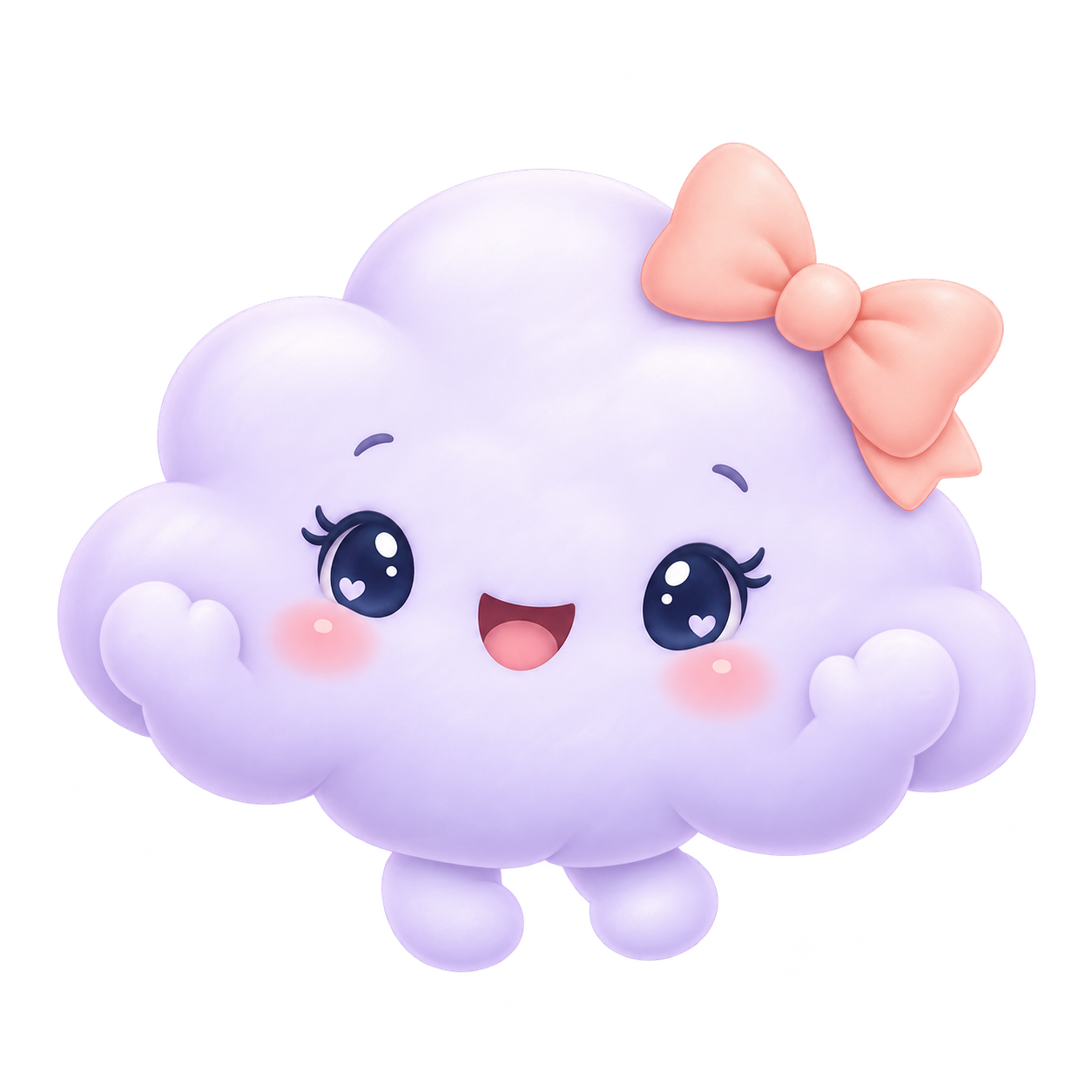
Create one original static square cartoon profile image using simple readable illustrated shapes. One original pale lilac cloud character with small rosy cheeks, navy eyes and a peach bow on one side. Center the complete character with breathing room around hands, feet and accessories; keep all named details visible. No text. Use real native alpha outside the silhouette. No scene, letters, logo, watermark or collage.
Example image of this brief. Inspect the actual alpha and complete silhouette.
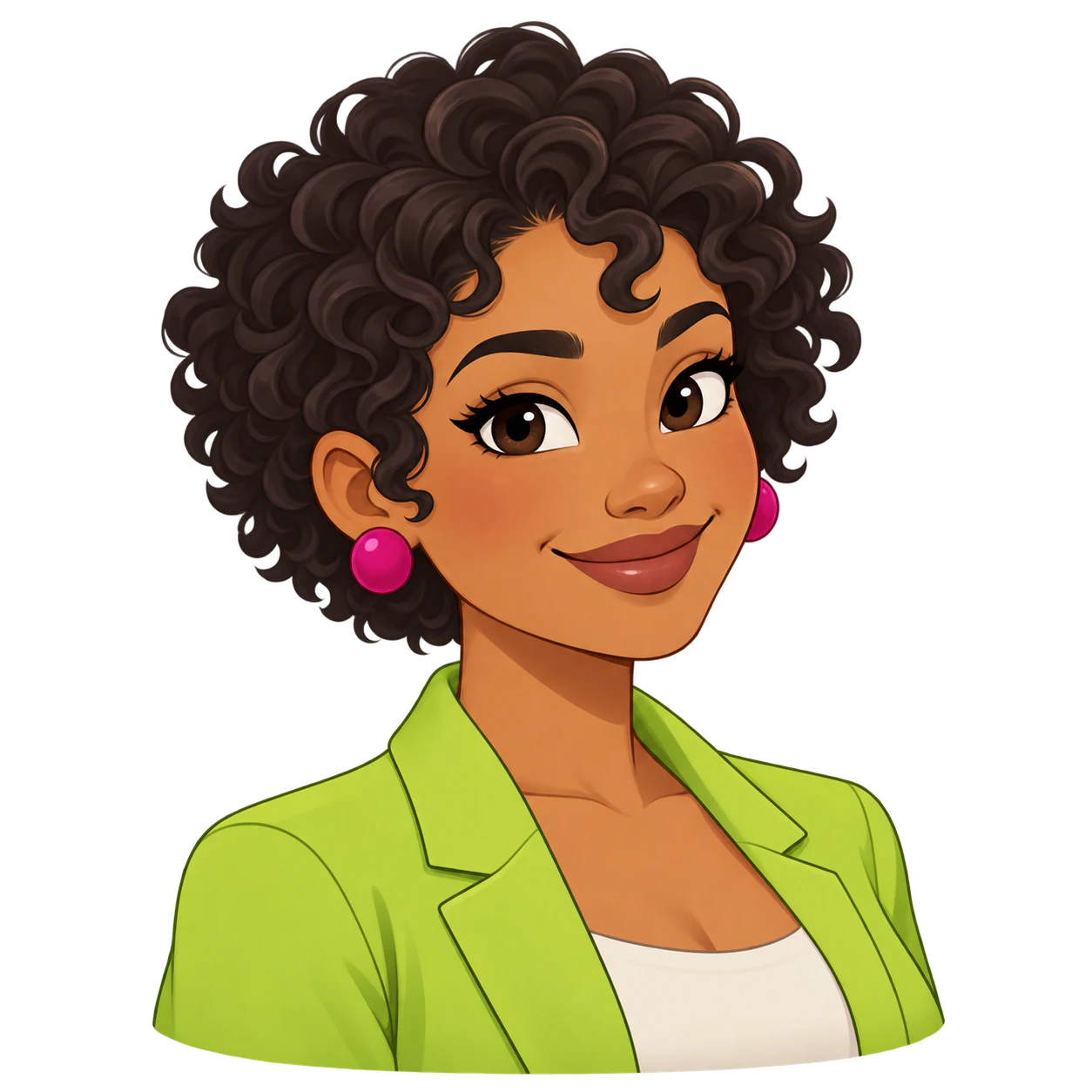
Create one original cartoon avatar from your details and an optional reference. Request a transparent PNG, then inspect the silhouette and alpha.
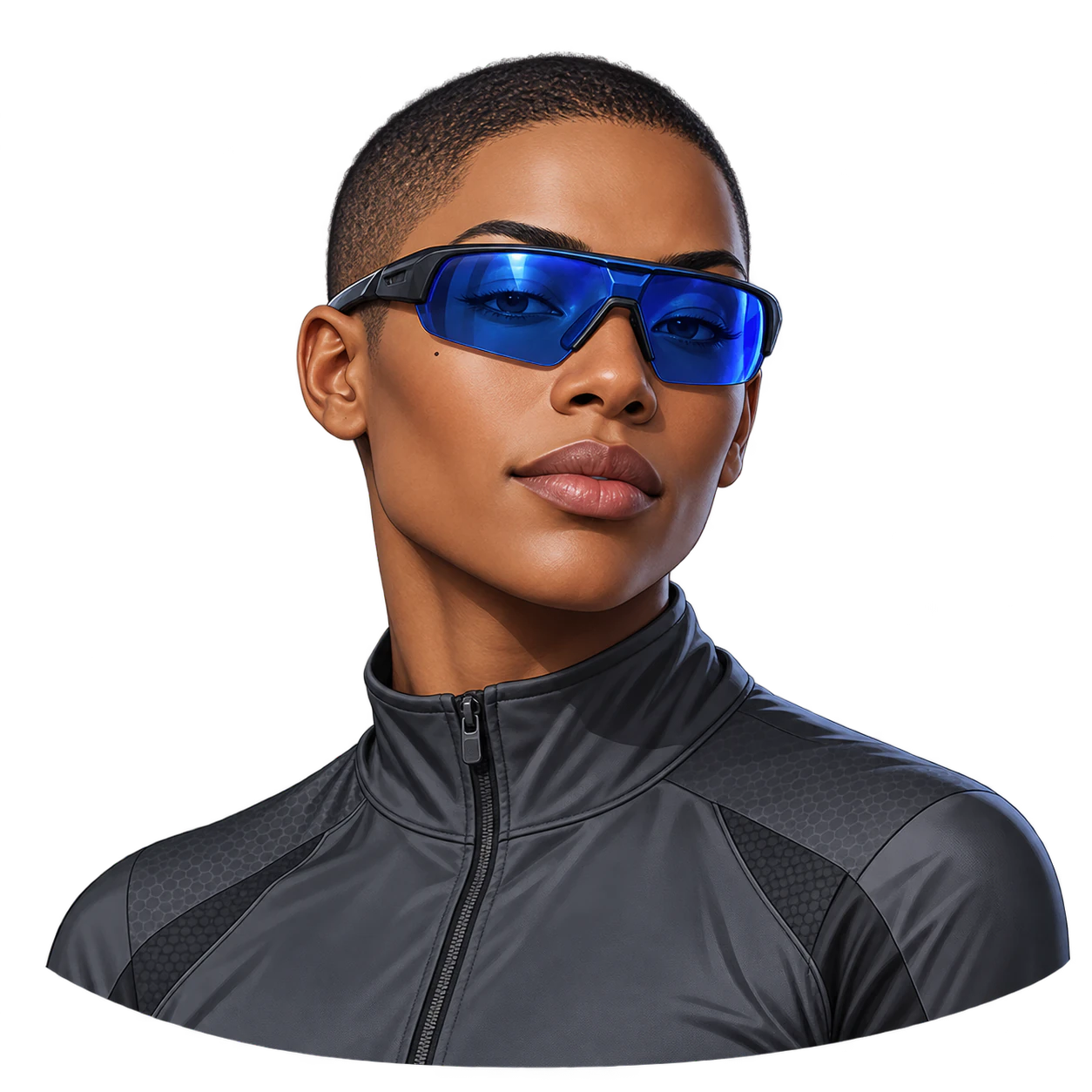
A strong silhouette, a deliberate palette and a composed pose make a cool avatar beyond any one illustration genre.
Choose a soft original character and a welcoming expression; this cute avatar is not limited to anime or pets.

Faceplates, joint shapes and material contrast give an invented robot a readable profile-picture silhouette.
One original cartoon profile portrait from a character brief and optional references. The subject can be a fictional person, animal or creature. This page is for creating a new image, not selecting a downloaded meme or copying an existing cartoon frame.
No. A text description is enough to invent a character. Add a photo or artwork only when it supplies useful appearance cues. If your main task is to turn a specific portrait into cartoon art, use Photo to Cartoon, which requires one source photo.
Describe one clear emotion and how it should appear in the eyes and mouth. A restrained palette and simple silhouette help at avatar size. Exaggeration can change anatomy, so inspect the result rather than assuming stronger expression always makes a better profile picture.
This is generative artwork, not a face-parts editor or vector logo package. You can request another version, but details may change together. The static raster portrait does not include an editable layer stack, exact circle crop or platform-specific export.
No. You can describe an original subject without uploading anything. References are optional appearance or style cues. When you add several, explain which guides the subject and which guides the art direction. The image is newly generated, so compare important features rather than assuming every detail is preserved.
The request targets a model with native transparent-background support. That request alone does not prove the delivered file has alpha. Place the result over both light and dark backgrounds and inspect hair, outlines and accessories. White fill or a checkerboard painted into the picture is not transparency; report any uncertainty before using the image.
Up to eight optional PNG, JPEG or WebP references, each no larger than 10 MB. Use images you are authorized to upload, and label their purpose in your brief. A model's own reference limit can differ; the Agent inspects current support before execution rather than silently promising every upstream parameter.
No. Your brief, selected preferences and staged images first open in Vizify. Review the task, sign in, and send it to start generation. Selected files are initially held in your browser; the App performs the authenticated durable upload after sign-in. Check that the intended subject and reference roles are present before sending.
Preparing the request on this page is free. Running generation and saving the result require sign-in and use Vizify credits. Check the current balance, allowance and price in the App before sending. A free preparation step does not mean unlimited image generation or a guaranteed free download.
No. The examples show a visual direction. Your result can vary with the model, your description, reference images and settings. Check the character details and likeness where relevant, along with the actual transparency and fine edges. The same brief does not guarantee an identical image.
A PFP has little room for a complex scene. Describe a stable subject, a single expression and two or three defining colors. Use flat shapes for a quieter graphic portrait or comic ink for a more drawn look. If you attach reference art, explain which features matter instead of asking the model to preserve everything at once.
Check the eyes, mouth, hair and ears for distortions. Make sure the character still reads as a small avatar and inspect the alpha around bold outlines before placing it on another background. Look at the complete file first, then at thumbnail scale. Try light and dark surfaces to reveal leftover background color or halos. A new request can change the subject’s details, so keep an approved image as a reference and compare each new result.
For a broad original avatar, use PFP Maker. To remove the background from an existing image, use Image Background Remover and compare the subject with the source. Image to Anime handles a photo-first anime transformation. Exact cropping, resizing and platform exports are separate tasks.