Rental ad image for a home or room you are letting.
Make a rental ad image from your listing's real facts, rent and contact details, with an optional photo of the actual place, for community boards and social posts.
One generated rental ad with your headline, the facts you list, the rent in a clear box and your contact line. With a photo, the real home is kept as it is; without one, the ad is typographic. Check every fact and number before posting.
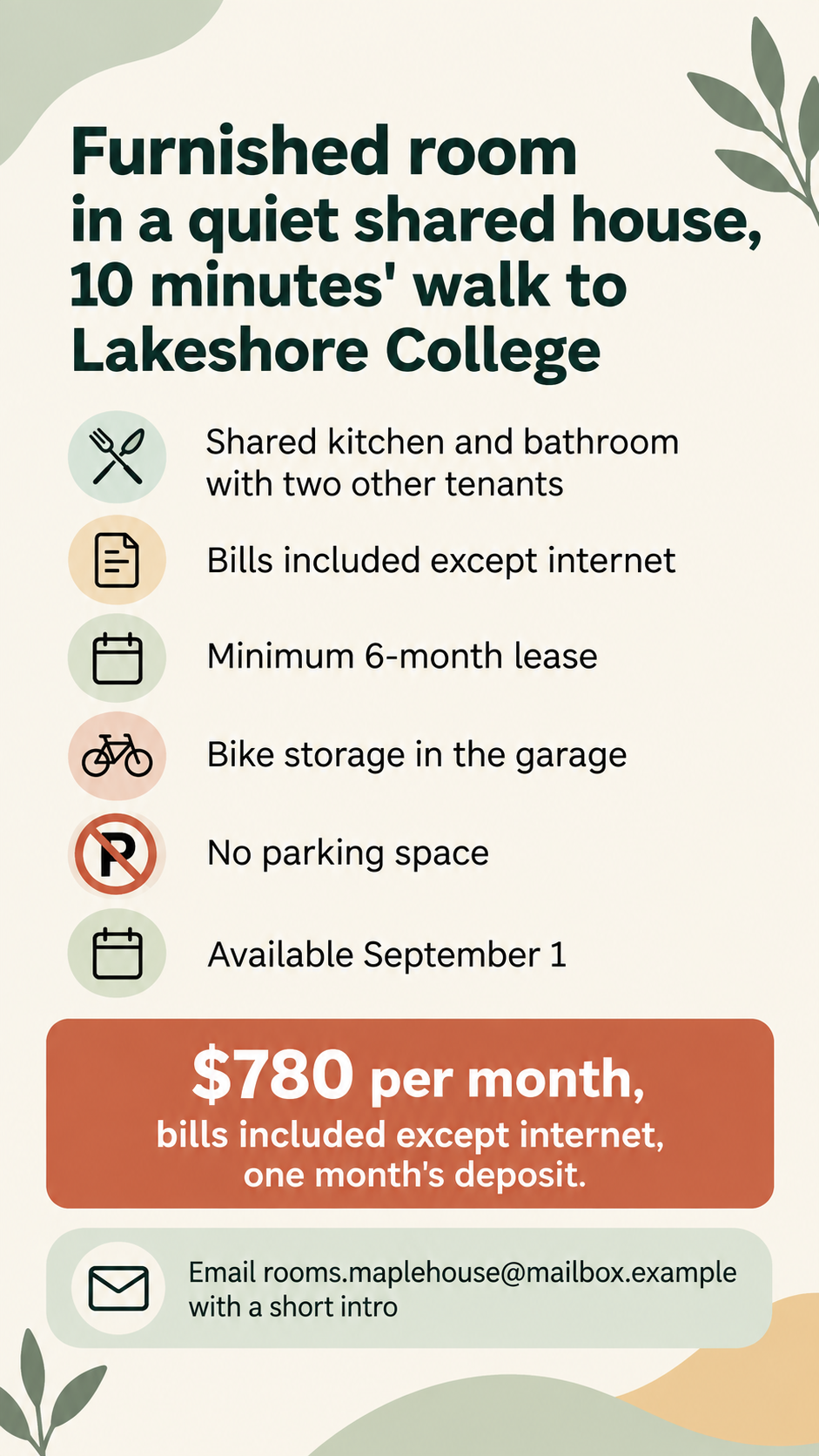
Furnished room in a quiet shared house, 10 minutes' walk to Lakeshore College
Listing facts, one per line
Shared kitchen and bathroom with two other tenants
Bills included except internet
Minimum 6-month lease
Bike storage in the garage
No parking space
Available September 1
Rent as it should appear
$780 per month, bills included except internet, one month's deposit
Contact line
Email rooms.maplehouse@mailbox.example with a short intro
No photo and six detailed facts, including a negative one. Checks that no realistic room is invented, No parking space stays negative, and the deposit and bill terms are copied exactly.
Same task, three directions
Pick a direction to start from.
01
Photo-led listing
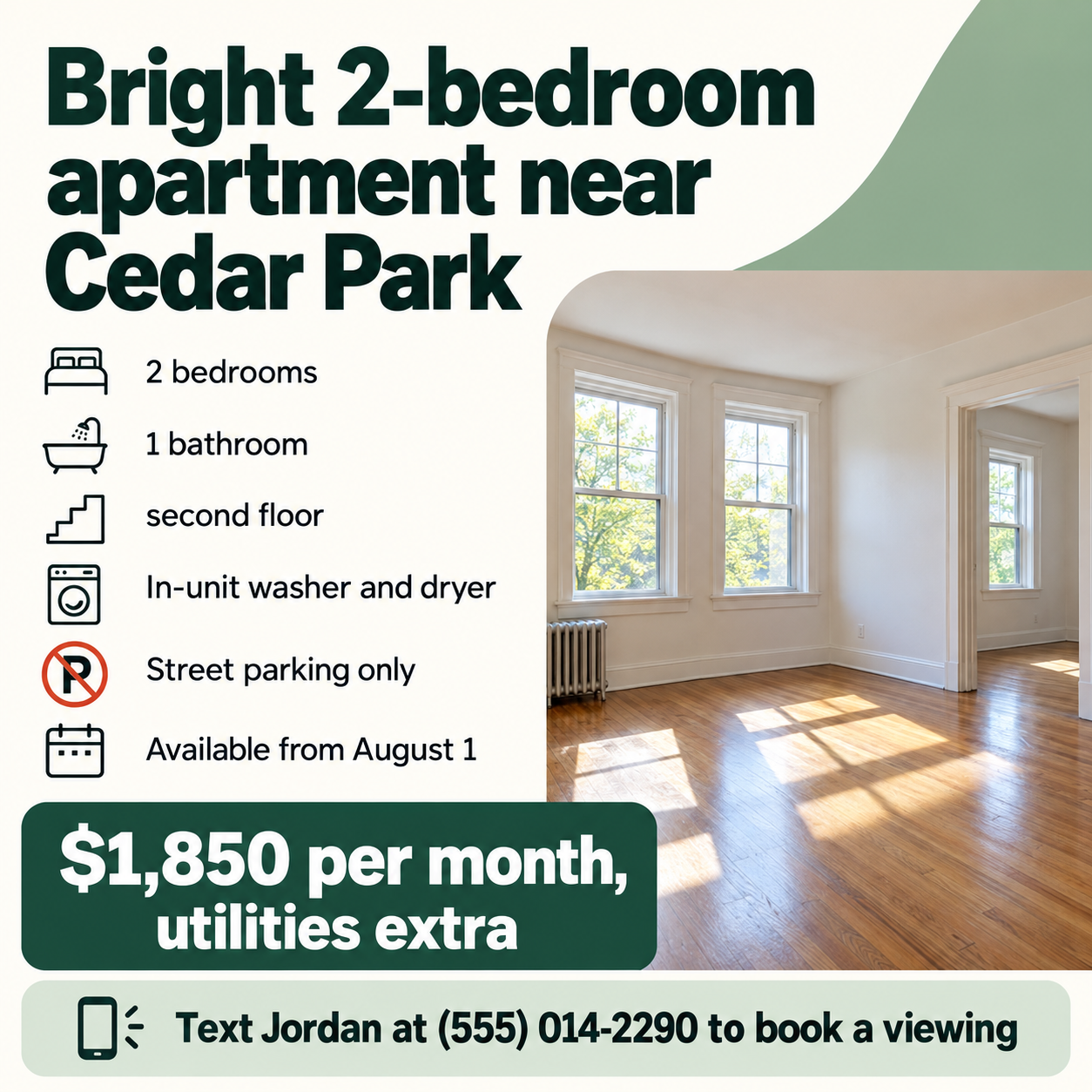
Your real photo fills the top of the ad, with the facts and rent on a clean panel below it.
02
Icon fact card
No photo needed. Each listed fact gets a simple line icon, so the ad reads quickly on a feed or a phone.
03
Window sign
High-contrast lettering for a window, a community board or a local notice group.
What the template keeps
The parts that stay consistent.
01
The real home
A supplied photo is kept faithful to the property, with no added features or space.
02
Only listed facts
The ad shows the facts you typed, including the negative ones, and nothing more.
03
Rent in its own box
The rent and its conditions sit apart, where renters look for them first.
How to use it
From details to a result.
01
Write the headline
Say what is available and roughly where, such as Bright 2-bedroom near Cedar Park.
02
List only true facts
Rooms, key features, what is not included and the move-in date, one per line. Nothing else is added.
03
Add rent and contact
Type the rent with its period and conditions, and how people should reach you.
04
Check against your listing
Compare every fact and number with the real property before posting the ad anywhere.
Output boundaries
What to check before you use it.
AI-rendered text can misprint rent, dates and phone numbers. Check every detail before posting.
Without a photo, the ad has no image of the property. A generated room would mislead renters.
It does not check fair-housing, disclosure or listing-site rules for your area.
Formats are aspect-ratio directions, not the exact image sizes a listing site may require.
QuestionsCan it make my apartment look better than in the photo?+
It can straighten framing and even out light, but it won't add furniture, features or space you don't have. A rental ad that shows something different from the home misleads renters and can break listing rules.
What if I don't have photos yet?+
Leave the photo out and the ad uses a typographic layout with simple icons for your listed facts. Add real photos to your listing once you have them.
Can I post the image on a listing site?+
Check the site's image rules first. Many listing sites want real photos rather than designed graphics, and the formats here are directions, not exact dimensions.
Does it check fair-housing or local rental rules?+
No. It avoids adding statements about who can rent and flags such wording if you include it, but checking the ad against the rules where you live is your responsibility.