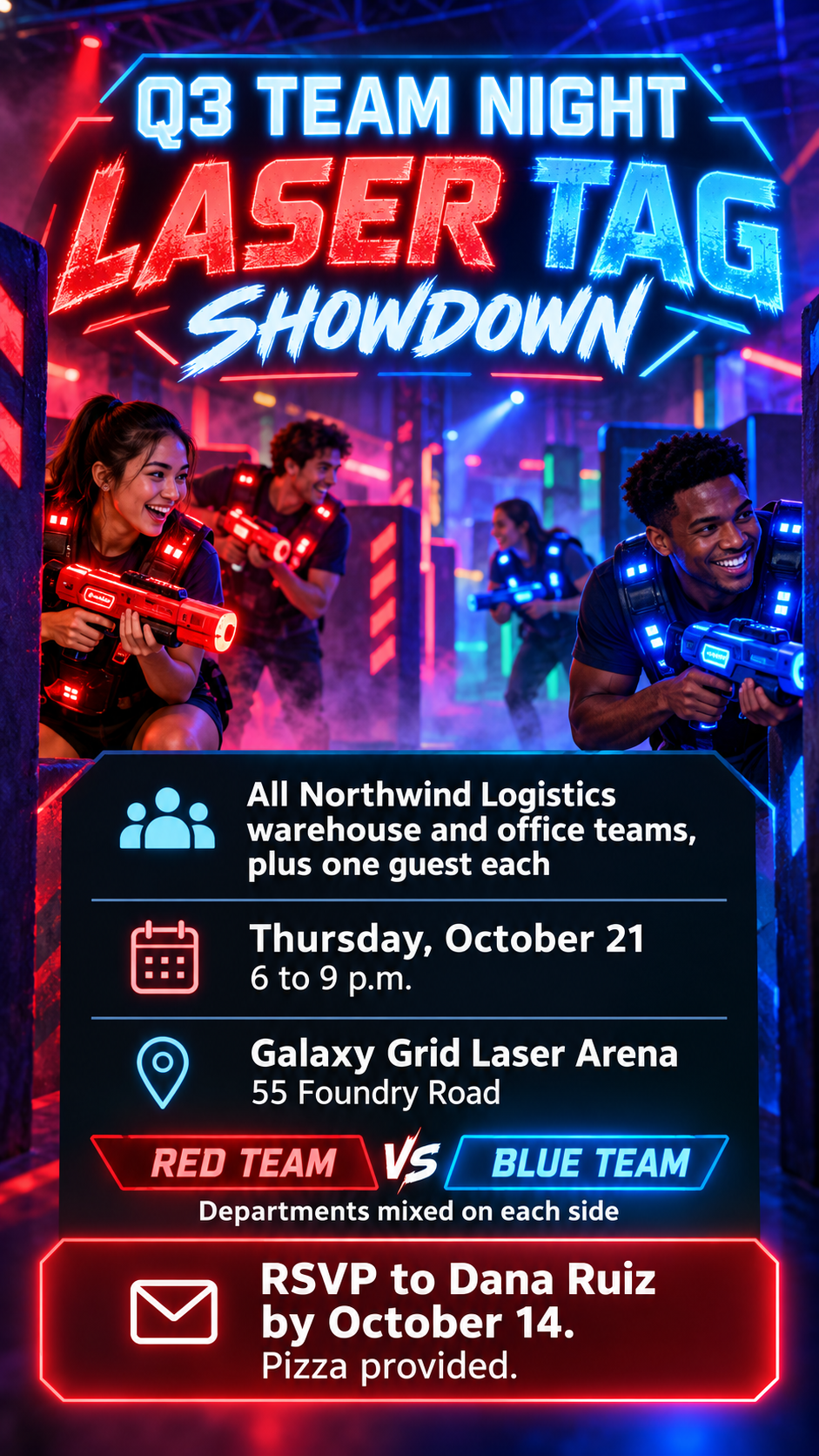
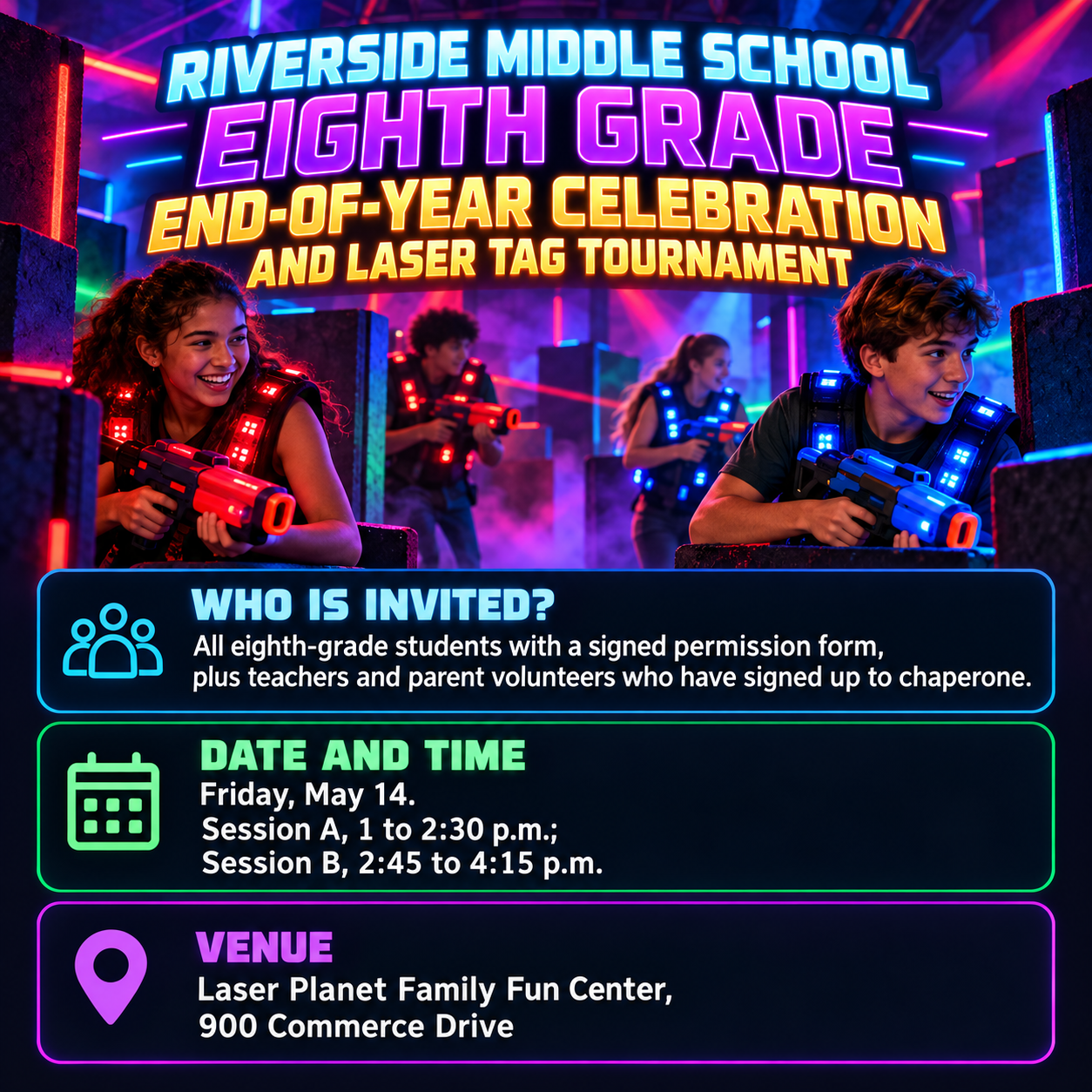
One generated flyer image with an original laser tag arena scene, the event name in glowing type, and the date, venue and RSVP on a solid panel that stays readable. Venue names, times and RSVP details come from you; check them before sending.
Long event name, two sessions and no RSVP or team colors
Event name
Riverside Middle School Eighth Grade End-of-Year Celebration and Laser Tag Tournament
Who is invited
All eighth-grade students with a signed permission form, plus teachers and parent volunteers who have signed up to chaperone
Date, time and venue
Friday, May 14. Session A, 1 to 2:30 p.m.; Session B, 2:45 to 4:15 p.m. Laser Planet Family Fun Center, 900 Commerce Drive
RSVP or sign-up line (optional)
Left empty
Teams or colors (optional)
Left empty
A long event name, two session times and a chaperone line, with no RSVP or team colors. Checks that both sessions keep their times, the permission-form condition stays visible, and no prize or food is added.
Same task, three directions
Pick a direction to start from.
01
Neon arena
Dark space, blue and magenta beams and glowing vests, the classic laser tag look, with facts on a solid dark panel.
02
Retro arcade
A 1980s arcade grid, pixel stars and chrome lettering, for a nostalgic team night or birthday party.
03
Team rivalry split
The flyer divides into two team colors that meet in the middle, suited to department challenges and tournaments.
What the template keeps
The parts that stay consistent.
01
An original arena
Invented scenery and toy-like gear, with no real venue branding or game characters.
02
A readable call to action
Facts and RSVP sit on a solid panel so neon effects never swallow them.
03
Playful, not violent
Tag blasters look like colorful game equipment, never real weapons.
How to use it
From details to a result.
01
Name the event and who is invited
Say whether it is a team night, a class celebration or a party, and who can come.
02
Add the date, time and venue
Include every session time if there is more than one, and the venue's full address.
03
Add the RSVP and team details
Both are optional. Team colors carry into the vests and light beams.
04
Review, generate and check the panel
The brief opens in Vizify before it runs. Make sure the RSVP line and times read clearly against the glow.
Output boundaries
What to check before you use it.
Generated text can contain mistakes. Check the venue name, address, session times and RSVP contact.
Tag equipment is stylized. Realistic weapons and real arena or game branding are not part of this template.
Glow and haze effects can make small text hard to read; keep details short so they fit the solid panel.
It cannot book the venue, collect RSVPs or handle permission forms.
The result is one tall or square image, not a print-ready file.
QuestionsCan I use this laser tag flyer for a birthday party?+
Yes. Put the birthday person's name and age in the event name exactly as it should appear, and list who is invited. Add an RSVP contact so parents know how to reply.
Will the flyer show realistic guns?+
No. The gear is drawn as bright, toy-like tag blasters and vests, and nobody aims at the viewer, so it suits workplaces and schools.
Can I use the arena's own logo?+
The template does not reproduce venue logos. Write the venue name in the details, and add an official logo afterward in a layout tool if the venue allows it.
Can the flyer show our two teams?+
Yes. Describe the teams or colors in the optional field and the vests and beams follow them.