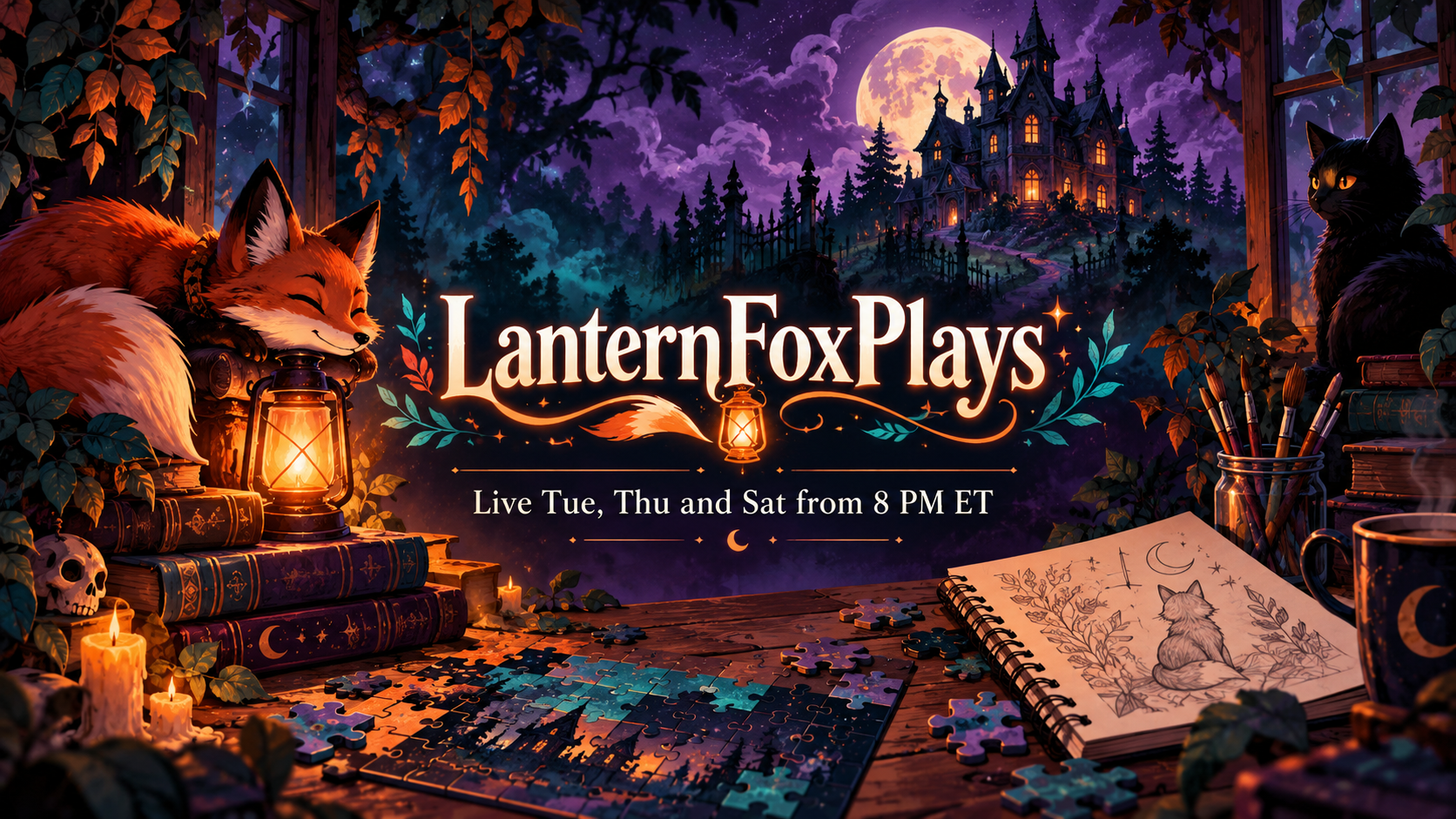
Plan a wide streaming banner from your channel name, what you stream and your schedule or offline message. Draft the brief free, then generate in Vizify.
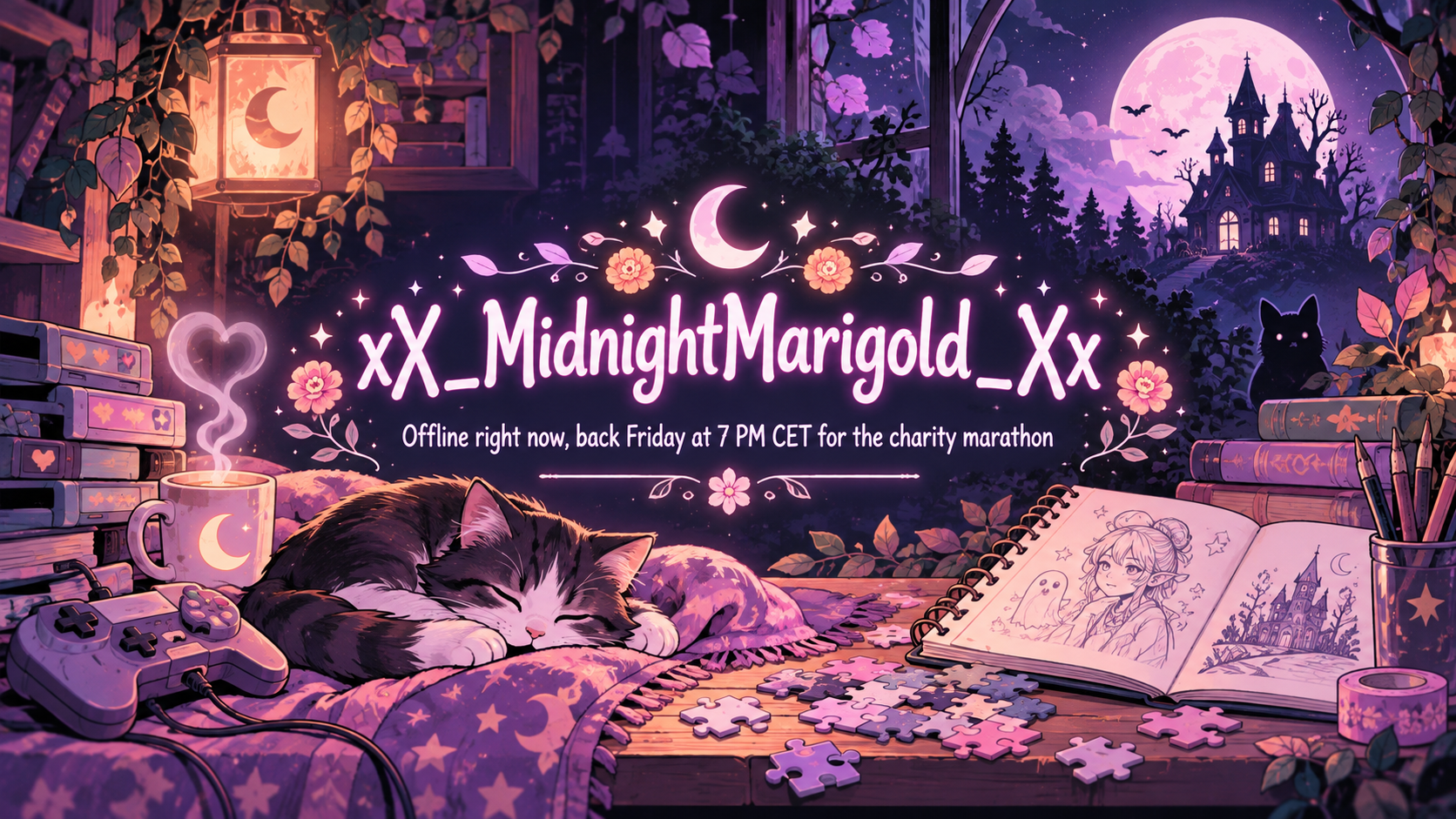
One generated wide banner with your channel name centered, original art for what you stream, and your schedule or offline line exactly as typed. It is a still image you upload yourself; check the handle character by character.
Underscore handle, long offline message, pastel pink
Channel name or handle
xX_MidnightMarigold_Xx
What you stream
Speedrunning retro platformers, community game nights with viewers and slow Sunday sketch streams
Schedule or offline message (optional)
Offline right now, back Friday at 7 PM CET for the charity marathon
Colors (optional)
Pastel pink and lilac with soft white
An underscore-heavy handle, a long theme and a long offline line in a pink palette. Checks every character of the handle, that the offline line is kept verbatim and that pastels keep the text readable.
Same task, three directions
Pick a direction to start from.
01
Neon arcade
A dark background, glowing grid and neon outlines for gaming and speedrun channels.
02
Pastel pink streamer
Soft pink and lilac with clouds and sparkles, for a pink Twitch banner that stays readable.
03
Offline screen
A calm scene with room for a back-soon message, to show when you are not live.
What the template keeps
The parts that stay consistent.
01
Centered text
Name and schedule sit in a middle band that survives header crops and player controls.
02
Your details only
Days, times and handles appear as typed; nothing is guessed.
03
Original stream art
Imagery reflects your theme without copying game logos or characters.
How to use it
From details to a result.
01
Enter your handle exactly
Underscores, numbers and capitals are easy to garble, so type it as it appears on your channel.
02
Describe what you stream
Games, art, music or talk shows each lead to different imagery around the name.
03
Add a schedule or offline line
It is shown word for word, so check days and time zones before you continue.
04
Review, generate and upload yourself
The brief opens in Vizify for review. After generating, download the image and upload it in your channel settings.
Output boundaries
What to check before you use it.
The banner does not connect to Twitch. It will not upload itself, show live status or update your schedule.
Handles and times can come out with wrong characters. Check every underscore, number and time zone.
You get a 16:9 image. Profile headers are wider and shorter, so expect to crop; no exact pixel size is promised.
It is a still image. Animated banners, overlays, alerts, panels and emotes are not part of this template.
QuestionsIs this Twitch banner free?+
Drafting the brief here costs nothing. To generate the banner you sign in to Vizify, and your account's current access and credit rules apply.
Can I use it as my offline screen?+
Yes. Put your offline message in the schedule field and choose the offline screen direction. The text stays in the middle, away from where player controls usually sit; check it in your channel preview.
Will it connect to Twitch or show when I am live?+
No. It is a static picture that you upload yourself. It does not read your schedule, show live status or change automatically.
How do I get a pink Twitch banner that is still readable?+
Choose the pastel pink direction or name your shades in the colors field. The template puts white or deep plum lettering on pink and adds a soft shadow so the name stays clear.
Can I get matching panels and emotes too?+
This template makes one banner per request. Panels, emotes and overlays are separate requests; reuse the same colors and theme so they sit together.