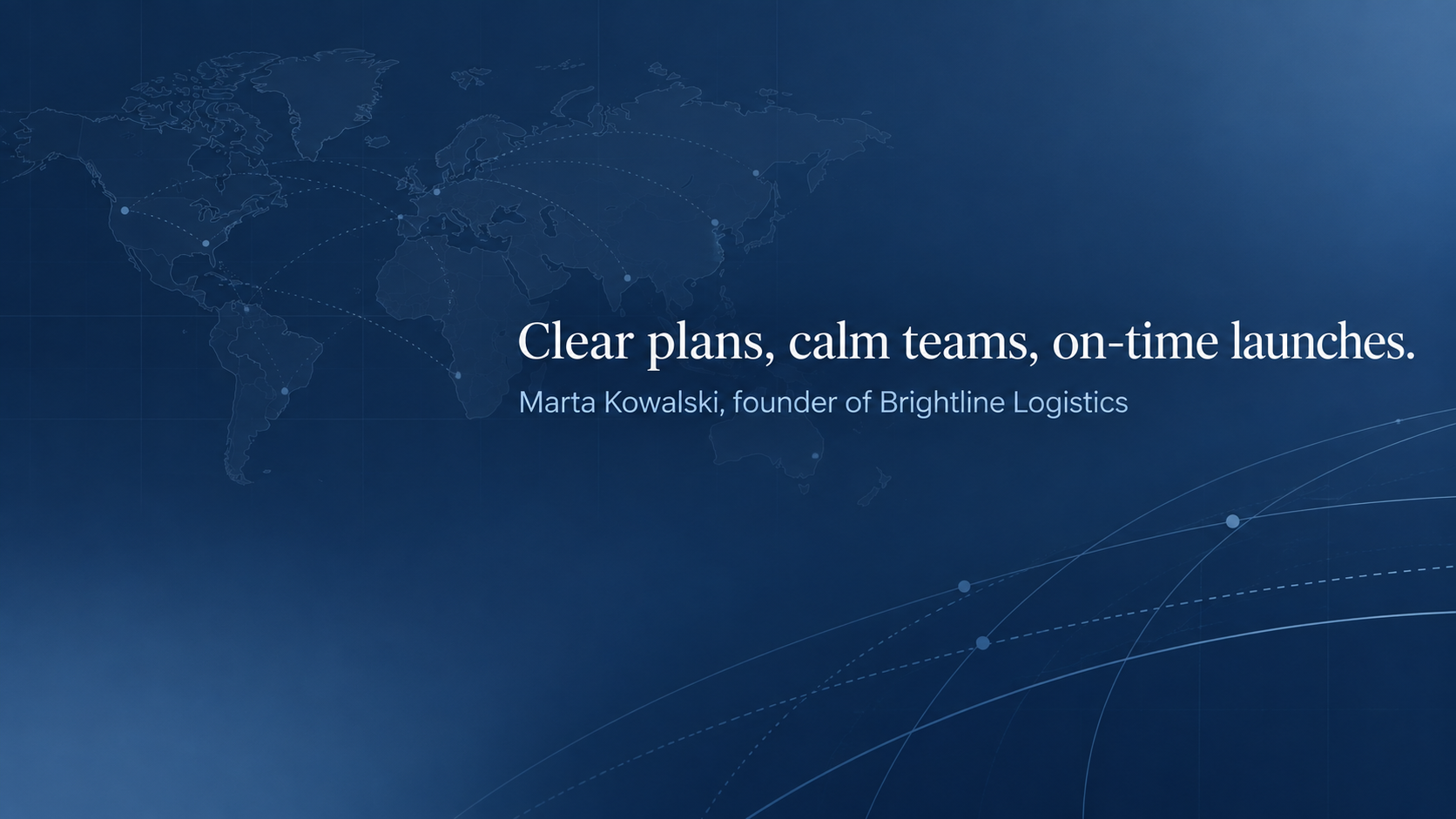
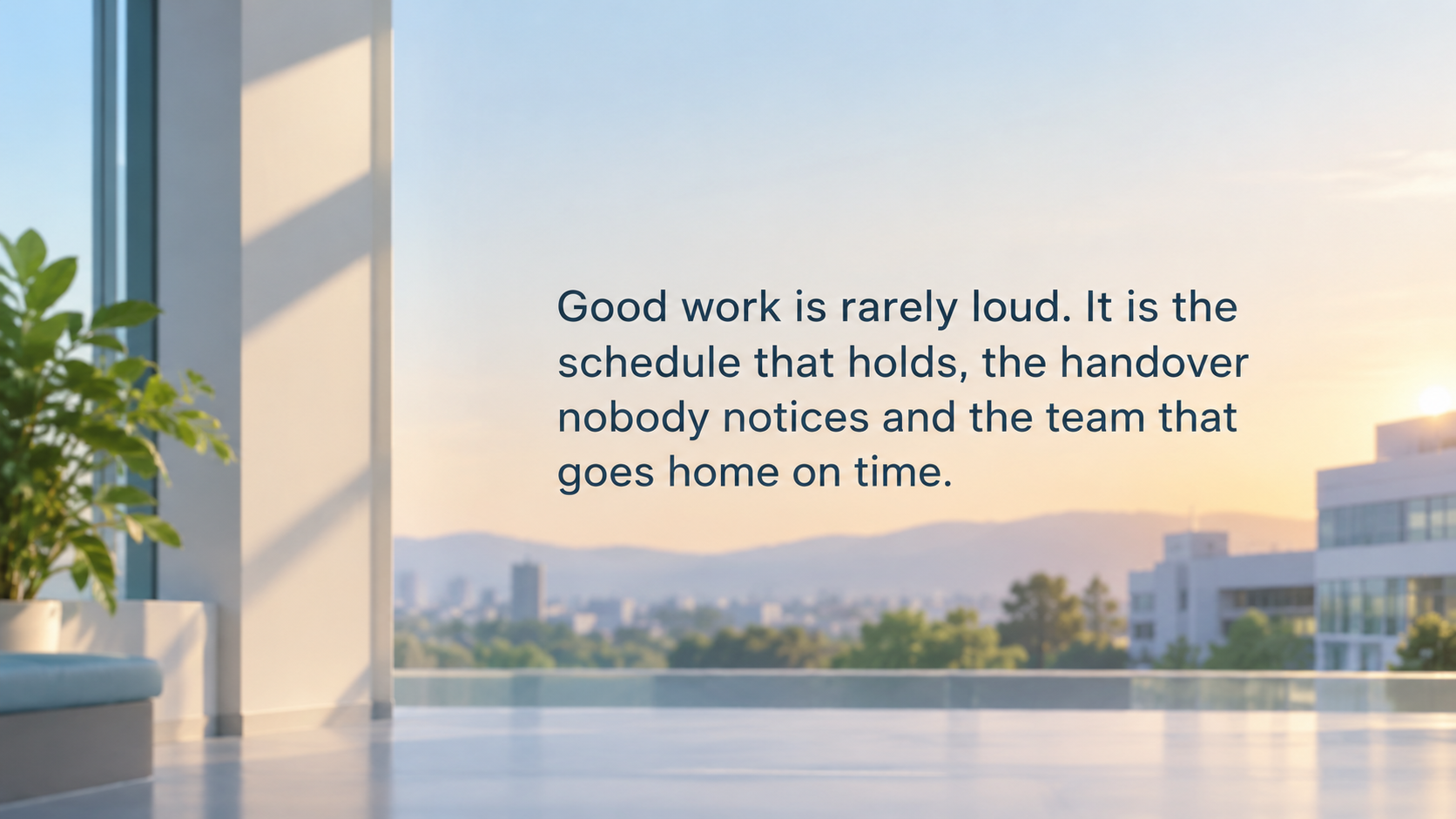
Create a LinkedIn profile cover from a short quote and your field. The brief requests space for your profile photo; check the actual crop and text overlap before uploading.
One generated wide image aiming to put the quote in a compact band on the right, optional attribution below and a quiet lower-left area. Check wording and attribution, crop to LinkedIn’s cover shape and inspect the profile-photo overlap.
Long line in your own words, no attribution or colors
Your quote or short line
Good work is rarely loud. It is the schedule that holds, the handover nobody notices and the team that goes home on time.
Attribution (optional)
Left empty
Your field and the feel you want
Hospital operations analyst, warm but professional
Colors or background (optional)
Left empty
A long quote with attribution and background absent. Check that no author is invented, all wording fits a compact band and the actual profile crop keeps the quote readable.
Same task, three directions
Pick a direction to start from.
01
Quiet gradient, large quote
A soft two-tone gradient and a large serif quote. Reads as thoughtful rather than salesy.
02
Motivational landscape
A wide landscape with open sky for the words, if you want a motivational LinkedIn background photo.
03
Structured and technical
Fine grid or blueprint lines behind the quote, for engineers, analysts and consultants.
What the template keeps
The parts that stay consistent.
01
Request room for the profile photo
The brief asks for a quiet lower-left corner. Check your actual profile preview because the crop and photo overlap can still cover generated wording.
02
Your words only
The brief uses only supplied quote and attribution text, and omits an absent attribution. Inspect the generated wording for omissions or additions.
03
Professional restraint
Backgrounds stay quiet enough that the banner reads as considered, not like an ad.
How to use it
From details to a result.
01
Write the line you stand behind
Your own principle works best. If you quote someone, have the exact words and their name ready.
02
Describe your field
A sentence about your work sets the background, from calm gradients to technical grids.
03
Review and generate
Your quote and the layout rules open in Vizify. Nothing runs until you send.
04
Crop and check the photo overlap
Crop to LinkedIn's banner shape in the upload preview and make sure your photo does not cover any words.
Output boundaries
What to check before you use it.
Quote text can contain rendering mistakes. Check every word, punctuation mark and the attribution before uploading.
The brief requests a 16:9 composition. Check the actual dimensions and aspect ratio, then crop for LinkedIn and inspect the profile-photo overlap. No exact pixel size is guaranteed.
The template never chooses or attributes famous quotes. It uses only what you supply.
It adds no logos, job titles, links or contact details, and nothing in the image is clickable.
This layout is for a personal profile. A Company Page cover has a different shape and logo position.
QuestionsCan I use a famous quote on my LinkedIn banner?+
Only if you supply the exact wording and who said it. The template never picks or attributes quotes for you, since misattributed lines are common and look careless on a professional profile.
Where does my profile photo cover the banner?+
The cover sits behind your profile photo. The brief leaves the lower-left area quiet and places wording to the right; check the actual mobile and desktop previews for overlap after cropping.
How do I make a motivational LinkedIn banner that doesn't feel cheesy?+
Keep the line short and specific to your work, and choose a restrained background. The gradient and technical directions avoid sunrise clichés; the landscape direction is there if you do want an inspirational LinkedIn cover photo.
Can I use it for a Company Page cover?+
This brief is for a personal profile cover. A Company Page has its own image and logo layout; make a separate request for that use and check the current Page requirements.
What makes good LinkedIn banner quotes?+
Lines under about 15 words that say how you work, not generic hustle slogans. Your own principle or a short line from a mentor, credited by name, usually reads better than a well-worn quote.