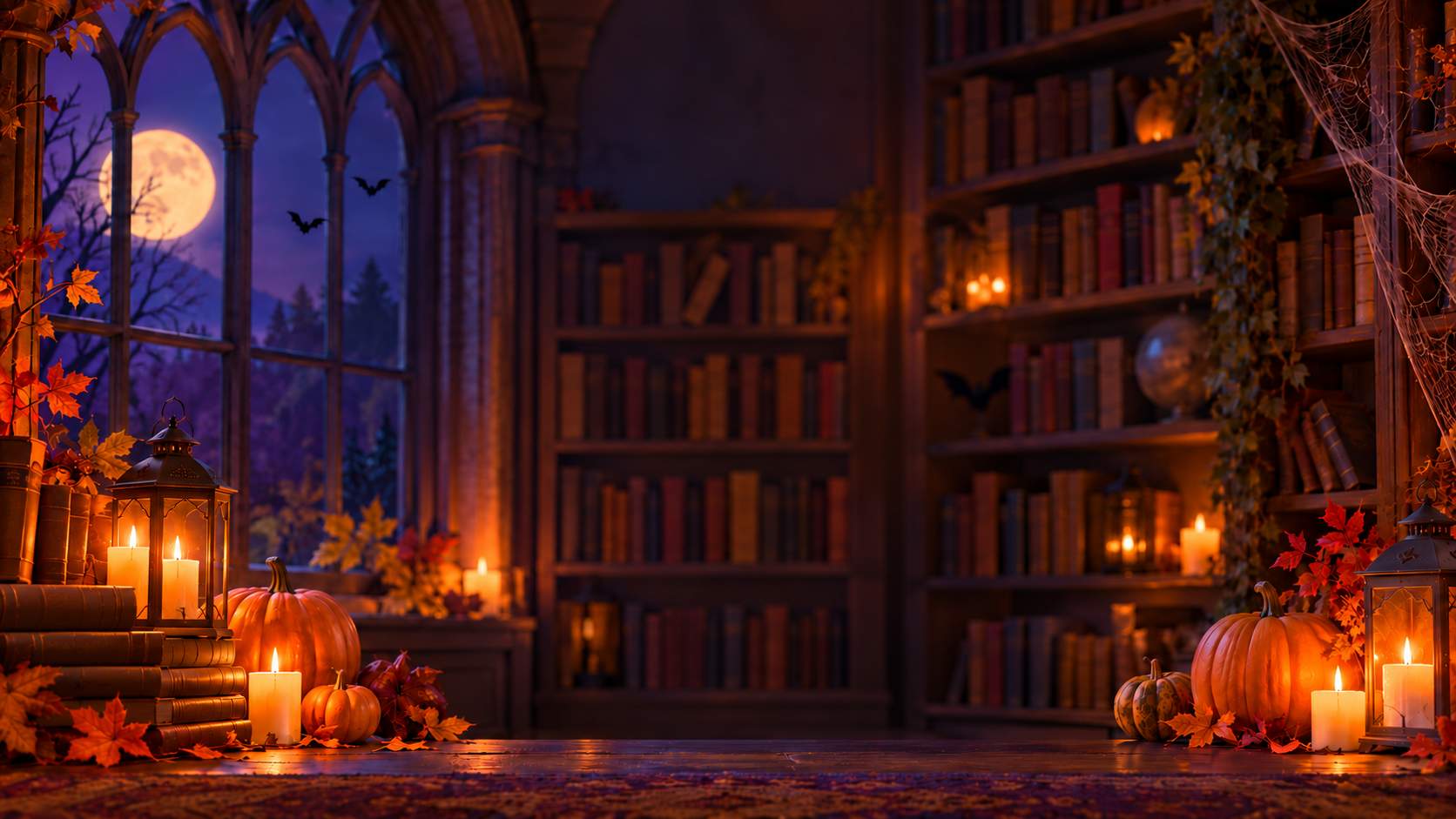
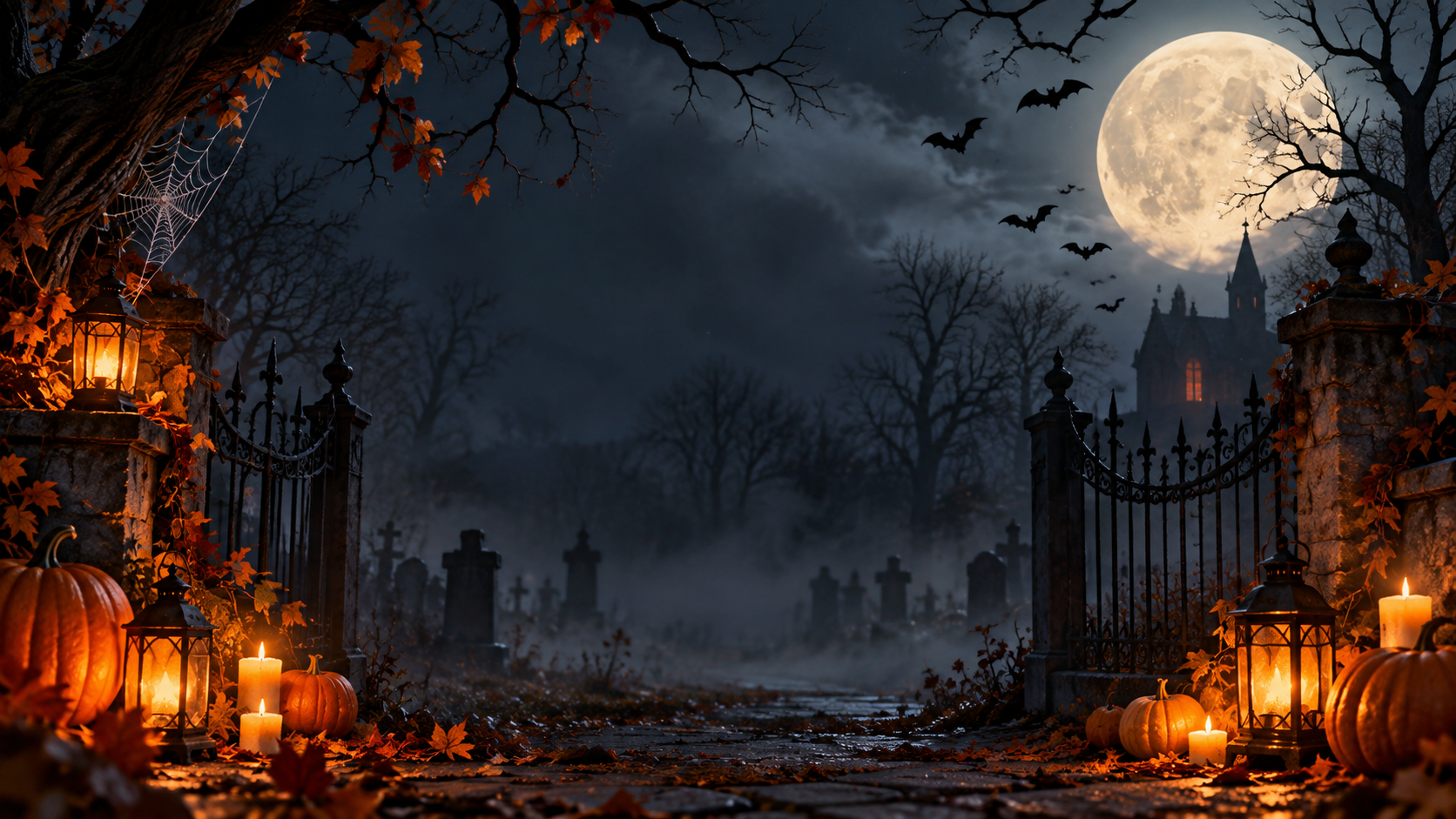
One generated wide Halloween background in your chosen scene and spookiness level, with pumpkins and glow placed at the edges and a clear center behind the speaker. No text is added. Meeting apps crop and mirror differently, so try it before the call.
Scariest setting with fog and a moon requested behind the head
Scene
Foggy graveyard at midnight with a giant glowing full moon right behind my head, bats, and a crooked iron gate
How spooky (optional)
As scary as possible
Colors (optional)
Left empty
The user asks for the scariest mood and a bright moon behind the head. Checks that the moon and fog move off-center, the mood stays dark without gore or skulls, and the center remains calm and mid-dark.
Same task, three directions
Pick a direction to start from.
01
Friendly pumpkin patch
Smiling jack-o'-lanterns, hay bales and a soft purple dusk sky. Suits school calls and team socials.
02
Haunted library
Tall shelves, candlelight and cobwebs for a moody but polished look.
03
Retro cartoon
A flat, playful illustration with bats and pumpkins in bold shapes.
What the template keeps
The parts that stay consistent.
01
Glow at the edges
Pumpkins, candles and lanterns sit around the frame, not behind your head.
02
A clear, dim center
The spot where you sit is calm and mid-dark, so your outline stays clean.
03
Workplace-safe spooky
Mood comes from light and shadow, never from gore or frightening faces.
How to use it
From details to a result.
01
Describe the scene
A place and a few Halloween elements is enough, like "old library with a full moon". Bright items are moved off-center.
02
Choose how spooky
Pick friendly for school and work calls, or moody for an evening party. It never goes gory.
03
Review and send
The brief opens in Vizify for review. Nothing is generated until you send it.
04
Test it on camera
Set it as your virtual background, check the crop and how your outline looks, and ask for changes if the center is too bright.
Output boundaries
What to check before you use it.
Your meeting app crops the image and may mirror your self-view. Test it in your app before a call.
Separation between you and the background depends on your app, camera and lighting. Dark backgrounds need good light on your face.
Requests for bright elements behind your head, thick fog or gore are adjusted to keep the background usable and suitable for work.
The image contains no text, dates or event names. Add those in a separate greeting image if you need them.
The format is a wide direction, not a fixed pixel size for any app.
QuestionsHow do I keep a Halloween Zoom background from looking messy behind me?+
Keep the busy, glowing things at the sides and a plain, darker area in the middle. The template does this by default, so your head and shoulders sit against a calm patch rather than a pumpkin.
Can it be scary but still fine for a work call?+
Yes. Choose moody for shadows, candlelight and fog at the edges. The template never adds gore, blood or frightening faces, even when you ask for maximum spookiness.
Why do my hair and shoulders blend into the dark background?+
When your meeting app cuts you out, dark hair and clothing can merge with a dark scene. Light your face from the front, and ask for a slightly lighter center wall or a palette that contrasts with what you are wearing.
Can I add "Happy Halloween" text to it?+
This template creates a background without text. For a greeting image, start a separate request in Vizify with the exact wording. Check the spelling and mirroring before using it in a call.
Does it work for a kids' class party on video?+
Yes. Set the spookiness to friendly and pick the Friendly pumpkin patch direction for smiling pumpkins and soft colors.