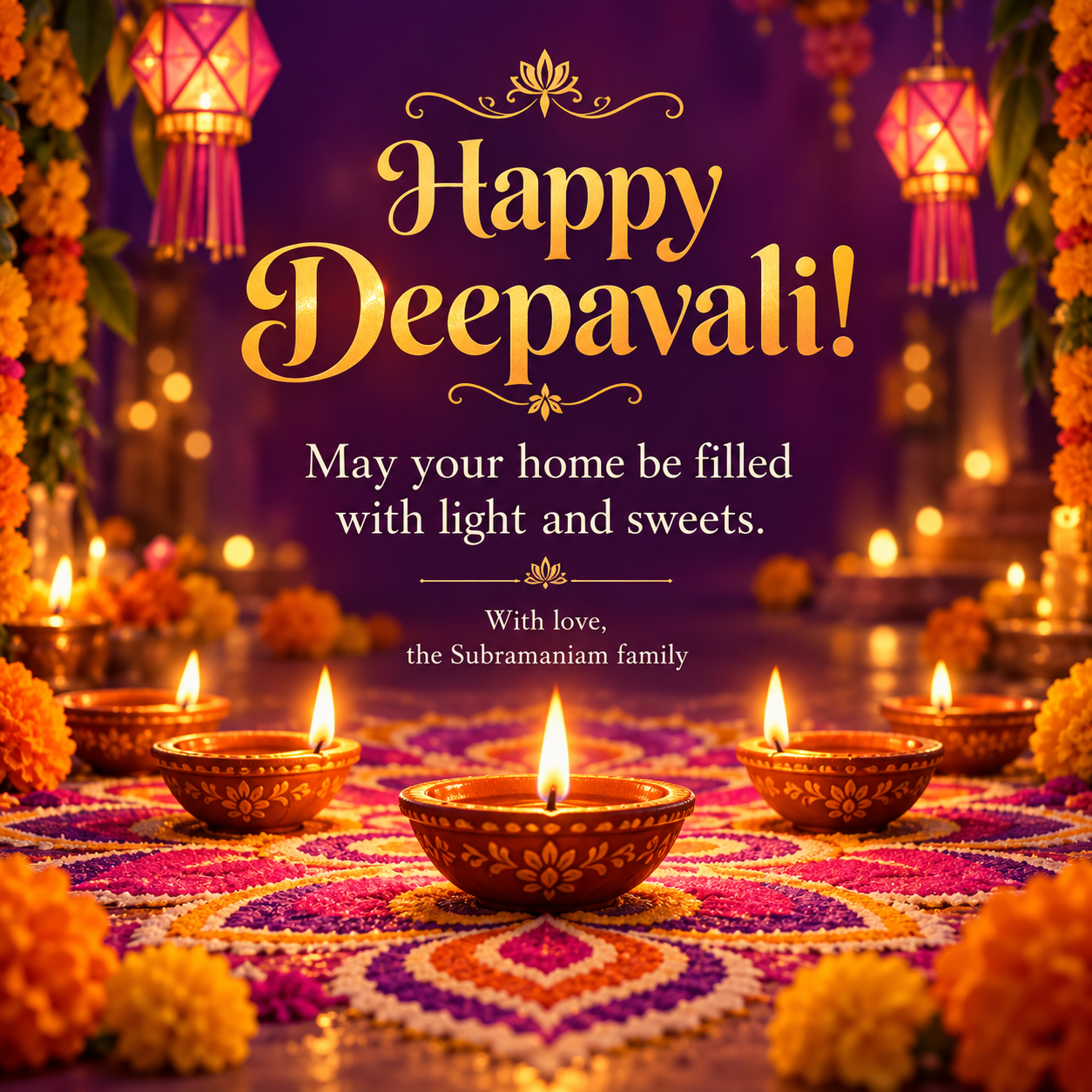
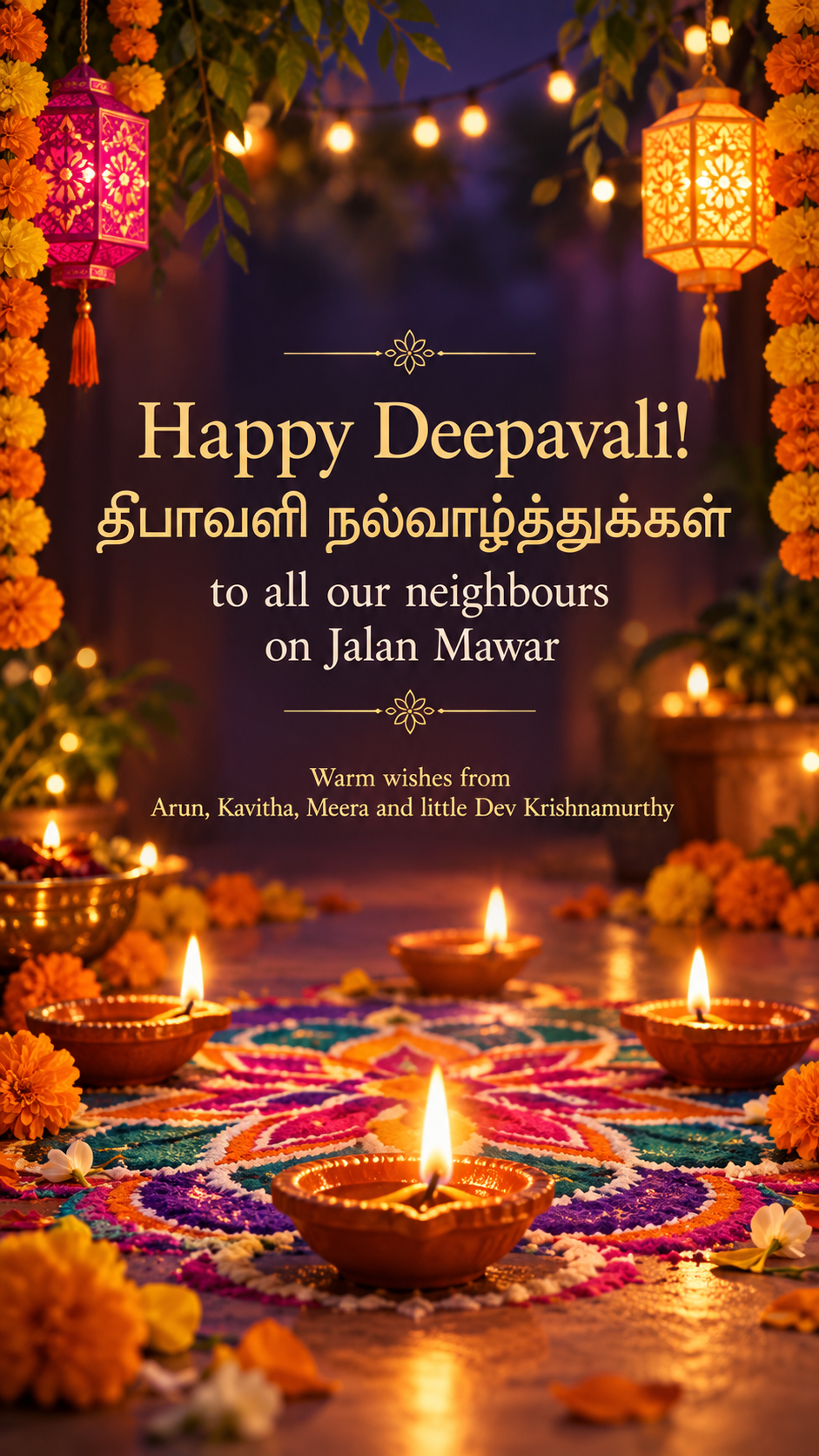
One generated festive image with original diya lamps and your chosen motif, your greeting in the spelling you typed and your sign-off. Text in Tamil, Hindi or other scripts needs checking by someone who reads it.
English and Tamil greeting with a long sign-off, no palette or motif
Greeting in your spelling
Happy Deepavali! தீபாவளி நல்வாழ்த்துக்கள் to all our neighbours on Jalan Mawar
From (optional)
Warm wishes from Arun, Kavitha, Meera and little Dev Krishnamurthy
Light and color scheme (optional)
Left empty
Main motif (optional)
Left empty
A greeting mixing English and Tamil script plus a long sign-off, with no palette or motif. Checks that Deepavali keeps its spelling, the Tamil line is flagged for checking and default diya imagery applies.
Same task, three directions
Pick a direction to start from.
01
Diya row on rangoli
A line of glowing clay lamps on a colorful floor pattern. The classic greeting look.
02
Lantern night
Hanging paper lanterns and soft points of light, suited to a tall status or Story.
03
Minimal gold
One diya and fine gold line work on a dark background, for colleagues and clients who prefer a quieter card.
What the template keeps
The parts that stay consistent.
01
Your spelling
The festival name and greeting are never changed to another spelling.
02
Original lamp light
Diyas are drawn as new imagery and give the scene its warm glow.
03
Clear space for words
Flames and glare stay away from the greeting so it reads cleanly.
How to use it
From details to a result.
01
Write your greeting your way
Deepavali, Diwali or Deepawali, in English or your own language. The spelling is kept.
02
Add who it is from
A family, a couple or a business name, exactly as you want it signed.
03
Choose the light and motif
Name your colors and whether you want diyas, rangoli, lanterns or sparklers.
04
Review, generate and check the script
Everything opens in Vizify first. After generating, check each word, and ask someone who reads the script to check any non-Latin text.
Output boundaries
What to check before you use it.
Tamil, Hindi and other non-Latin scripts are more likely to be rendered incorrectly. Have a reader check them before sharing.
Latin text can contain mistakes too. Check names and spelling in the result.
Deities, temple scenes and scripture are not added unless you ask and supply the wording.
Each request makes one image. A square and a tall version are separate requests.
QuestionsWill it keep Deepavali instead of changing it to Diwali?+
Yes. The greeting is shown in your spelling, whether you write Deepavali, Diwali or Deepawali, and it is never translated or standardized.
Can I write the greeting in Tamil or Hindi?+
You can, but image models make more mistakes with non-Latin scripts. Keep that part short and ask someone who reads it to check before sharing; English with one short native-script line is a safer mix.
Are the lamps and rangoli copied from existing designs?+
No. Diyas, rangoli and lanterns are drawn as new imagery for your greeting rather than taken from existing artwork.
Which shape should I pick for WhatsApp status or Instagram?+
Choose tall for a status or Story and square for chats and feed posts. One request gives you one image, so pick the shape for where you will share it first.
Can I add a photo of my family?+
This template does not take photos. Describe the scene or motif you want instead; generated people would not look like your family.