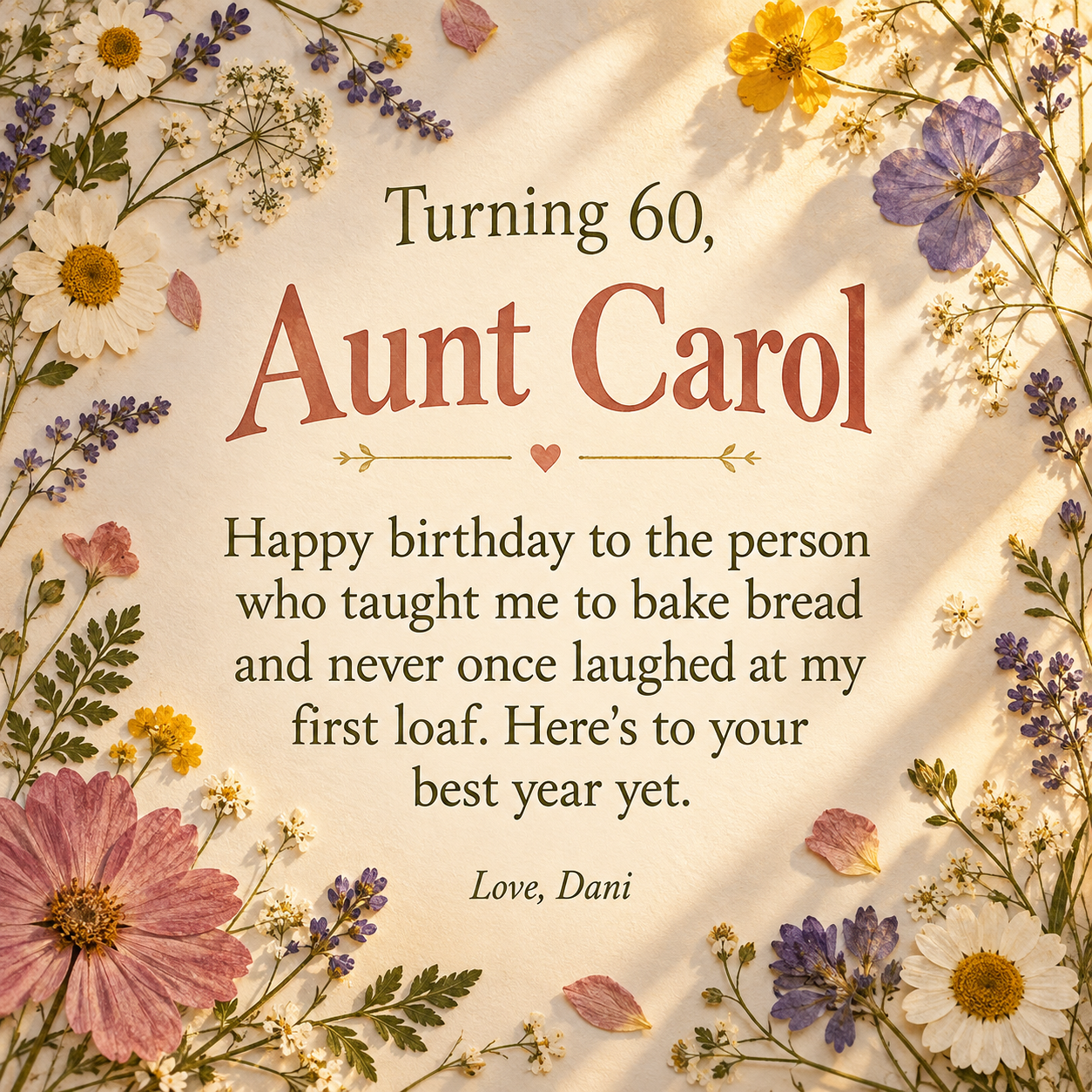
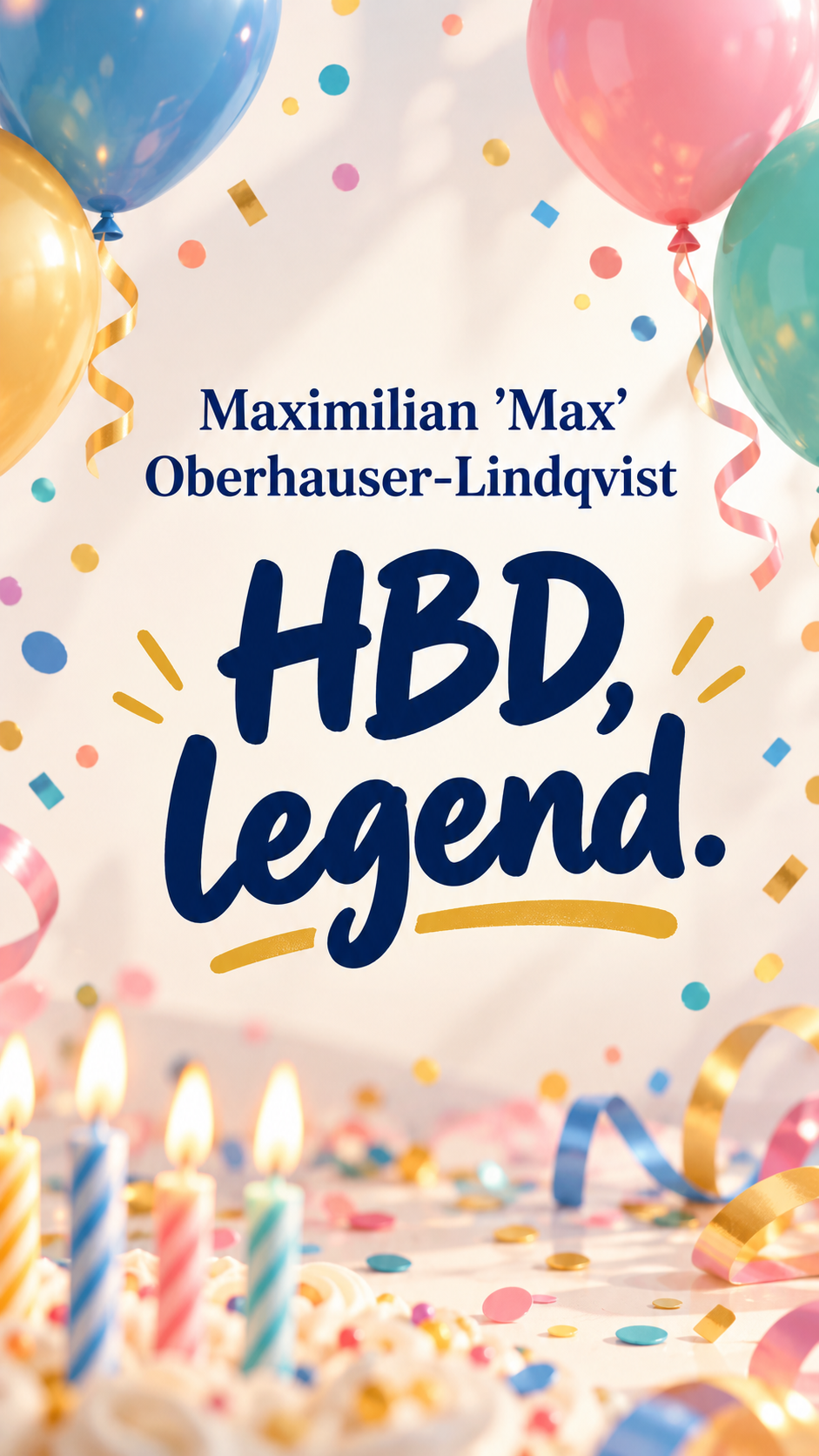
One generated birthday image built around the message you supply, the person's name and your sign-off. The request asks for your wording without rewriting it and includes an age only if supplied. Generated text can contain errors; proofread the image before sending.
Two-word message, long name with a nickname, nothing optional
Birthday person
Maximilian 'Max' Oberhauser-Lindqvist
Your birthday message
HBD, legend.
From (optional)
Left empty
Age or milestone (optional)
Left empty
Look and feel (optional)
Left empty
A two-word message, a long name with a quoted nickname, and every optional field empty. Checks that the short message is not expanded, no age is guessed and the name fits on one or two lines.
Same task, three directions
Pick a direction to start from.
01
Big type, bright confetti
Bold confetti and large lettering for birthday posts on a feed or a group chat.
02
Soft floral keepsake
Pressed flowers and serif type for a gentle message to a parent, grandparent or aunt.
03
Cake and candles
A photo-style birthday cake with the message on a clean panel above it.
What the template keeps
The parts that stay consistent.
01
Your own wording as the brief
The request asks for the complete message without shortening, polishing or replacing it. Check the generated lettering before sending.
02
Type sized to the message
Short lines get big lettering; long ones get a calm, readable panel.
03
Decoration around, not over
Balloons, flowers or candles frame the text without covering it.
How to use it
From details to a result.
01
Paste your message
Paste the words you already wrote. The request asks the image model to reproduce them without rewriting.
02
Add their name and a sign-off
Add an age or milestone only if you want it shown; nothing is guessed.
03
Choose a look and a shape
Square for chats and feed posts, tall for Stories and status updates.
04
Review, generate and proofread
Everything opens in Vizify first. After generating, read the message on the image word by word.
Output boundaries
What to check before you use it.
Long messages are more likely to contain a misspelled or missing word. Proofread the whole image before sending.
Emoji in your message may not appear as typed; they are drawn as simple icons or left out.
The template never guesses an age. Milestones appear only if you enter them.
You get one image per request, so a square post and a tall Story are two separate requests.
QuestionsCan I turn my birthday message into an image to post?+
Yes. Paste your message, add the person's name and choose square for a feed post or tall for a Story. The request asks for your exact wording; check the generated text before posting.
What if I don't have a message yet?+
This template presents a message you already have. Write a few lines in your own words first; if you want help with wording, ask in the Vizify conversation, then paste the version you choose into the message field.
How long can the message be?+
Up to about 220 characters. Short messages get large type, and longer ones sit in a text panel so they stay readable on a phone.
Can I use these happy birthday images with messages for birthday posts on Instagram or WhatsApp?+
Yes. Choose square for a feed post or chat and tall for a Story or status. Download the image from Vizify and post it yourself.
Will it guess how old they are?+
No. An age or milestone appears only if you type it into the milestone field.