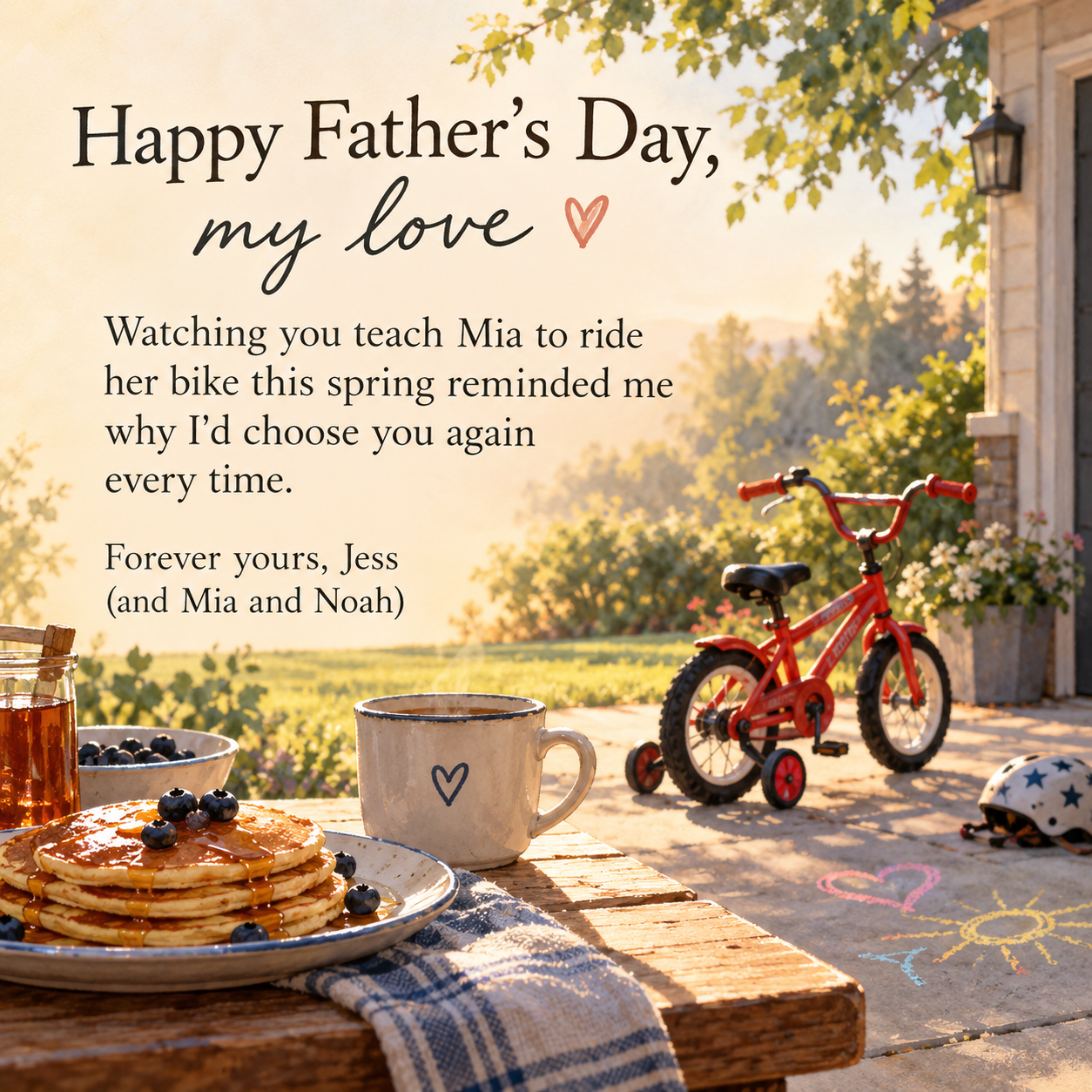
Make a Father's Day image for your husband or partner, carrying your own message, the name you call him and a detail from your family life as the illustration.
One generated Father's Day image from you to your partner, with a heading using the name you call him, your message word for word and a motif from your shared life. No faces are drawn. Read the message once more before you send it.
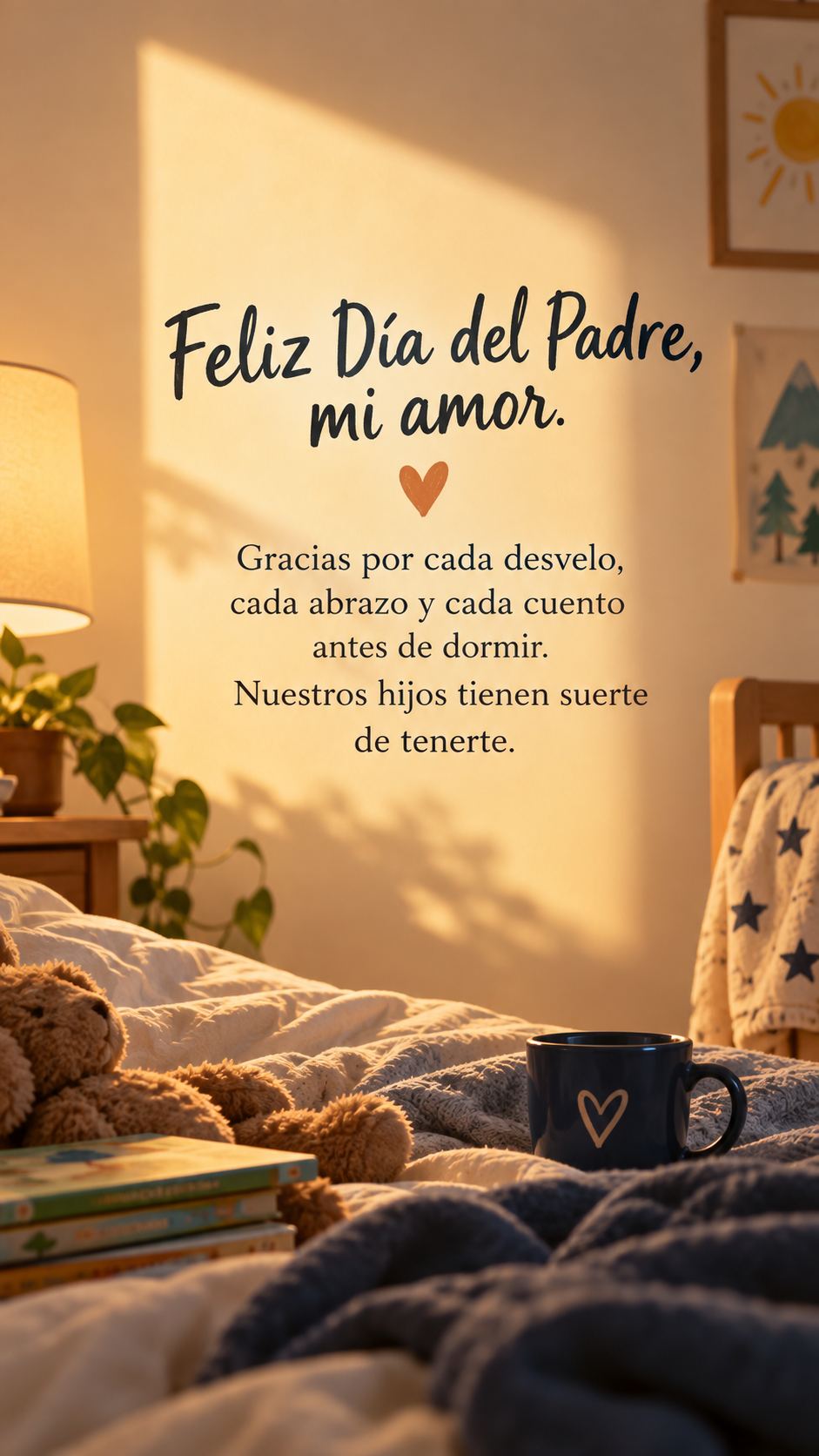
Feliz Día del Padre, mi amor. Gracias por cada desvelo, cada abrazo y cada cuento antes de dormir. Nuestros hijos tienen suerte de tenerte.
From (optional)
Left empty
A detail from your family life (optional)
Left empty
A Spanish message with accents and no sign-off or shared detail. Checks that the accents stay correct, no English heading is forced on top and a gentle default motif is used.
Same task, three directions
Pick a direction to start from.
01
Warm morning still life
A photo-style breakfast table with coffee and your shared detail, for a quiet, grown-up card.
02
Sketchbook doodles
Simple line drawings of the things you do together, like a page from a family sketchbook.
03
Sunset silhouette
A father and child silhouetted at golden hour. Faces are never shown.
What the template keeps
The parts that stay consistent.
01
From partner to partner
A love-note tone with the family theme, not a generic dad card.
02
Your exact words
The message and names are never rewritten or extended.
03
No faces
People appear only as silhouettes or from behind, so nobody is mistaken for him.
How to use it
From details to a result.
01
Enter what you call him
A pet name or his name. It forms the heading, so type it exactly.
02
Write your message
A moment from this year or something the kids love about him. It appears word for word.
03
Add a family detail
Pancakes, a canoe, his guitar. It becomes the illustration and makes the image yours.
04
Review, generate and reread
Check the brief in Vizify, then read the message on the finished image once more before sending.
Output boundaries
What to check before you use it.
Long personal messages can contain a missing or misspelled word. Read the whole image before sending.
The template takes no photos, and any people shown are silhouettes, not your family.
Children's names appear only if you type them into the message or sign-off.
One request makes one image. A square version for chat and a tall one for a Story are two requests.
QuestionsCan I make happy Father's Day my love images for my husband?+
Yes. That is what this template is for. Put the name you call him in the first field and your own message below; the heading and tone are built for a partner, not a child's card to dad.
What should I write?+
Something only you would know, such as a moment from this year, a habit the kids love or what you noticed him doing. Keep it to a few sentences so it reads well on a phone.
Can it include a photo of him with our kids?+
This template does not take photos, and generated faces would not look like him. People appear only as silhouettes or from behind.
Will the card mention our children's names?+
Only if you type them into the message or sign-off. The template never adds names on its own.
Can I write it in Spanish or another language?+
Yes. Write the message in your language; the heading follows it or is left out, and accents are kept. Check the accents in the finished image.