Short scene and shot sequence
Characters and important actions
Framing and visual style
Sketch a short scene as a small storyboard image with clear shot order and visual direction.
Sign-in and access checks apply in Vizify.
Explore your idea with AI before generating.
Chat could not be loaded. Your form is still available.
Review the brief and any reference in Vizify before sending it. Image generation uses your account’s current access and credits.
Short scene and shot sequence
Characters and important actions
Framing and visual style
One image artifact
Include short scene and shot sequence, characters and important actions, framing and visual style.
Preserve the stated shot order and key props as closely as possible; inspect panel count and continuity.
The output is one storyboard concept image, not a video, timed animatic, editable panel project or assured character-consistency system.
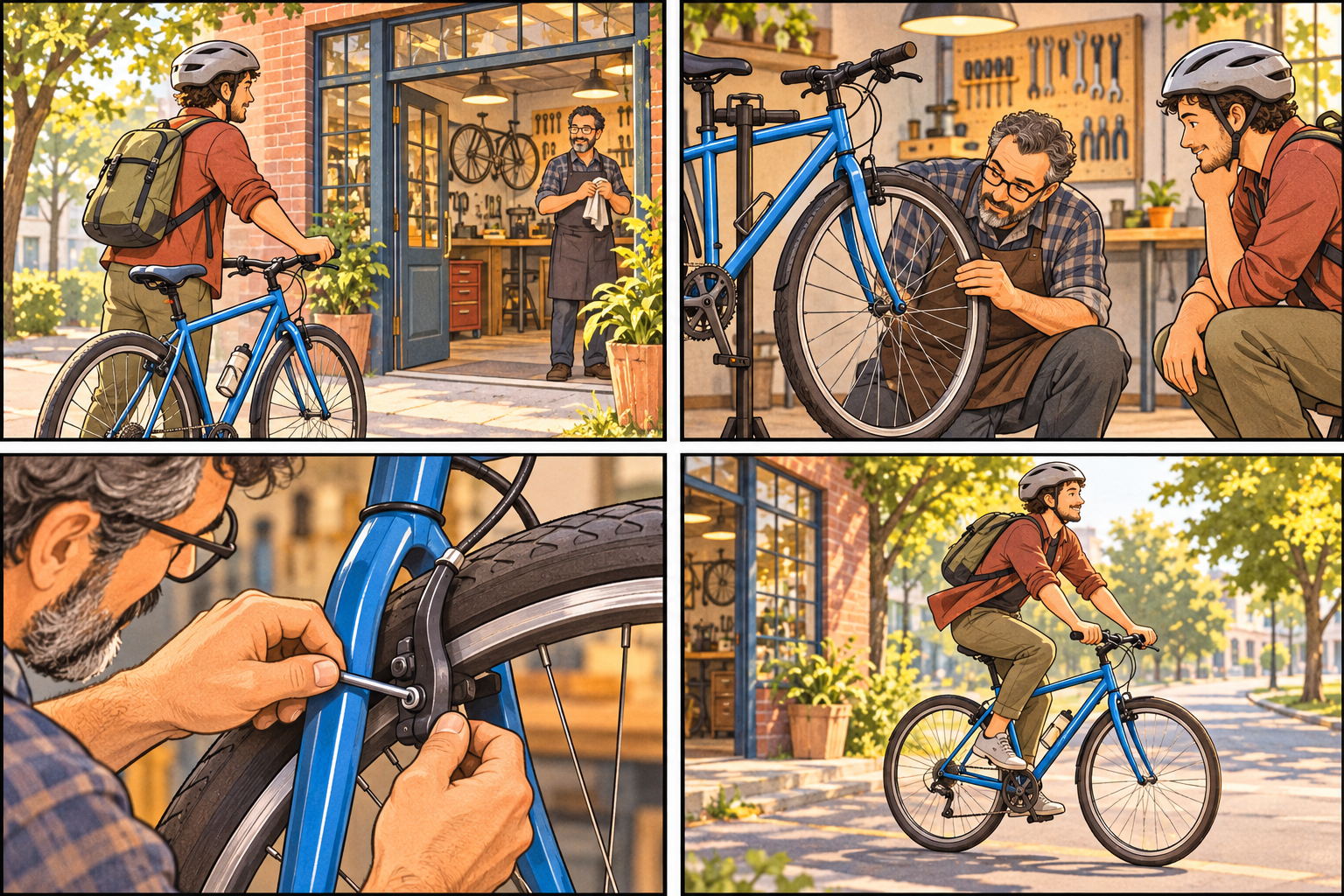
Create a 4-panel storyboard concept: cyclist arrives at a repair shop, mechanic checks a wheel, repair detail, cyclist rides away. No text; consistent blue bicycle.
This workflow delivers one storyboard concept image, not a timed video animatic or a project with individually editable panels. Shot order and visual continuity still need inspection. Would a static proposal help plan the shots, or do you need a separate animatic with editable panels and timing?
Turn this request into a timed video animatic with editable panels. Explain the single-image storyboard output before starting.
Checks the input and output boundary rather than silently substituting an unsupported result.
Provide short scene and shot sequence, characters and important actions, framing and visual style. A reference image is optional.
No. It creates a visual planning image. A video task is separate and needs its own inputs and acceptance checks.
Yes. Describe wide, medium or close-up framing for each shot. Inspect whether each panel follows the intended action and view.
You can request short labels, but generated lettering may be wrong. If exact labels matter, add them after selecting the image.
The storyboard result is a raster image artifact in Vizify. Download the available image and inspect it before reuse. Editable source layers, vector paths and production files are not included.
Yes. Explain the next change to your storyboard image and identify what should stay. Preserve the stated shot order and key props as closely as possible; inspect panel count and continuity. Each generation or edit may use further allowance or credits.
Preserve the stated shot order and key props as closely as possible; inspect panel count and continuity. Compare the actual result with the original brief, including any text or reference details.
The storyboard brief opens in Vizify before any image is generated. Check short scene and shot sequence, sign in and send when ready. The account’s current access and credit rules apply.