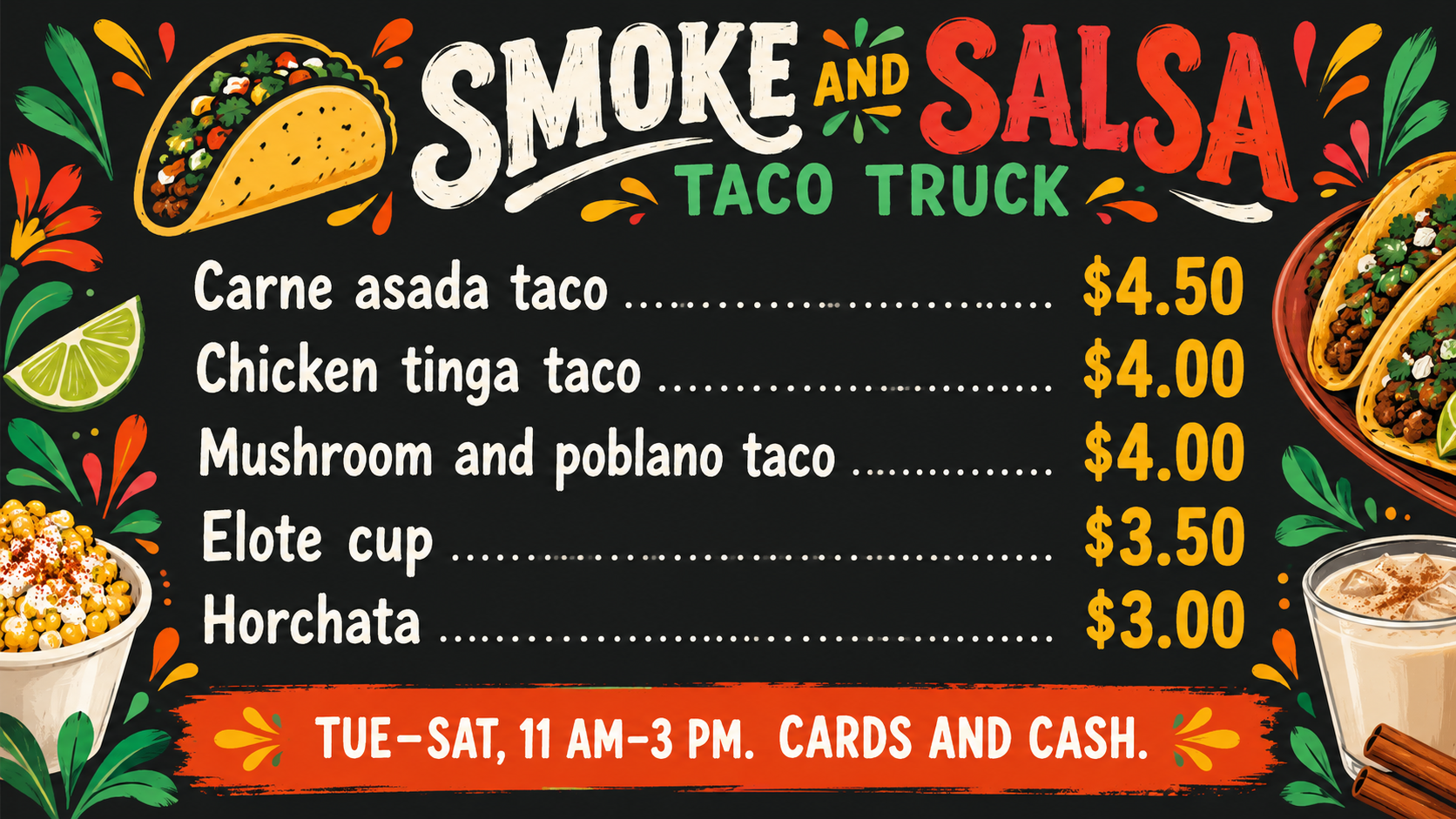
Turn your list of dishes and prices into a food truck menu image for the serving window, a pop-up stand or social posts. Every item and price comes from you.
One generated menu image with your truck name, each dish and its price as supplied, in your currency, plus an optional hours or payment line. It is a picture of a menu, not a price system. Check every dish name and price before you display it.
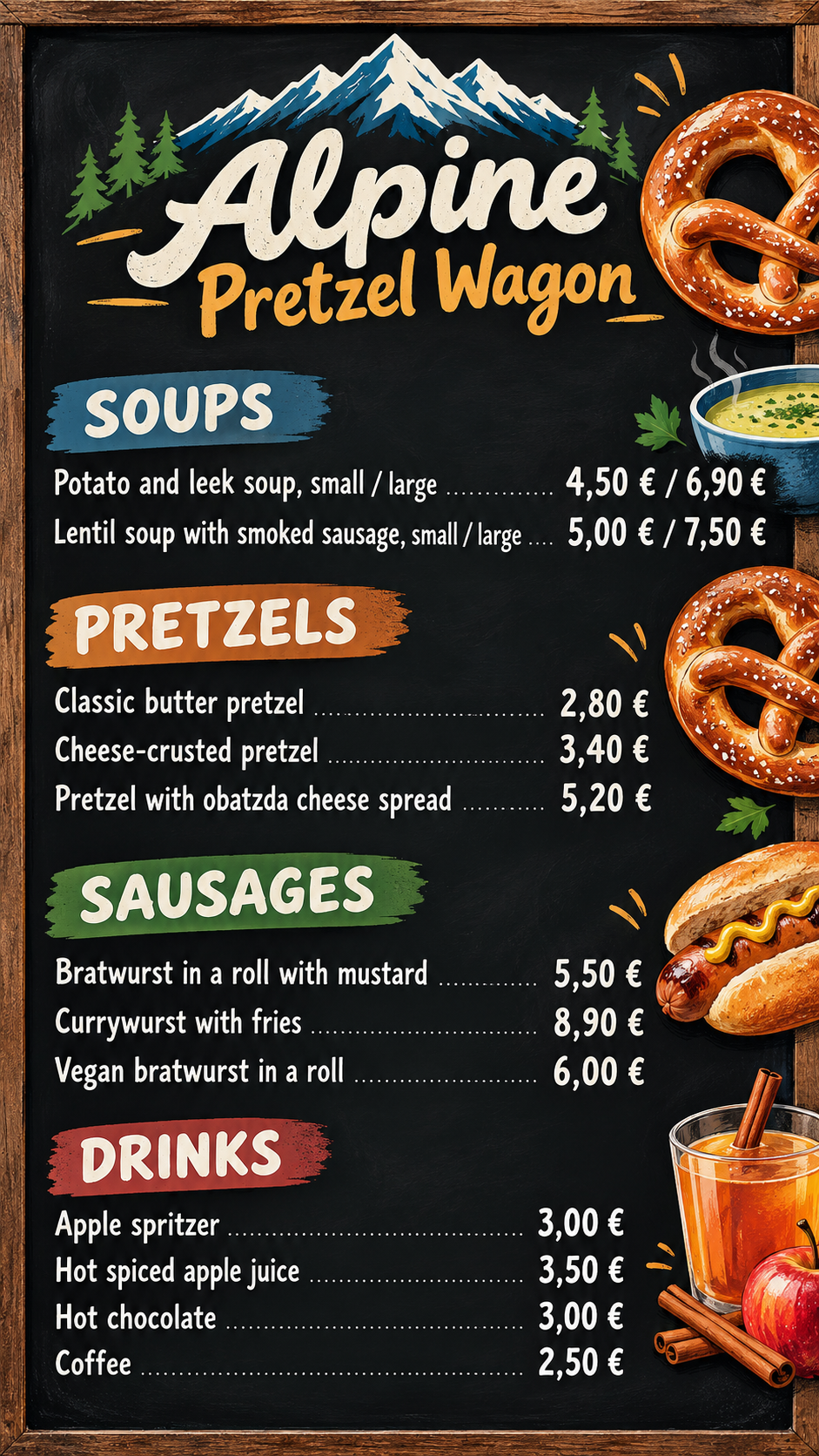
Twelve items with sizes and headings, euro prices after the number, no note
Truck or stand name
Alpine Pretzel Wagon
Menu items and prices, one per line
SOUPS
Potato and leek soup, small / large – 4,50 / 6,90
Lentil soup with smoked sausage, small / large – 5,00 / 7,50
PRETZELS
Classic butter pretzel – 2,80
Cheese-crusted pretzel – 3,40
Pretzel with obatzda cheese spread – 5,20
SAUSAGES
Bratwurst in a roll with mustard – 5,50
Currywurst with fries – 8,90
Vegan bratwurst in a roll – 6,00
DRINKS
Apple spritzer – 3,00
Hot spiced apple juice – 3,50
Hot chocolate – 3,00
Coffee – 2,50
Currency and how prices should look
€ after the price with a comma, like 4,50 €
Hours, location or payment note (optional)
Left empty
Twelve items under four user headings, two items with two sizes and prices, decimal commas and the euro sign after the number, and no note. Checks that every price stays paired with its item and nothing is converted or rounded.
Same task, three directions
Pick a direction to start from.
01
Chalkboard
A hand-lettered chalkboard look, the classic for a truck window or an A-frame sign at a market.
02
Bold street food
Big type and bright color blocks that read from across the street, for busy events and festivals.
03
Clean modern
White or cream with one accent color and neat alignment, for a minimal truck or a coffee cart.
What the template keeps
The parts that stay consistent.
01
Item and price pairs
Every dish stays on the same line as its own price, in the order you gave.
02
Your currency, your format
Symbols, decimal commas and price positions follow your currency setting exactly.
03
Readable at a distance
High contrast and large price digits come before decoration.
How to use it
From details to a result.
01
List every item with its price
One item per line, name first and price last, in the order you want them shown. Add headings on their own lines if you use sections.
02
Set the currency style
Say which symbol to use and where it goes, for example "$ before" or "€ after with a comma".
03
Add your name, logo and a note
Hours, location or payment methods go in the note line. Choose wide for the truck, tall for phones or square for posts.
04
Review, send and check every price
The brief opens in Vizify first. After generating, compare each dish and price with your list before you display the menu.
Output boundaries
What to check before you use it.
AI-rendered text can contain mistakes. Check every dish name and every price before showing the menu to customers.
The menu is a single raster image, not an editable file or a live price list. When a price changes, generate a new version.
Vizify does not look up prices, calculate tax or convert currency. Only the prices you type appear.
More than about 12 items gets small and error-prone. Split long menus into two images.
The image is not a print-ready sign file with bleed, and aspect ratios are directions rather than exact board sizes.
QuestionsCan I change prices later without starting over?+
Ask for the price change in the conversation to get a revised image, then check it. There is no editable text layer, so each update is a new generated version.
How many items fit on a menu for a food truck?+
Up to about 12 items stay readable in one image. For longer menus, make one image for food and one for drinks, or split by meal.
Can I use prices in euros, pounds or another currency?+
Yes. Describe the symbol and where it goes in the currency field, such as "£ before the price" or "€ after with a comma". Prices are copied as typed and never converted.
Will it add descriptions, allergens or vegan labels?+
Only if you write them. Add short descriptions or labels to each line if you want them shown, and check that they are accurate for your kitchen.
Can I print it for the side of the truck?+
The image works for screens, social posts and small printed signs. For a large vinyl or window graphic, ask your sign maker what file and resolution they need, because this is not a print-ready file.