Source image to fill or edit
Region to change and the desired fill
Details outside the region that must stay untouched
Describe the area to fill and the details to protect. This page uploads one source image and has no mask-painting canvas, so the edit is semantic; nearby pixels may change too.
The request, selected options, and staged images open in Vizify for review before execution.
Source image to fill or edit
Region to change and the desired fill
Details outside the region that must stay untouched
One reviewable filled image artifact
Reusable fill brief and settings
Describe the area to fill and the details to protect. This page uploads one source image and has no mask-painting canvas, so the edit is semantic; nearby pixels may change too.
Without a mask, Vizify performs a semantic edit and discloses locality uncertainty rather than pretending the edit is pixel-bounded.
Describe the exact area, such as "the left third of the background," to reduce ambiguity when no mask is attached.
Describe the area to fill and the details to protect. This page uploads one source image and has no mask-painting canvas, so the edit is semantic; nearby pixels may change too.
No. This public page does not include a mask-painting tool. When you don't provide a mask, Vizify performs a semantic edit guided by your description and discloses locality uncertainty instead of claiming a precise masked result. A supported mask input can still drive a precise masked edit when one is available.
Usually, but not guaranteed. Blending quality depends on the described region and the source image, so check edges and lighting continuity in the result.
Removing or replacing an object, extending a background pattern, or swapping part of a scene while keeping the rest of the photo intact.
The Site stages supported images in the browser for the same-tab handoff. Vizify performs the durable authenticated upload after sign-in.
No. The prepared request opens in Vizify, where you can review it before sending.
Yes. The request and resulting artifact can be reviewed, revised, and reused in Vizify.
You can prepare the task on the public page; sign-in is required to upload durably, execute, and save the result.
Yes. Name the object, where it goes, its rough size and how it should be lit, for example 'a small potted fern on the left end of the desk, lit from the window'. The object is generated and nearby pixels can change, so check edges and shadows.
No. Generative fill works inside the existing frame. To add canvas around the edges or change the aspect ratio, use AI image Extender.
Preparing the fill is free. Running it needs sign-in: a free account includes a small allowance of image edits paid from its sign-up credits, then Pro or a credit pack is needed.
Since this page has no mask-painting canvas, name the exact region, such as “the top-right corner” or “behind the subject,” plus the desired fill and anything nearby that must stay untouched.
Describe the area to fill and the details to protect. This page uploads one source image and has no mask-painting canvas, so the edit is semantic; nearby pixels may change too. Prepare the request in your browser without installing an app. Generation runs in Vizify after sign-in, uses credits, and starts only after you review and send the request.
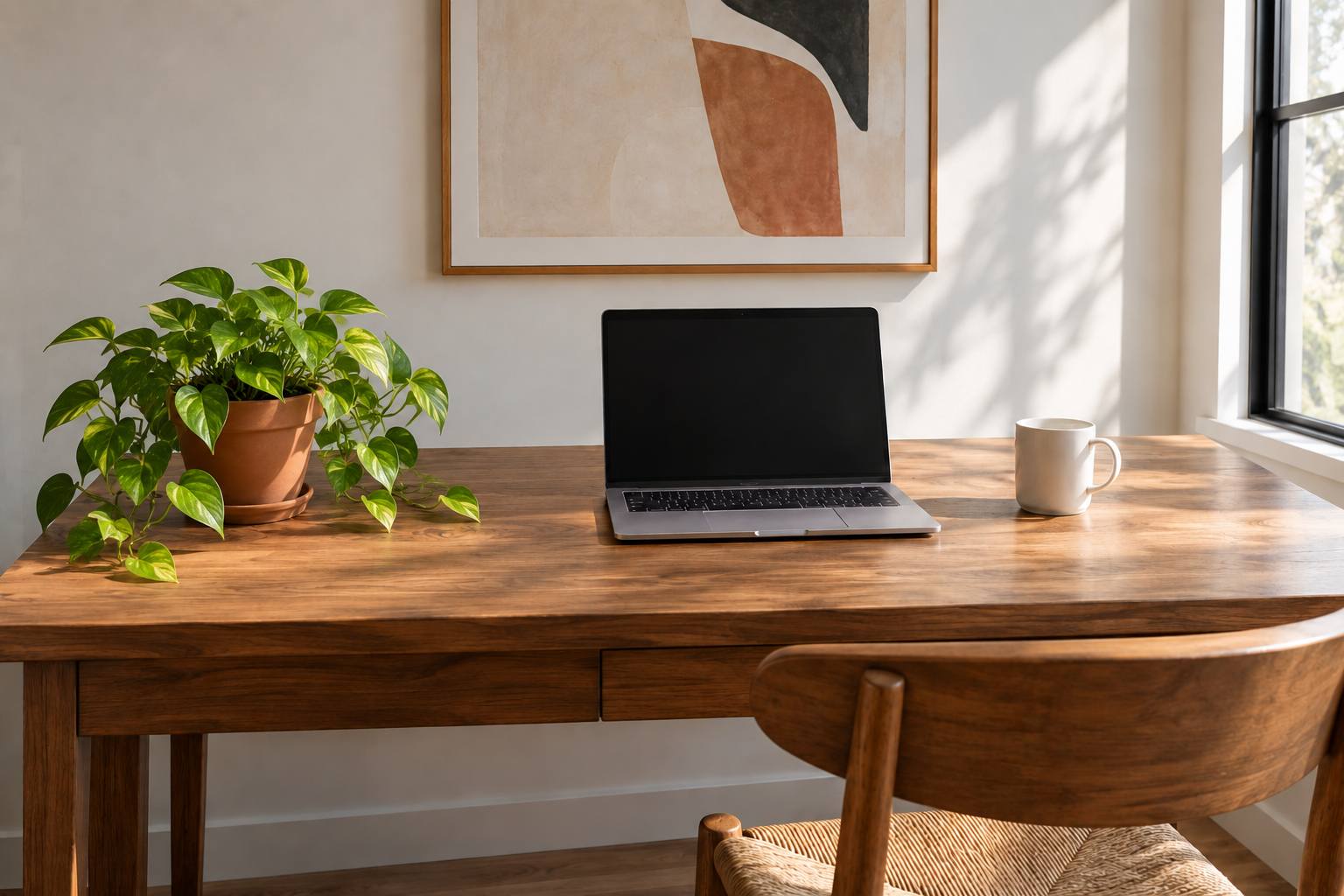
Add a small terracotta pot with a trailing pothos plant on the left end of the desk in this photo. Match the soft window light coming from the right, give it a faint shadow on the desk, and leave the laptop, mug and wall art as they are.
What should fill the empty area, and which existing parts of the photo must remain unchanged? Please include the photo and indicate the area.
Fill in the empty part of this photo with something nice.
Checks that the reply asks which area is empty and what should fill it, rather than guessing a region and inventing content.