Source image to transform
New scene, style, or setting to apply
Subject or identity details that must stay recognizable
Upload the source image, describe the new scene, style, or setting, and Vizify prepares a transformation request before the Agent returns one changed artifact.
The request, selected options, and staged images open in Vizify for review before execution.
Source image to transform
New scene, style, or setting to apply
Subject or identity details that must stay recognizable
One reviewable changed image artifact
Reusable transformation brief and settings
Describe a new backdrop, weather, season, or overall style; the request is framed around transformation rather than small touch-ups.
Name the person, product, or object that must remain recognizable while everything around it changes.
The prepared request opens in Vizify so you confirm the image, instructions, and options before anything executes.
Change a photo's scene, backdrop, weather, season, lighting, or overall style while keeping the subject you specify recognizable.
Yes. Describe the new setting, such as a studio backdrop or an outdoor scene, and name the subject that should stay in place.
Yes. Describe the target style in the prompt; the result is a generative reinterpretation rather than a fixed filter.
It is a natural-language semantic editor, not a layer stack. You describe the change instead of manually masking and stacking layers.
Not guaranteed. Semantic editing can regenerate nearby pixels while producing the requested change, so untouched regions are not promised to remain pixel-for-pixel identical.
The Site stages supported images in the browser for the same-tab handoff. Vizify performs the durable authenticated upload after sign-in.
No. The prepared request opens in Vizify, where you can review it before sending.
Yes. The request and resulting artifact can be reviewed, revised, and reused in Vizify.
You can prepare the task on the public page; sign-in is required to upload durably, execute, and save the result.
No. This tool changes what the picture shows, such as the scene, season, lighting or style. It does not convert JPG to PNG or resize to exact pixel dimensions; the returned image's size and format depend on the model.
Preparing the change is free and needs no account. Running it needs sign-in: a free account includes a small allowance of image edits paid from its sign-up credits, and more edits need Pro or a credit pack.
Yes. Describe the new outfit, hairstyle or accessories and name the person as someone who must stay recognizable. Only change photos of people who have agreed to it, and compare the face with the original, since features can drift.
State the new scene, style, weather, or setting you want, and name the subject, identity, or product that must stay recognizable through the change.
This is a natural-language semantic editor, not a layer-based tool: it can rebuild nearby pixels and cannot guarantee untouched regions remain pixel-identical. The prepared request opens in Vizify first; no task runs until you review and send it.
Relighting, weather, and season changes touch every pixel, so shadows, reflections, and color temperature usually shift together. Compare the result with the original at full size and look first at whatever you asked to keep: a face, a product silhouette, a logo, a line of text. If one protected element drifted, name it explicitly and run the request again rather than accepting a frame that is only close enough.
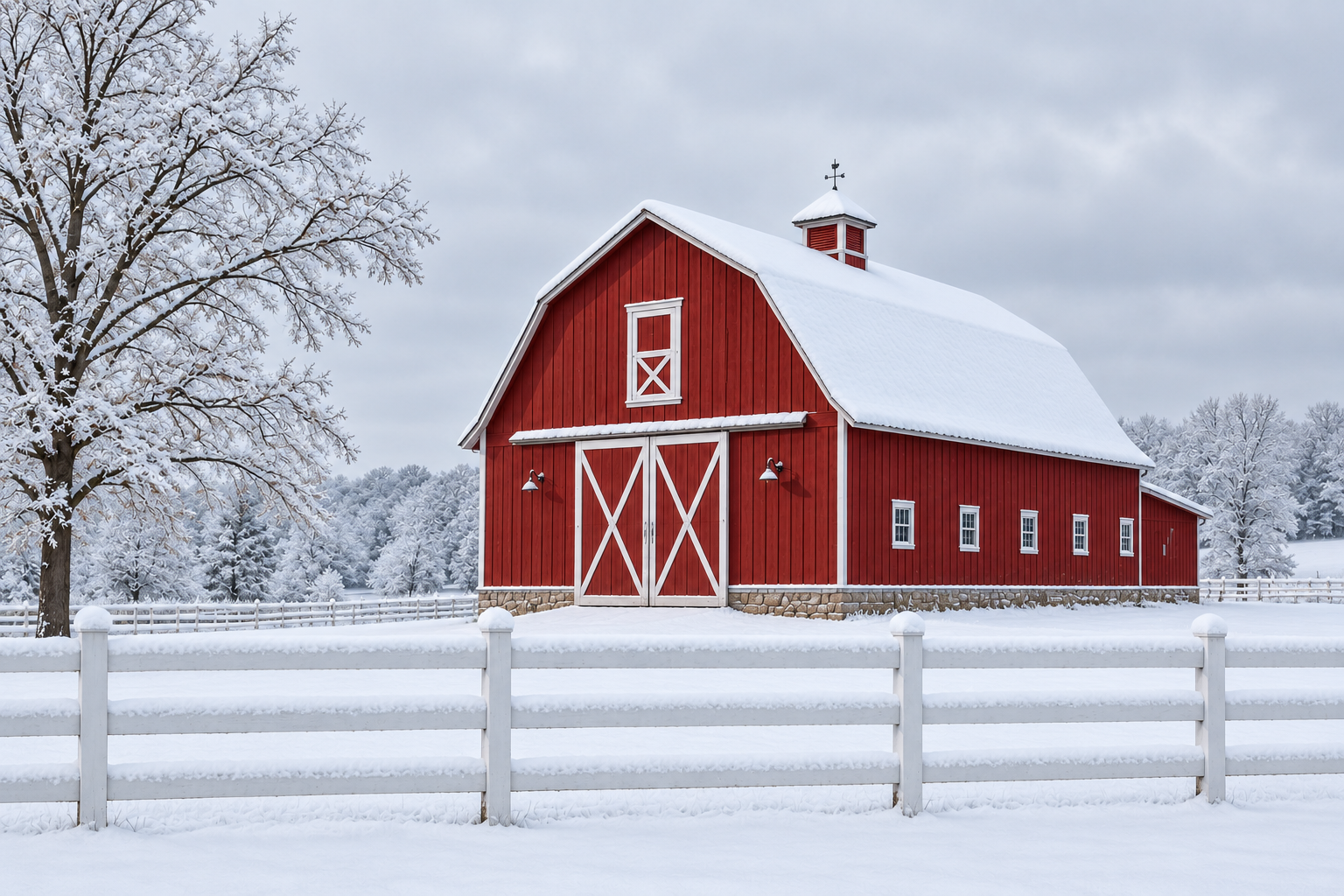
Change this photo of the red barn at Cedar Hollow Farm from a summer afternoon to a snowy winter morning. Keep the barn's shape and color and the white fence where they are, add snow on the roof and fence rails, and make the sky pale grey.
Which visual style should the website image follow, and which parts of the picture must stay unchanged? Please attach the picture if it is not already included.
Change this picture so it looks better for our website. I'm not sure what style we want yet.
Checks that the reply asks what should change (scene, style or lighting) and what must stay the same, rather than applying an arbitrary transformation.