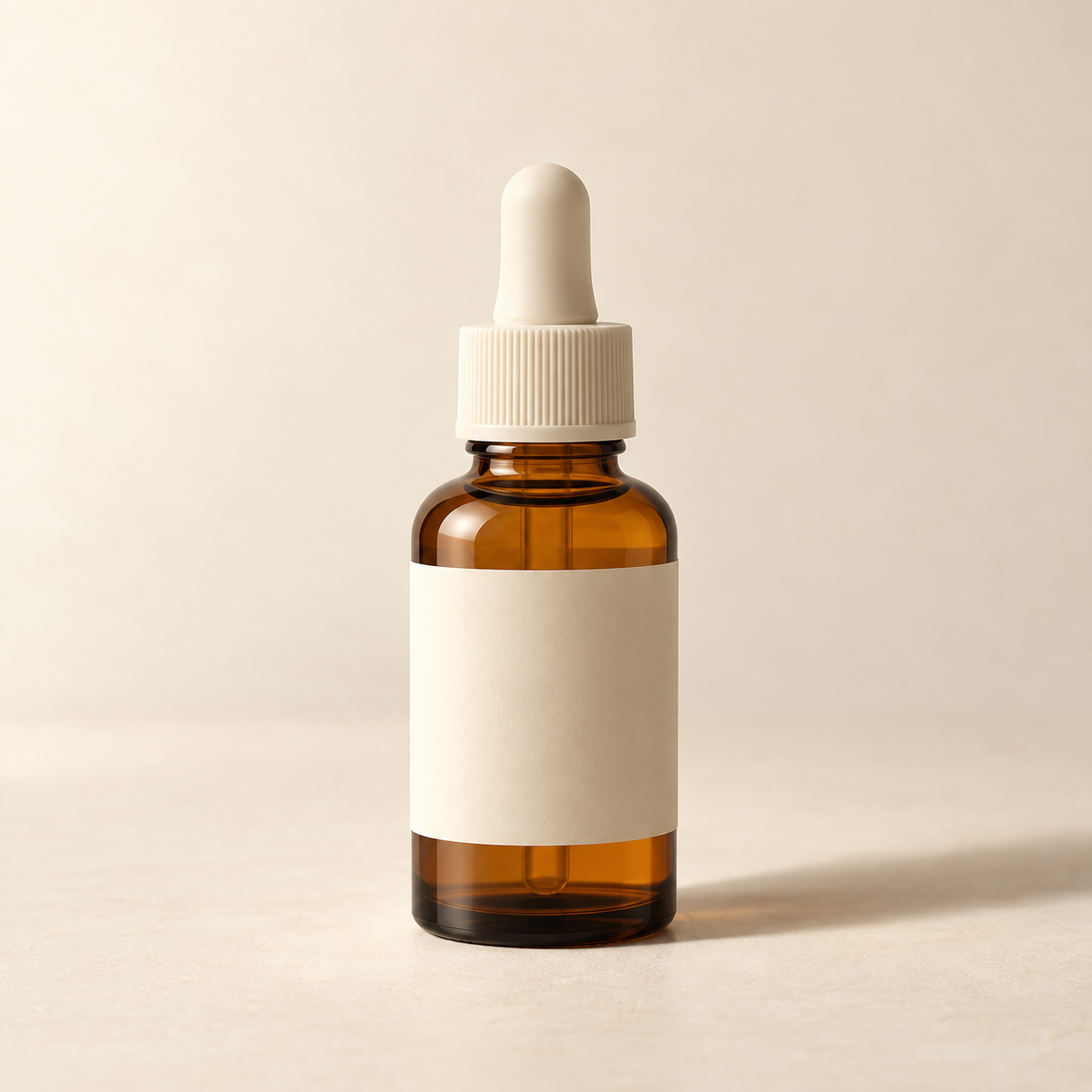
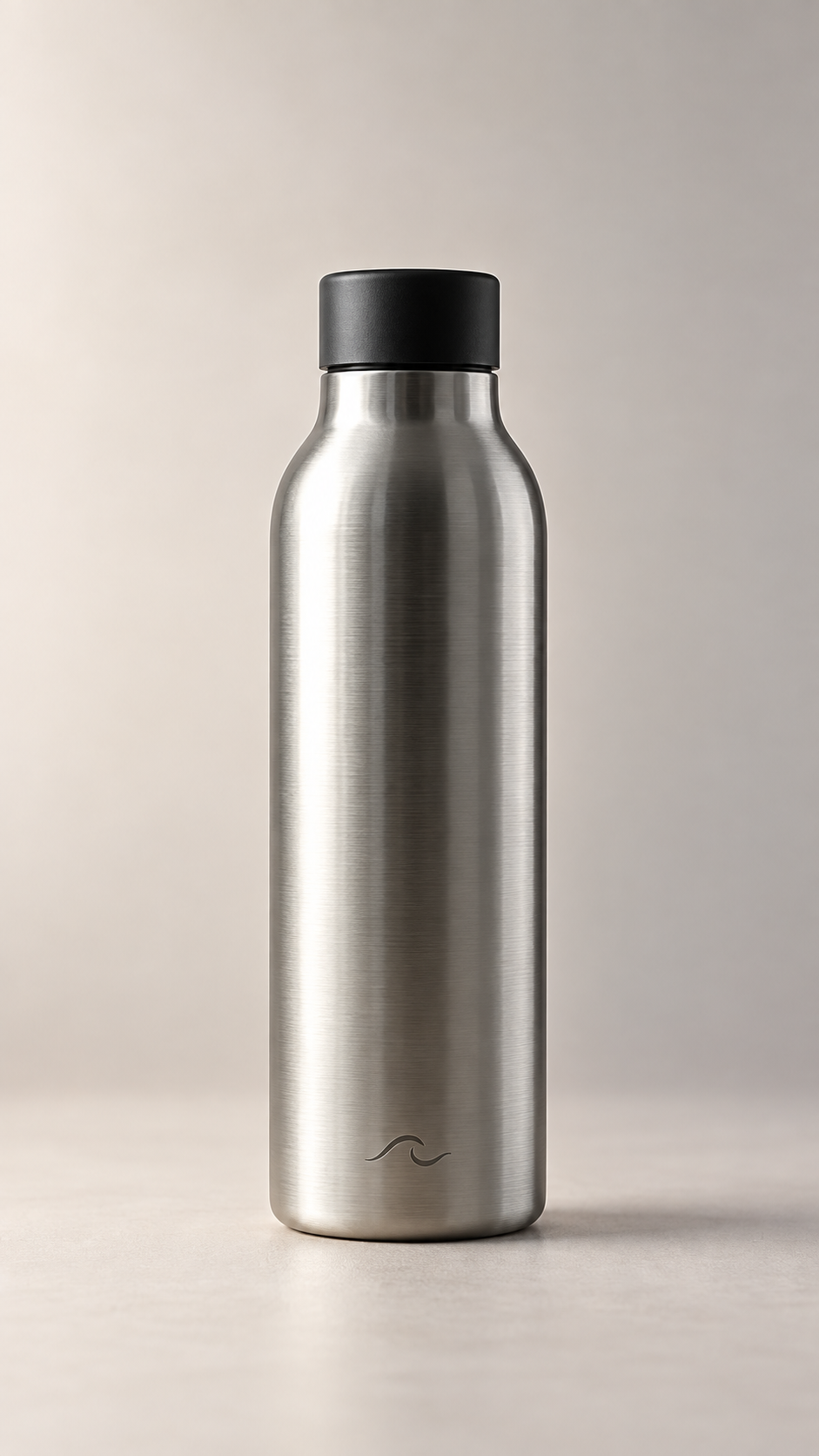
One generated product image with soft side lighting, a simple backdrop, and room around the subject. Keep the supplied product identity; review small labels and details before use.
Reflective product, background left to the template
Your product
Brushed stainless steel insulated bottle, 750 ml, matte black screw lid, small laser-etched wave mark near the base, no printed label
Background direction
Left empty
The optional background is empty, so the template's quiet backdrop applies. Checks that a reflective surface and a small etched mark survive without invented text.
Same task, three directions
Pick a direction to start from.
01
Warm studio still life
Ivory or sand surfaces with a soft shadow falling away from the light. Suits skincare, candles and ceramics.
02
Cool minimal catalog
Pale grey backdrop and even, cooler light for electronics, tools and anything that should read clean and precise.
03
Tinted color field
One muted brand color fills the frame while the light stays soft, for a product page hero or a social tile.
What the template keeps
The parts that stay consistent.
01
A single focal point
One product anchors the composition, with enough space around it to feel calm and deliberate.
02
Soft, believable light
Diffused side lighting brings out materials. A contact shadow keeps the product grounded.
03
A quiet backdrop
Simple surfaces keep attention on the object rather than competing props or scenery.
How to use it
From details to a result.
01
Add a clear product photo
Upload one well-lit image that shows the whole product and its label. This is the identity the result should keep.
02
Describe the setting
Name the product and, if you like, a background direction. Pick square, portrait or landscape framing.
03
Review in Vizify, then send
Your photo, details and the template's lighting rules open together in Vizify. Nothing is generated until you send.
04
Compare and refine
Check the label, shape and color against your original, then ask for specific corrections in the conversation.
Output boundaries
What to check before you use it.
Small label text, logos and fine product details can change. Compare the result with your original before using it.
This generates a new image. Exact pixels, a transparent cutout and a layered design file are not part of this template.
Reflective and transparent materials are the hardest to keep faithful; expect to ask for at least one correction.
The formats are aspect-ratio directions, not guaranteed pixel dimensions for a marketplace listing.
QuestionsWhat kind of product photo should I upload?+
Use one clear, well-lit PNG, JPEG, or WebP image up to 10 MB. Show the whole product and make important packaging details visible. Avoid collages and heavily obscured objects.
Will my label stay exactly the same?+
The reference guides product identity, but generation may alter lettering and fine details. Inspect the output and request corrections in Vizify when needed.
Can I get a white or transparent background for a marketplace?+
You can ask for a plain white backdrop, but the result is a generated photo, not a cutout with transparency. Check your marketplace's image rules before uploading it.
What happens when I use this template?+
Your image, details, and composition guidance open in Vizify for review. Sign in and send the request to generate. Your account's current access and credit rules apply.