A written description of the scene or subject
Optional reference images (up to 8)
Aspect ratio preference
Type the scene or subject you want, add reference images if useful, and this text to image generator prepares one editable request — prompt, references, and aspect ratio — for review before generation runs in Vizify.
The request, selected options, and staged images open in Vizify for review before execution.
A written description of the scene or subject
Optional reference images (up to 8)
Aspect ratio preference
One image generated from your text prompt
A reusable prompt and settings you can revise
Type a description and this text to image tool turns it into one image artifact, without a separate manual composition step.
Add up to 8 images so identity, style, or composition guidance travels alongside the written prompt.
Review the prepared prompt, references, and aspect ratio in Vizify and change anything before generation executes.
It converts a written prompt — plus any reference images and an aspect ratio — into one image artifact you review in Vizify before it runs.
It is a generator: it creates a new image from your written prompt. For changing an existing photo, use one of Vizify's editing tools instead.
Yes, up to 8 PNG, JPEG, or WebP images (10 MB each) can guide identity, style, or composition alongside the prompt.
Prepare the request in your browser without installing an app. Generation runs in Vizify after sign-in, uses credits, and starts only after you review and send the request.
No. They are a removable preset for a supported bounded choice; the prompt can still describe other valid requirements.
The Site stages supported images in the browser for the same-tab handoff. Vizify performs the durable authenticated upload after sign-in.
Generation may reconstruct fine detail, so inspect identities, exact text, logos, and small textures before use.
It does not run immediately. The prepared request opens in Vizify, where you can review it before sending.
You can prepare the task on the public page; sign-in is required to upload durably, execute, and save the result.
Writing the prompt here is free. Generating needs sign-in: a free account includes a small image allowance paid from its sign-up credits, and more images need Pro or a credit pack.
Order it: subject, action, setting, light, style, then framing. One sentence per idea works better than a long list of adjectives, whether you want art or a realistic picture. Put exact on-image words in quotes and say what to leave out, such as 'no text'.
It can draw a diagram-like illustration, but labels and values may be wrong. For a diagram or chart you'll rely on, use a Vizify chart maker or ask for a flowchart, which builds a real diagram from your data.
Name the subject, use, composition, light, palette, and any exact copy. Reference images are optional support for identity or visual direction, but the written prompt is what actually drives text to image generation — and it stays editable until you send it.
Generation may reconstruct fine detail; inspect identities, text, logos, and small textures before use. The prepared request opens in Vizify first, so no task runs until you review and send it.
This page turns a written prompt into a new image. If you already have a photo and want it changed — background removed, retouched, or reframed — use one of Vizify’s image editing tools instead of this text to image generator.
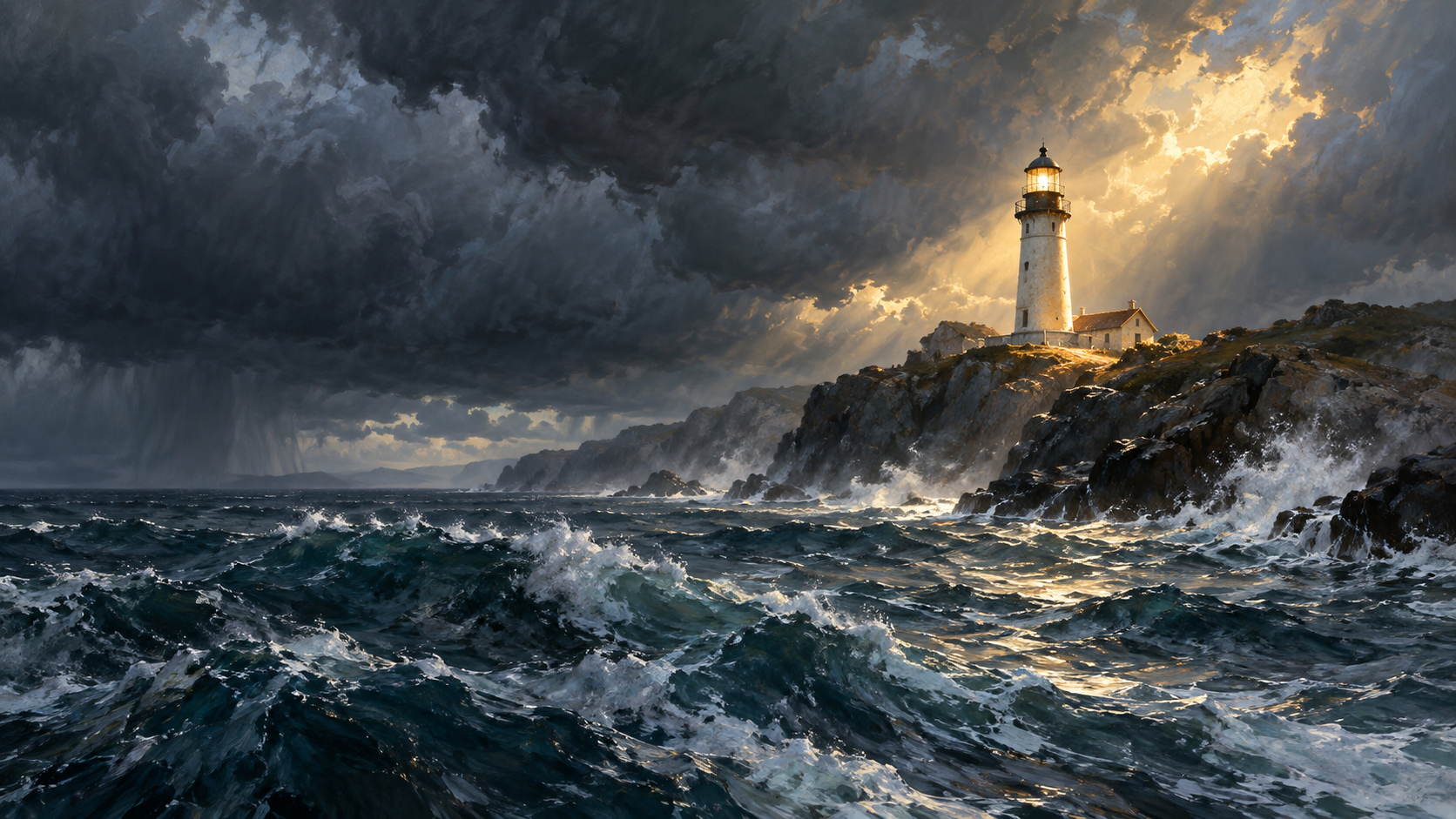
A lighthouse on a rocky headland under heavy storm clouds, seen from a small boat on choppy water, late afternoon light breaking through onto the lighthouse only. Painterly realism, cool greys with one warm highlight. Landscape. No text, no people.
What exact title and author name should appear on the fantasy book cover, and what scene should the artwork show?
A book cover image for my fantasy novel with the title at the top and my name at the bottom.
Checks that the reply asks for the exact title and author name, or leaves placeholders, instead of inventing a title that would be rendered, and flags that lettering must be checked.