Exact sign wording
Color and style
Background and presentation
Make a decorative street-sign image from your chosen wording and a visual style for a gift, scene or fictional place.
Sign-in and access checks apply in Vizify.
Explore your idea with AI before generating.
Chat could not be loaded. Your form is still available.
Review the brief and any reference in Vizify before sending it. Image generation uses your account’s current access and credits.
Exact sign wording
Color and style
Background and presentation
One image artifact
Include exact sign wording, color and style, background and presentation.
Copy the supplied wording and inspect each character before delivery.
The image is decorative, not a compliant traffic sign, a physical product, editable vector lettering or an authorization to install signage.
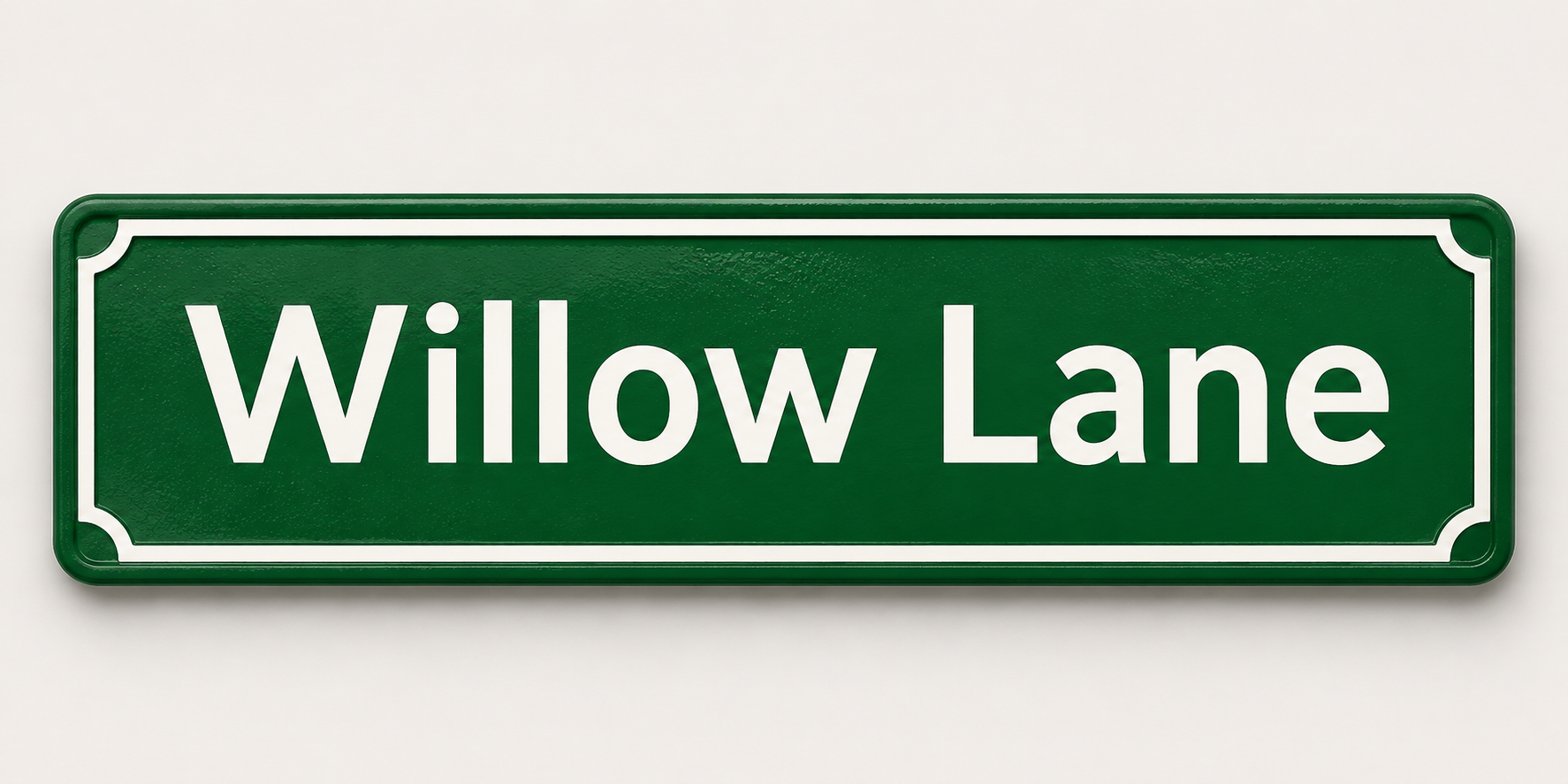
Create a decorative green street-sign concept reading Willow Lane, simple white lettering, isolated on a plain light background.
This image workflow produces a decorative street-sign concept, not a road-legal sign approved for installation. It does not establish regulatory compliance, dimensions, reflectivity or manufacturing suitability. Would a decorative image meet your goal, with any real sign requiring separate approval and production checks?
Produce a road-legal sign ready to install. Explain the decorative-image boundary and that compliance is not established.
Checks the input and output boundary rather than silently substituting an unsupported result.
Provide exact sign wording, color and style, background and presentation. A reference image is optional.
Yes. Supply the exact wording and keep it short. Check the generated letters rather than assuming they are correct.
You can use the available image output after checking resolution and rights. This page does not arrange printing or delivery.
No compliance is claimed. Official signage requires local specifications, materials, approval and professional production.
The street sign result is a raster image artifact in Vizify. Download the available image and inspect it before reuse. Editable source layers, vector paths and production files are not included.
Yes. Explain the next change to your street sign image and identify what should stay. Copy the supplied wording and inspect each character before delivery. Each generation or edit may use further allowance or credits.
Copy the supplied wording and inspect each character before delivery. Compare the actual result with the original brief, including any text or reference details.
The street sign brief opens in Vizify before any image is generated. Check exact sign wording, sign in and send when ready. The account’s current access and credit rules apply.