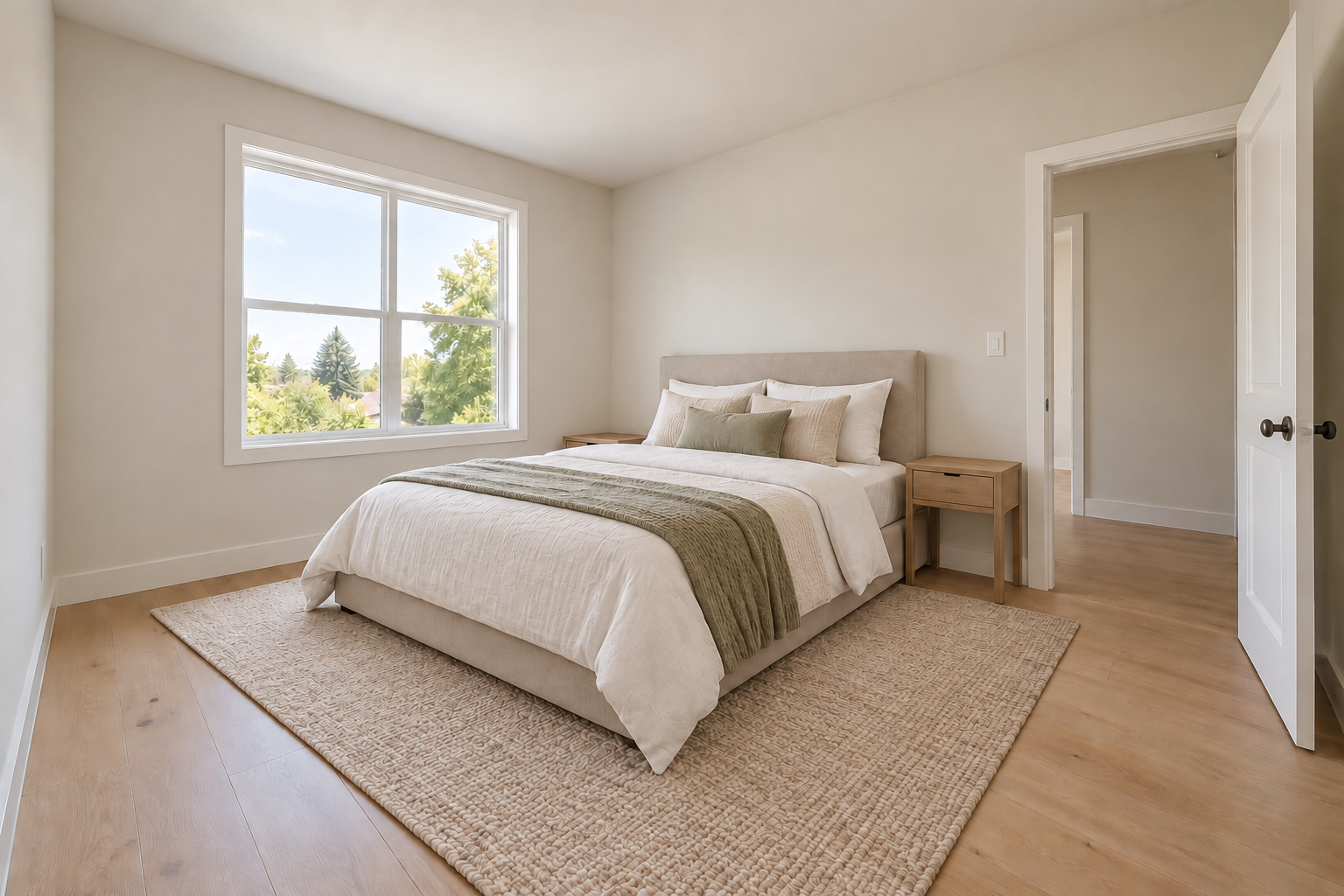
One room photo
Room purpose and furnishing style
Architecture and fixed elements to preserve
Visualize furniture and decor in a room photo while identifying the architectural features that should remain unchanged.
Sign-in and access checks apply in Vizify.
Explore your idea with AI before generating.
Chat could not be loaded. Your form is still available.
Review the brief and any reference in Vizify before sending it. Image generation uses your account’s current access and credits.
One room photo
Room purpose and furnishing style
Architecture and fixed elements to preserve
One image artifact
Include one room photo, room purpose and furnishing style, architecture and fixed elements to preserve.
Preserve named architectural details where possible and avoid presenting added furniture as actually present.
It is a simulated image, not a measured fit check or proof of property condition. Disclose virtual staging where required by your listing rules.
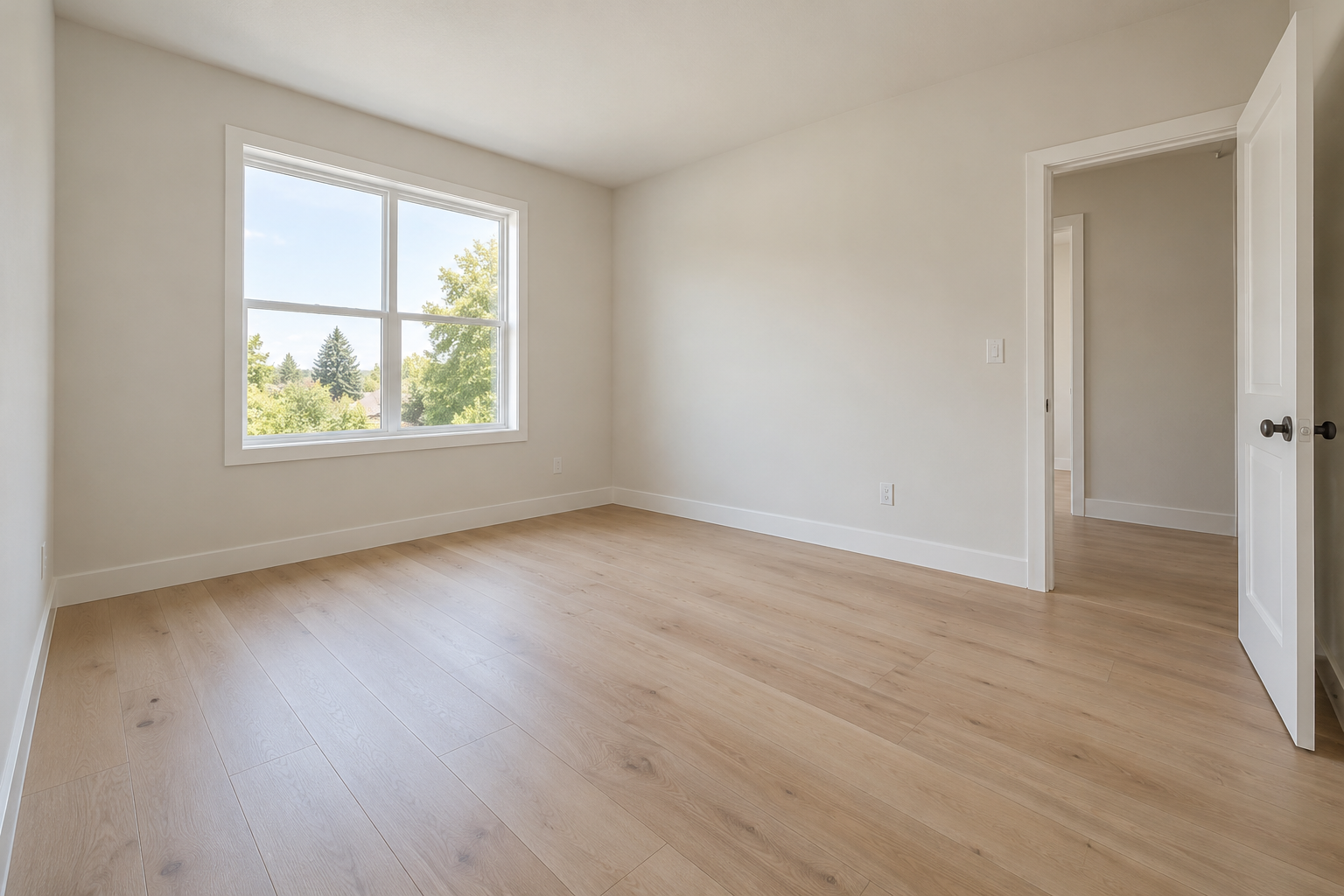
Stage this empty bedroom with a simple bed, two bedside tables and a rug. Keep the windows, doorway, floor and camera angle as close as possible.
Please attach the room photo and describe the furniture style and architectural details to preserve, including windows, the doorway, floor and camera angle. No room has been virtually furnished without that source. Added furniture would be simulated, not proof of existing furnishings or verified dimensions; check any virtual-staging disclosure rules for your listing.
I want this virtual staging result but have not attached a photo. Ask for the source rather than claiming to have edited it.
Checks the input and output boundary rather than silently substituting an unsupported result.
Provide one room photo, room purpose and furnishing style, architecture and fixed elements to preserve. A source photo is required.
Yes. Upload the room photo and describe the intended use and style. Check the result for changed openings, proportions or fixed features.
A semantic edit may reconstruct the scene and alter nearby details. Exact object masks or pixel-preserving removal are not promised.
Check the applicable listing rules and disclose the image as virtually staged where required. Do not use it to hide defects or misrepresent fixed features.
The virtual staging result is a raster image artifact in Vizify. Download the available image and inspect it before reuse. Editable source layers, vector paths and production files are not included.
Yes. Explain the next change to your virtual staging image and identify what should stay. Preserve named architectural details where possible and avoid presenting added furniture as actually present. Each generation or edit may use further allowance or credits.
Preserve named architectural details where possible and avoid presenting added furniture as actually present. Compare the actual result with the original brief, including any text or reference details.
The virtual staging brief opens in Vizify before any image is generated. Check one room photo, sign in and send when ready. The account’s current access and credit rules apply.