Video topic and truthful hook
Subject or reference image
Composition, palette and short text
Develop a thumbnail image around one clear subject and visual hook, with optional short wording that matches the video.
Sign-in and access checks apply in Vizify.
Explore your idea with AI before generating.
Chat could not be loaded. Your form is still available.
Review the brief and any reference in Vizify before sending it. Image generation uses your account’s current access and credits.
Video topic and truthful hook
Subject or reference image
Composition, palette and short text
One image artifact
Include video topic and truthful hook, subject or reference image, composition, palette and short text.
Keep the main subject readable at small size and inspect any text; do not invent claims absent from the brief.
It produces a raster concept, not an upload, performance test, editable layout or guarantee of exact platform dimensions.
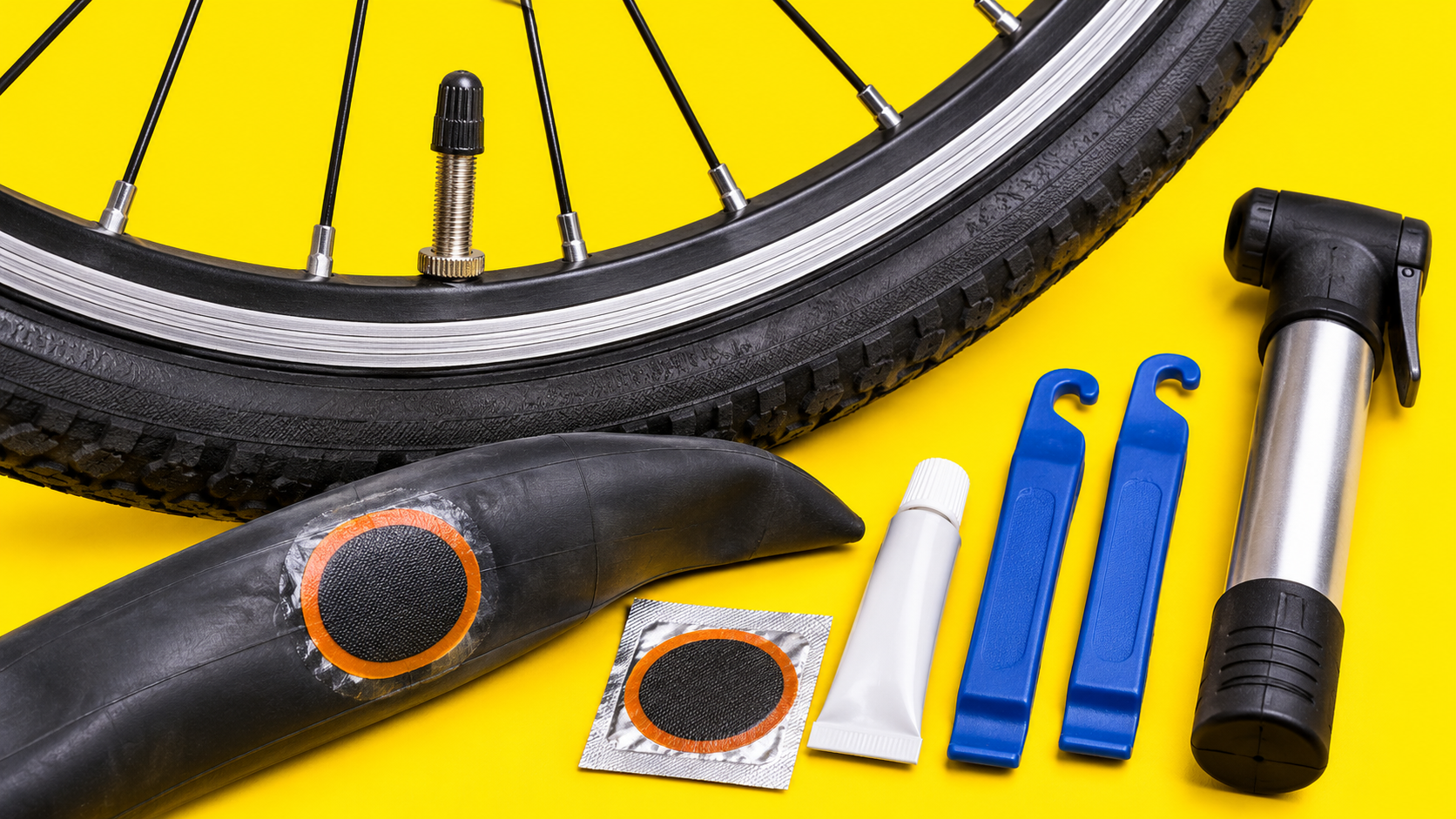
Create a YouTube thumbnail concept for a beginner bicycle puncture-repair video: close-up wheel and repair tools, bright yellow background, no shocked face or false result claims.
This image workflow can prepare a thumbnail concept, but it does not have access to your channel or analytics to upload it or prove an increase in clicks. No performance test has been run. Would you like to prepare the image for your review, upload and subsequent measurement using actual channel data?
Create and upload a thumbnail to my channel and prove it improves clicks. Explain the image-only result and lack of account or analytics access.
Checks the input and output boundary rather than silently substituting an unsupported result.
Provide video topic and truthful hook, subject or reference image, composition, palette and short text. A reference image is optional.
Use an optional reference image you have permission to use. Generative likeness and cutout accuracy need review.
No performance guarantee is offered. Choose a truthful visual hook and assess results in your own channel analytics.
Yes. Keep them short and supply exact spelling. Check readability at small size and consider adding precise typography in a layout editor.
The youtube thumbnail result is a raster image artifact in Vizify. Download the available image and inspect it before reuse. Editable source layers, vector paths and production files are not included.
Yes. Explain the next change to your youtube thumbnail image and identify what should stay. Keep the main subject readable at small size and inspect any text; do not invent claims absent from the brief. Each generation or edit may use further allowance or credits.
Keep the main subject readable at small size and inspect any text; do not invent claims absent from the brief. Compare the actual result with the original brief, including any text or reference details.
The youtube thumbnail brief opens in Vizify before any image is generated. Check video topic and truthful hook, sign in and send when ready. The account’s current access and credit rules apply.