Motifs and palette
Density, scale and style
Intended visual use
Explore decorative pattern artwork from motifs, colors and spacing, for an initial visual direction.
Sign-in and access checks apply in Vizify.
Explore your idea with AI before generating.
Chat could not be loaded. Your form is still available.
Review the brief and any reference in Vizify before sending it. Image generation uses your account’s current access and credits.
Motifs and palette
Density, scale and style
Intended visual use
One image artifact
Include motifs and palette, density, scale and style, intended visual use.
Keep motif scale and spacing coherent; inspect edge continuity if repetition was requested.
The output is a raster concept. Exact seamless tiling, vector repeats, color separations and manufacturing-ready repeat dimensions are not assured.
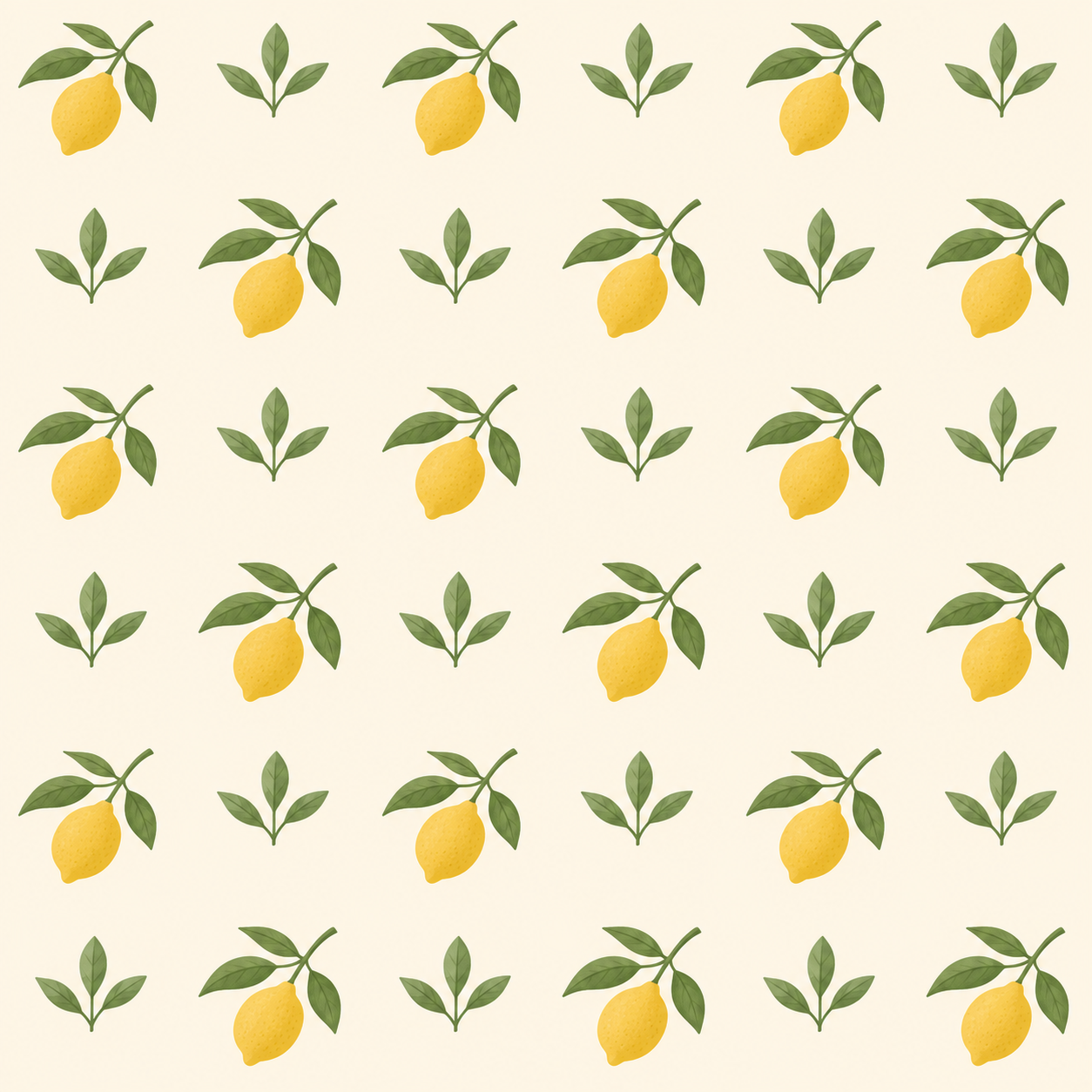
Create a decorative pattern concept of small citrus leaves and lemons, cream background, muted yellow and green, evenly spaced motifs.
This image workflow produces a raster pattern concept, not an exact seamless vector repeat or print separations. Evenly spaced motifs do not prove that opposite edges join without visible seams. The actual image must be tiled horizontally and vertically for inspection, then any production files prepared and checked separately.
I need an exact seamless vector repeat with print separations. Explain the raster concept boundary and the need to check actual tiled edges.
Checks the input and output boundary rather than silently substituting an unsupported result.
Provide motifs and palette, density, scale and style, intended visual use. A reference image is optional.
You can request a repeat-friendly design, but tile the actual image and inspect every edge before calling it seamless.
Use the image as a concept and verify print resolution, repeat alignment, colors and rights with the printer.
Yes. Describe sparse, medium or dense spacing and any scale reference. The result remains a visual interpretation, not an exact repeat grid.
The pattern result is a raster image artifact in Vizify. Download the available image and inspect it before reuse. Editable source layers, vector paths and production files are not included.
Yes. Explain the next change to your pattern image and identify what should stay. Keep motif scale and spacing coherent; inspect edge continuity if repetition was requested. Each generation or edit may use further allowance or credits.
Keep motif scale and spacing coherent; inspect edge continuity if repetition was requested. Compare the actual result with the original brief, including any text or reference details.
The pattern brief opens in Vizify before any image is generated. Check motifs and palette, sign in and send when ready. The account’s current access and credit rules apply.