Nail shape and length
Colors and motifs
Simple or detailed design
Explore nail-art concepts from a palette, nail shape and a small set of motifs, using an optional reference for visual direction.
Sign-in and access checks apply in Vizify.
Explore your idea with AI before generating.
Chat could not be loaded. Your form is still available.
Review the brief and any reference in Vizify before sending it. Image generation uses your account’s current access and credits.
Nail shape and length
Colors and motifs
Simple or detailed design
One image artifact
Include nail shape and length, colors and motifs, simple or detailed design.
Keep the requested palette and motifs readable; inspect hand and nail anatomy in the result.
The image is not a salon-ready technical plan, a product recommendation or a guarantee of realistic hand anatomy.
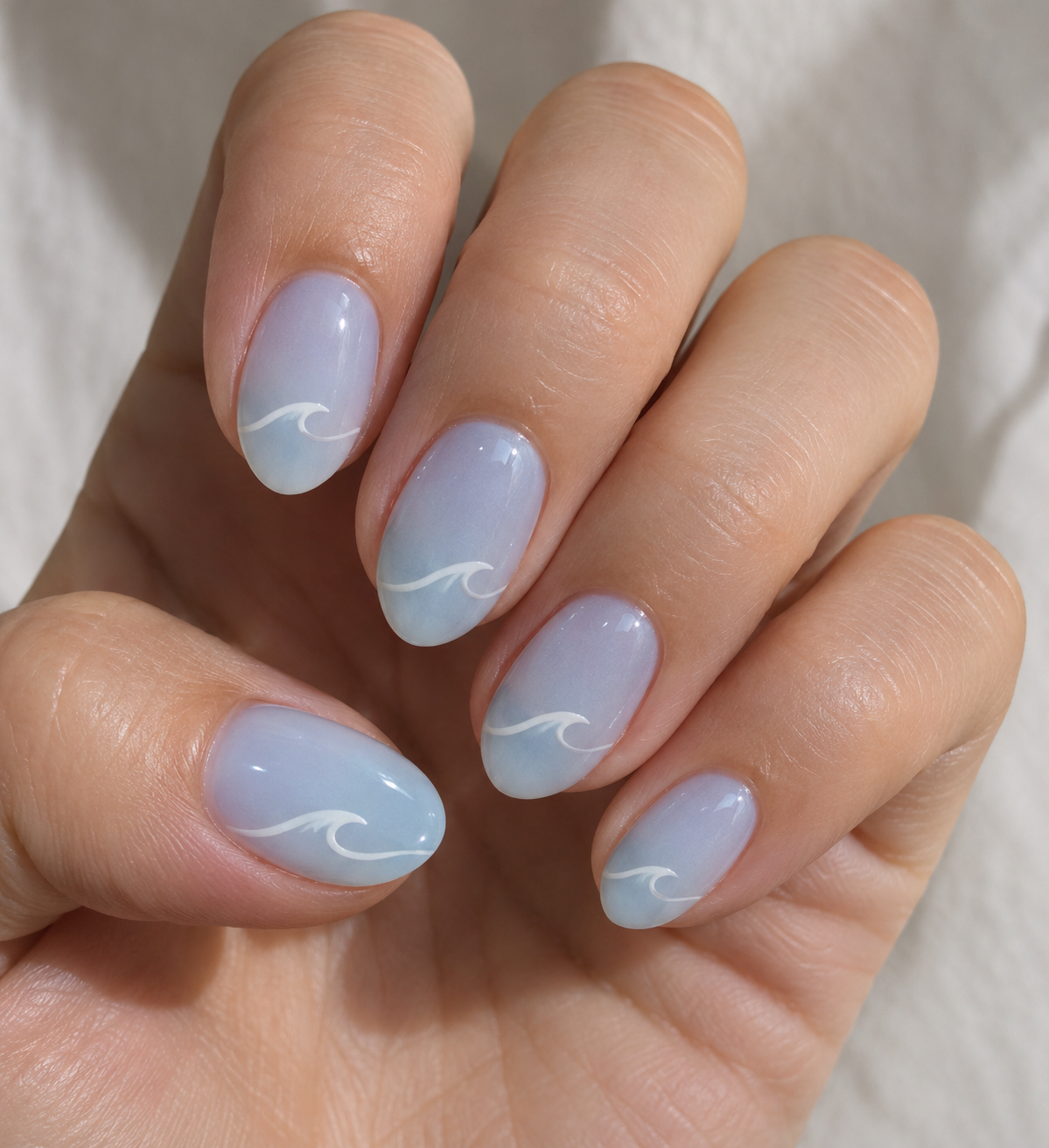
Create a nail-art concept for short almond nails: milky blue base, small white wave accents, minimal design, close-up presentation.
A nail-art image can show colors, motifs and nail shape, but it cannot verify the products or salon procedure used. I would not present a brand list, quantities or curing steps as established by the picture. The actual materials and technique need separate confirmation with the person performing the manicure.
Give me a verified salon procedure and product list from this nail-art image. Explain the limits of a visual concept.
Checks the input and output boundary rather than silently substituting an unsupported result.
Provide nail shape and length, colors and motifs, simple or detailed design. A reference image is optional.
Yes. Describe the intended pattern, but inspect whether every finger follows it. A highly detailed per-finger layout may need manual refinement.
You can add an optional reference and state what it should guide. Exact nail geometry and a precise polish overlay are not assured.
Use it as a discussion reference. The artist needs to assess technique, materials, time and what suits the actual nails.
The nail art result is a raster image artifact in Vizify. Download the available image and inspect it before reuse. Editable source layers, vector paths and production files are not included.
Yes. Explain the next change to your nail art image and identify what should stay. Keep the requested palette and motifs readable; inspect hand and nail anatomy in the result. Each generation or edit may use further allowance or credits.
Keep the requested palette and motifs readable; inspect hand and nail anatomy in the result. Compare the actual result with the original brief, including any text or reference details.
The nail art brief opens in Vizify before any image is generated. Check nail shape and length, sign in and send when ready. The account’s current access and credit rules apply.