Brand name and industry
Mark style and color direction
Optional reference images
Describe your brand, industry, and mark style, add references if you have them, and get one raster logo concept to review in Vizify — not an editable vector file.
The request, selected options, and staged images open in Vizify for review before execution.
Brand name and industry
Mark style and color direction
Optional reference images
One raster logo concept image
Reusable brief and settings
Name, industry, mark style — wordmark, emblem, icon-only — and color direction shape a request built for logo work specifically.
Add existing brand assets or inspiration images to guide shape and color; the written brief remains the primary instruction.
The result is a high-resolution raster concept for review, not a production-ready vector — plan a separate vectorization step before print or brand-guideline use.

Explore an original logo concept for a builder, contractor or trade business from your company name, services and symbol ideas. You get one raster concept to review, not a final vector file.

Explore a restrained, original logo concept for a consulting firm or solo practice from your firm name, specialty and style. One raster concept, not a vector file or trademark search.
Start with the brand name, industry, a mark style such as wordmark, emblem, or icon-only, a color direction, and where the logo will appear.
No. The result is raster artwork. Vectorize it separately if you need a scalable, editable file for print or brand guidelines.
Yes. Add up to 8 reference images to guide shape, color, or existing visual identity.
Describe the style you want — wordmark, emblem, monogram, icon-only, minimalist, or another direction — directly in the brief.
Choose Auto, Square, Landscape, or Portrait before you send the request.
Vizify does not run a trademark search. Check any concept against existing marks before you commit to it.
No. The prepared request opens in Vizify, where you can review it before sending.
Yes. The request and resulting artifact can be reviewed, revised, and reused in Vizify.
You can prepare the task on the public page; sign-in is required to upload durably, execute, and save the result.
Not by default. Ask for a plain, flat background, then use Transparent Image Maker or the image background remover and confirm the file really has transparency. Thin strokes and soft edges may need cleanup.
Usually, but not always. Put the exact name in quotes and check every letter. If the lettering matters, treat the result as a concept and have the wordmark set in a real font afterwards.
Writing the logo brief is free. Generating needs sign-in: a free account includes a small image allowance paid from its sign-up credits, then Pro or a credit pack is needed.
Name your brand, industry, and preferred mark style — wordmark, emblem, monogram, or icon-only — plus any colors or brand assets that already exist. References help with shape and color, but the written brief remains the primary instruction.
The result is raster artwork, not a guaranteed editable SVG or production vector file — plan a separate vectorization step before print or brand-guideline use. The prepared request opens in Vizify first; no task runs until you review and send it.
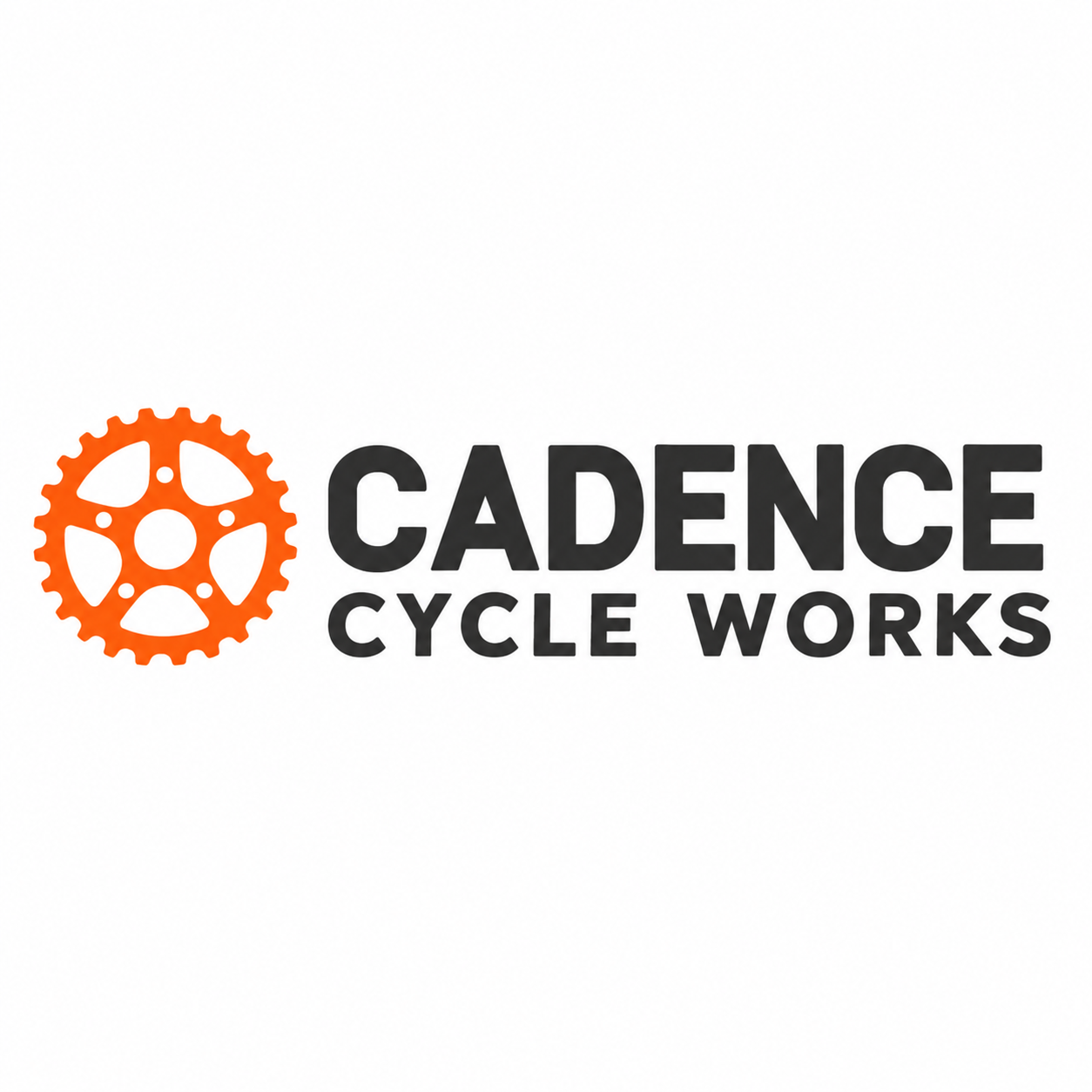
Design a wordmark logo for 'Cadence Cycle Works', a neighborhood bike repair shop. Geometric sans lettering in charcoal with a small chainring icon to the left in signal orange. Plain white background, square format, and it must stay readable when printed small on a receipt.
What final business name should appear on the coffee-cart logo?
Make a logo for my new coffee cart. I haven't settled on the name yet, maybe something with 'bean'.
Checks that the reply asks for the final name before rendering lettering, or offers an icon-only concept, rather than inventing a brand name.