One garden or yard photo
Planting style and intended use
Paths, fences and structures to retain
Explore a planting and outdoor-layout concept from a garden photo, with the hardscape and boundaries you want to preserve.
Sign-in and access checks apply in Vizify.
Explore your idea with AI before generating.
Chat could not be loaded. Your form is still available.
Review the brief and any reference in Vizify before sending it. Image generation uses your account’s current access and credits.
One garden or yard photo
Planting style and intended use
Paths, fences and structures to retain
One image artifact
Include one garden or yard photo, planting style and intended use, paths, fences and structures to retain.
Preserve named site features where possible and separate visual planting ideas from verified species suitability.
It does not assess soil, climate, drainage, property boundaries, plant toxicity, costs or construction feasibility.
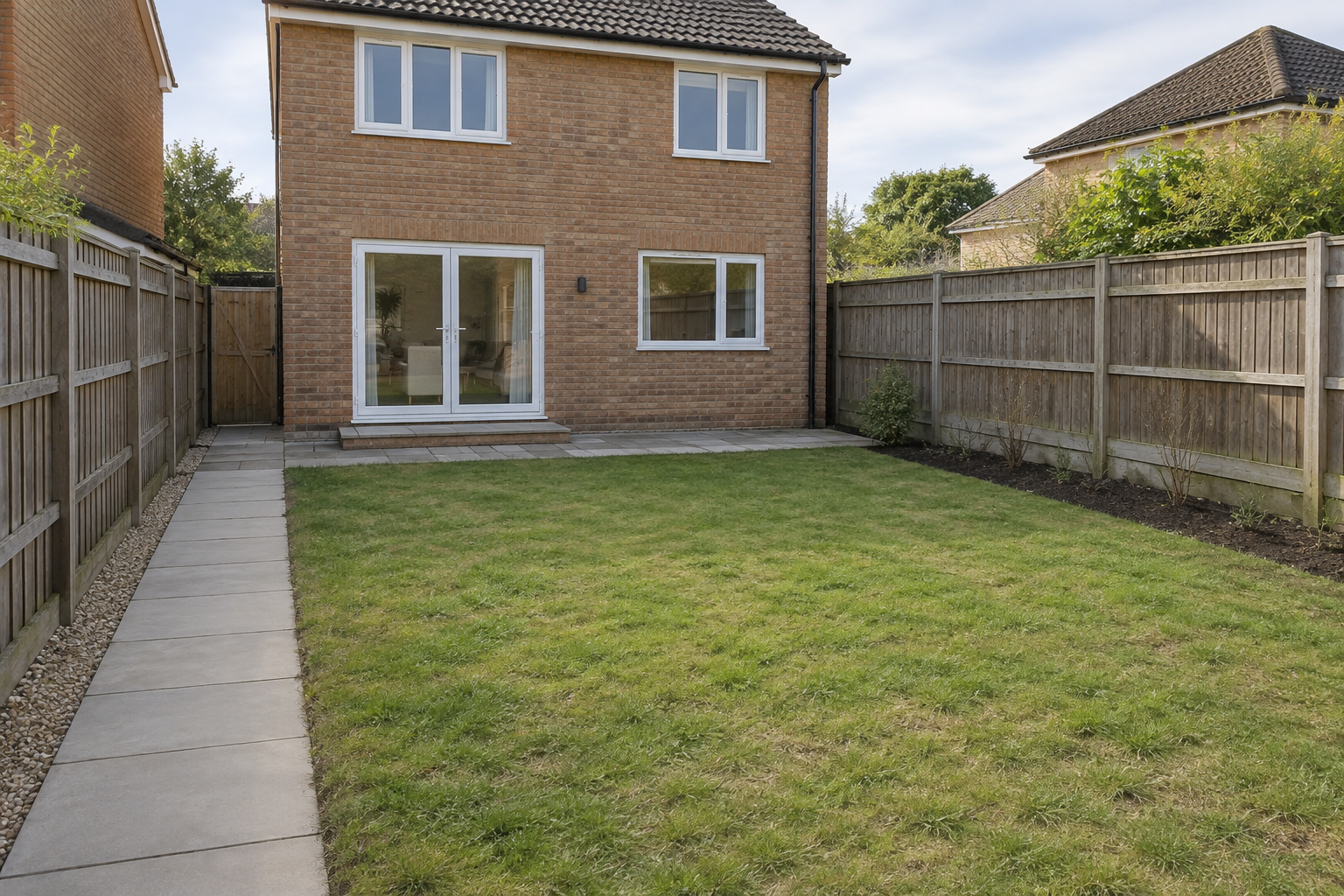
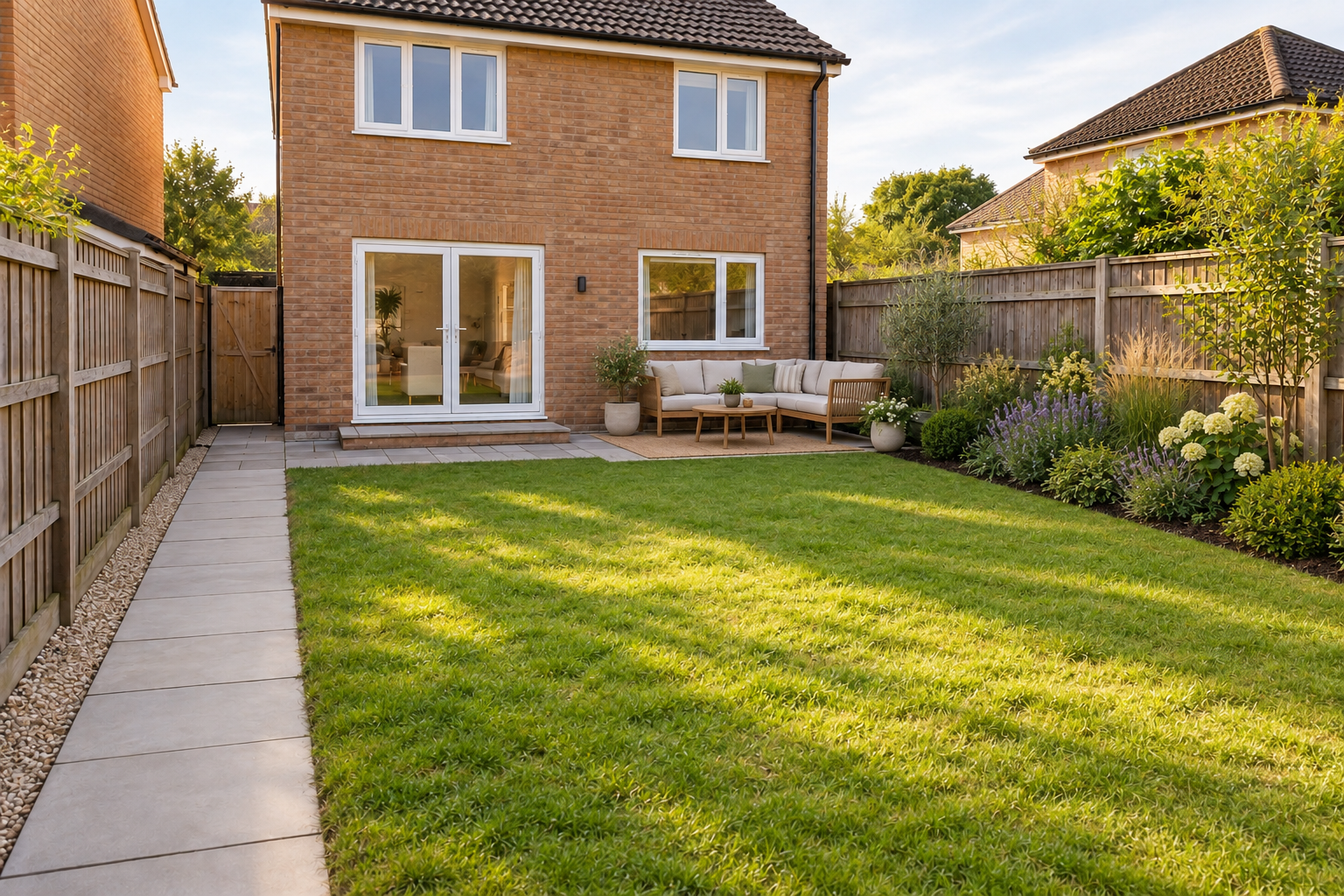
Visualize a low-maintenance garden in this yard. Keep the fence and existing path; add layered planting and a small seating area without changing the house.
Please attach a photo of the yard and identify the fence, path, house and planting areas that must remain. Describe the planting style and how you want to use the space. Without that source, no edit of your yard has been made; the concept would not verify soil, drainage, plant suitability or construction feasibility.
I want this landscape design visualizer result but have not attached a photo. Ask for the source rather than claiming to have edited it.
Checks the input and output boundary rather than silently substituting an unsupported result.
Provide one garden or yard photo, planting style and intended use, paths, fences and structures to retain. A source photo is required.
The image does not establish species suitability. Check local climate, soil, sunlight and maintenance needs with reliable horticultural guidance.
Yes. Name the path and other protected features explicitly. Compare the generated layout with the original photo.
No. Treat it as a visual brief. Site measurements, drainage, permits and detailed planting or construction plans need separate work.
The landscape design visualizer result is a raster image artifact in Vizify. Download the available image and inspect it before reuse. Editable source layers, vector paths and production files are not included.
Yes. Explain the next change to your landscape design visualizer image and identify what should stay. Preserve named site features where possible and separate visual planting ideas from verified species suitability. Each generation or edit may use further allowance or credits.
Preserve named site features where possible and separate visual planting ideas from verified species suitability. Compare the actual result with the original brief, including any text or reference details.
The landscape design visualizer brief opens in Vizify before any image is generated. Check one garden or yard photo, sign in and send when ready. The account’s current access and credit rules apply.