Jewelry type and design idea
Material and stone appearance
View, background and details
Explore jewelry concepts through shape, material appearance and presentation, before a designer or maker checks feasibility.
Sign-in and access checks apply in Vizify.
Explore your idea with AI before generating.
Chat could not be loaded. Your form is still available.
Review the brief and any reference in Vizify before sending it. Image generation uses your account’s current access and credits.
Jewelry type and design idea
Material and stone appearance
View, background and details
One image artifact
Include jewelry type and design idea, material and stone appearance, view, background and details.
Keep the requested motif and material appearance clear without asserting real measurements or gem properties.
This is concept artwork, not CAD, a gem valuation, a casting file or a structurally verified design.
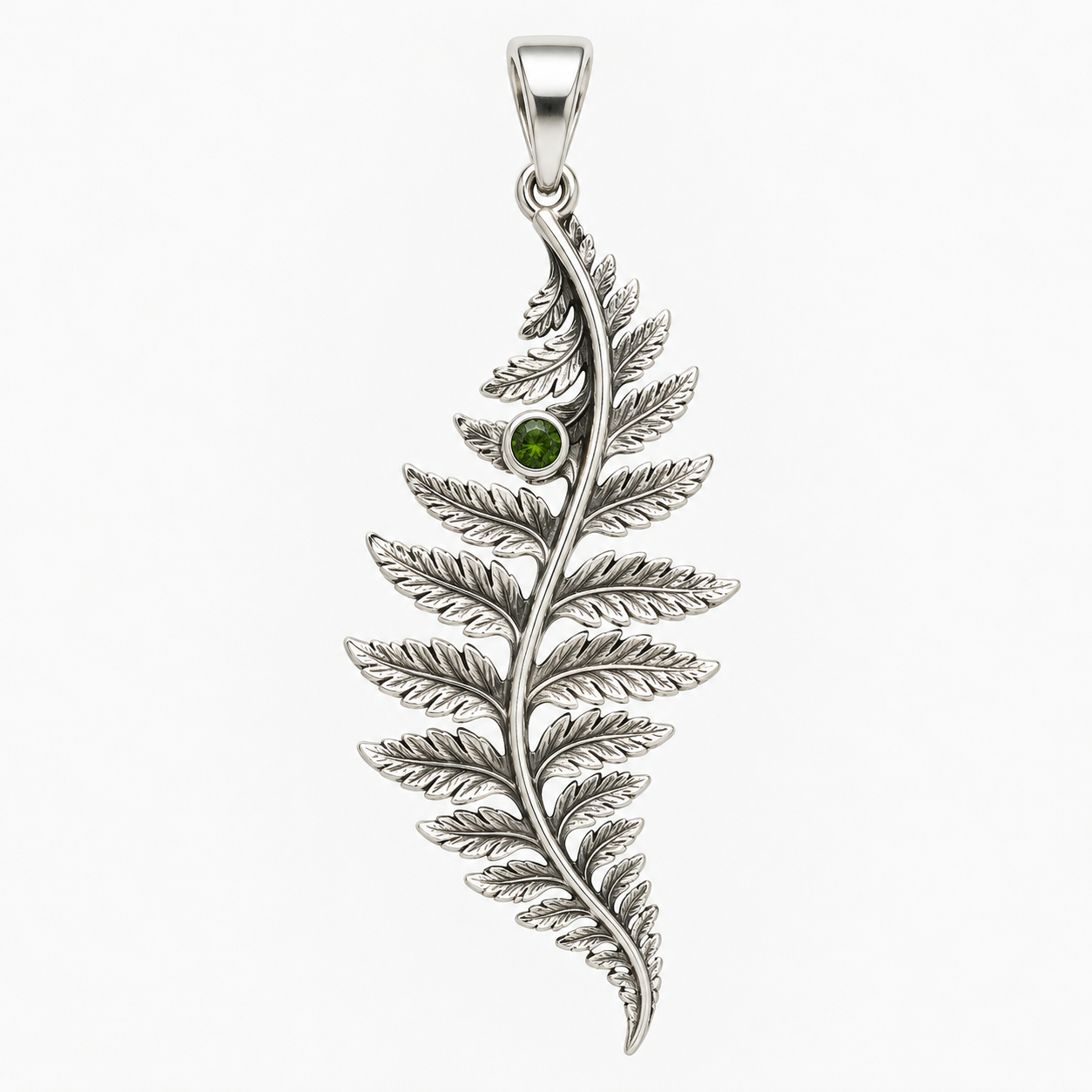
Create a concept image of a silver pendant inspired by a fern leaf, one small green stone, plain background, detailed front view.
This image workflow can illustrate the jewelry concept, but it does not deliver casting-ready CAD or verified stone settings. The picture cannot establish actual dimensions, structural strength or manufacturing suitability. If those production files are required, the illustration needs separate engineering design and validation rather than being presented as a finished production design.
Create a casting-ready CAD file with verified stone settings. Explain the difference between a jewelry concept image and a production design.
Checks the input and output boundary rather than silently substituting an unsupported result.
Provide jewelry type and design idea, material and stone appearance, view, background and details. A reference image is optional.
Yes, as a visual direction. The image does not prove a material’s composition, value or availability.
A jeweler must translate it into a feasible design and check settings, dimensions, durability and materials. This image alone is not a production file.
You can request a view or a set of concepts, but cross-view geometric consistency is not assured.
The jewelry design result is a raster image artifact in Vizify. Download the available image and inspect it before reuse. Editable source layers, vector paths and production files are not included.
Yes. Explain the next change to your jewelry design image and identify what should stay. Keep the requested motif and material appearance clear without asserting real measurements or gem properties. Each generation or edit may use further allowance or credits.
Keep the requested motif and material appearance clear without asserting real measurements or gem properties. Compare the actual result with the original brief, including any text or reference details.
The jewelry design brief opens in Vizify before any image is generated. Check jewelry type and design idea, sign in and send when ready. The account’s current access and credit rules apply.