Reference photo to transform (PNG, JPEG, or WebP)
Written description of the target style, medium, or mood
Detail in the source that must stay recognizable
Upload one reference photo and describe the new direction — a different medium, mood, lighting, or setting — to get one generated image that keeps your subject recognizable while adopting that look.
The request, selected options, and staged images open in Vizify for review before execution.
Reference photo to transform (PNG, JPEG, or WebP)
Written description of the target style, medium, or mood
Detail in the source that must stay recognizable
One generated image in the requested style
Reusable prompt and reference for further edits
Describe any target style, medium, mood, or setting in your own words instead of picking from a fixed preset list.
The source subject, composition, and key details are carried through the generative transformation rather than replaced.
The prepared request opens in Vizify so you can check the prompt and source image before anything is generated.
Upload one reference photo and describe the new direction — a different style, mood, lighting, setting, or medium — to get one AI-generated image built from that source.
Both: it's an AI image generator from image workflow where the photo anchors the subject and composition, and your prompt defines the new direction. A short prompt is required.
The uploaded photo supplies the subject, composition, and details to preserve; a text-only generator starts from nothing and has to invent all of that.
You need to describe the direction. The prompt is required here because a single photo doesn't specify which new style, mood, or scene you want.
The generation is directed to keep the main subject, composition, and identity recognizable, but it is not a guaranteed exact match — check faces, hands, and fine detail in the result.
PNG, JPEG, or WebP, up to 10 MB, one source image per request.
Yes. Style, mood, lighting, setting, and medium are open-ended instructions you write in the prompt rather than a fixed preset list.
No. The output is a generated image, not a deterministic filter — expect a close visual match to your description rather than a pixel-exact conversion.
You can prepare the request on this page without an account; signing in is required to upload the image durably, run the generation, and save the result.
Preparing the transformation is free and needs no account. Running it needs sign-in: a free account includes a small allowance of image edits paid from its sign-up credits, and more need Pro or a credit pack.
Not on this page, which takes one source image. Use AI image Combiner when several people, products or scenes must appear together.
Yes, if you have their permission. Name what must stay recognizable, such as face, hair and glasses, and check the result closely, because likeness can drift in a new style.
Name the medium, era, mood, lighting, or setting you want, and mention anything in the photo that must stay the same — face, outfit, background, or pose. The more specific the direction, the closer the generated result will match it.
The result is one generated raster image, not a deterministic filter or literal recolor of the source. Review subject fidelity and how closely the requested style was applied before saving; fine detail, text, and hands are the areas most likely to drift from the source.
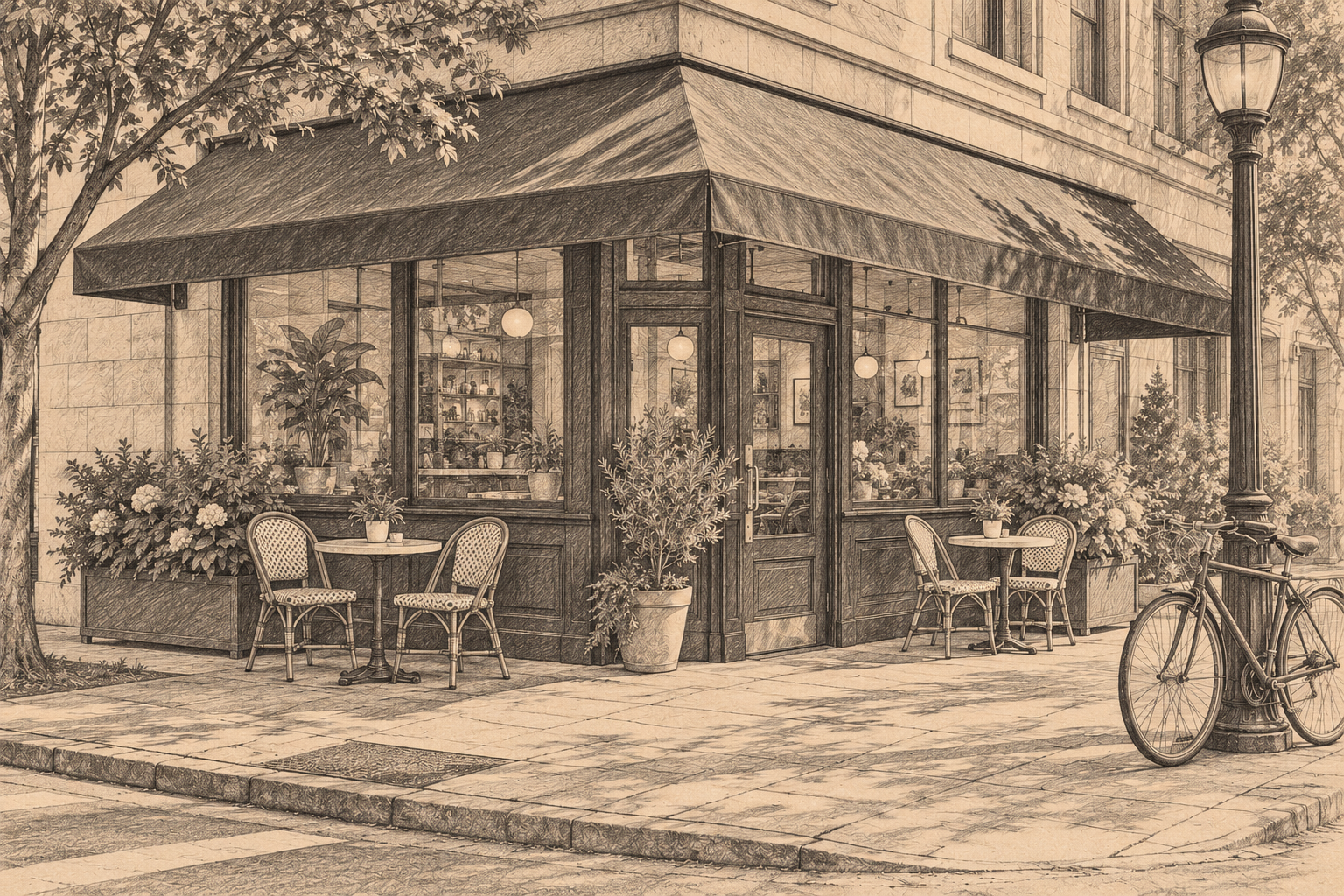
Use the attached photo of the corner café on Birch Street as the base and redraw it as a graphite pencil study on warm toned paper. Keep the awning, the two bistro tables and the bicycle leaning on the lamp post in the same positions. Soft cross-hatching for shadows, no color.
What style and scene would you like for your dog, while keeping their appearance recognizable? Please include the beach photo.
Here's a photo of my dog on the beach. Make something cool from it.
Checks that the reply asks for the target style or setting and what must stay recognizable, rather than choosing an arbitrary style and spending an edit.