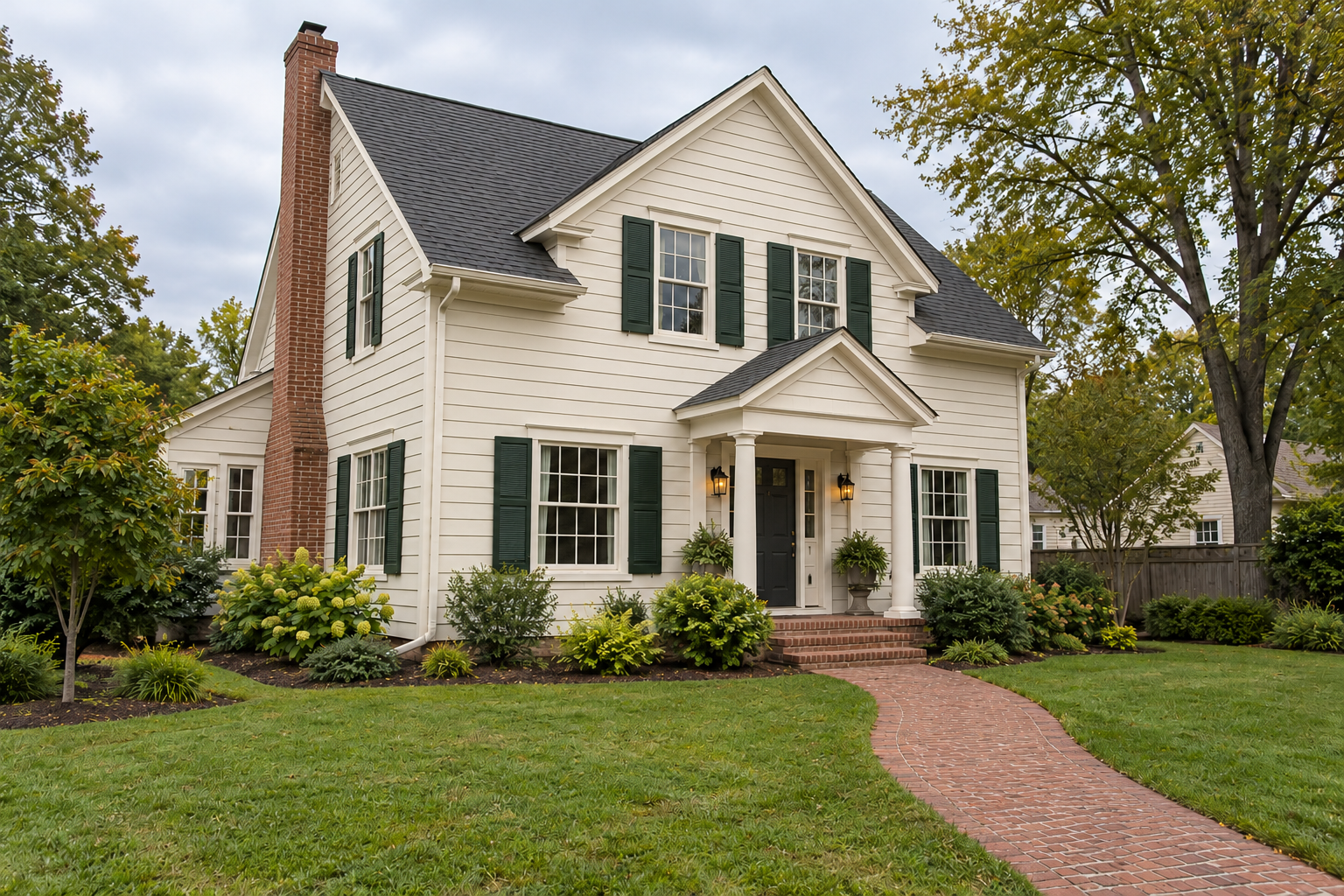
One exterior photo
Surfaces and colors to change
Windows, roof and landscaping to preserve
Try an exterior color or finish direction on a house photo, preserving the main features you want to compare.
Sign-in and access checks apply in Vizify.
Explore your idea with AI before generating.
Chat could not be loaded. Your form is still available.
Review the brief and any reference in Vizify before sending it. Image generation uses your account’s current access and credits.
One exterior photo
Surfaces and colors to change
Windows, roof and landscaping to preserve
One image artifact
Include one exterior photo, surfaces and colors to change, windows, roof and landscaping to preserve.
Use a semantic reference edit; preserve major geometry and named untouched surfaces as closely as possible.
Colors are visual approximations, not paint-code matching, accurate lighting simulation, a renovation plan or pixel-locked masking.
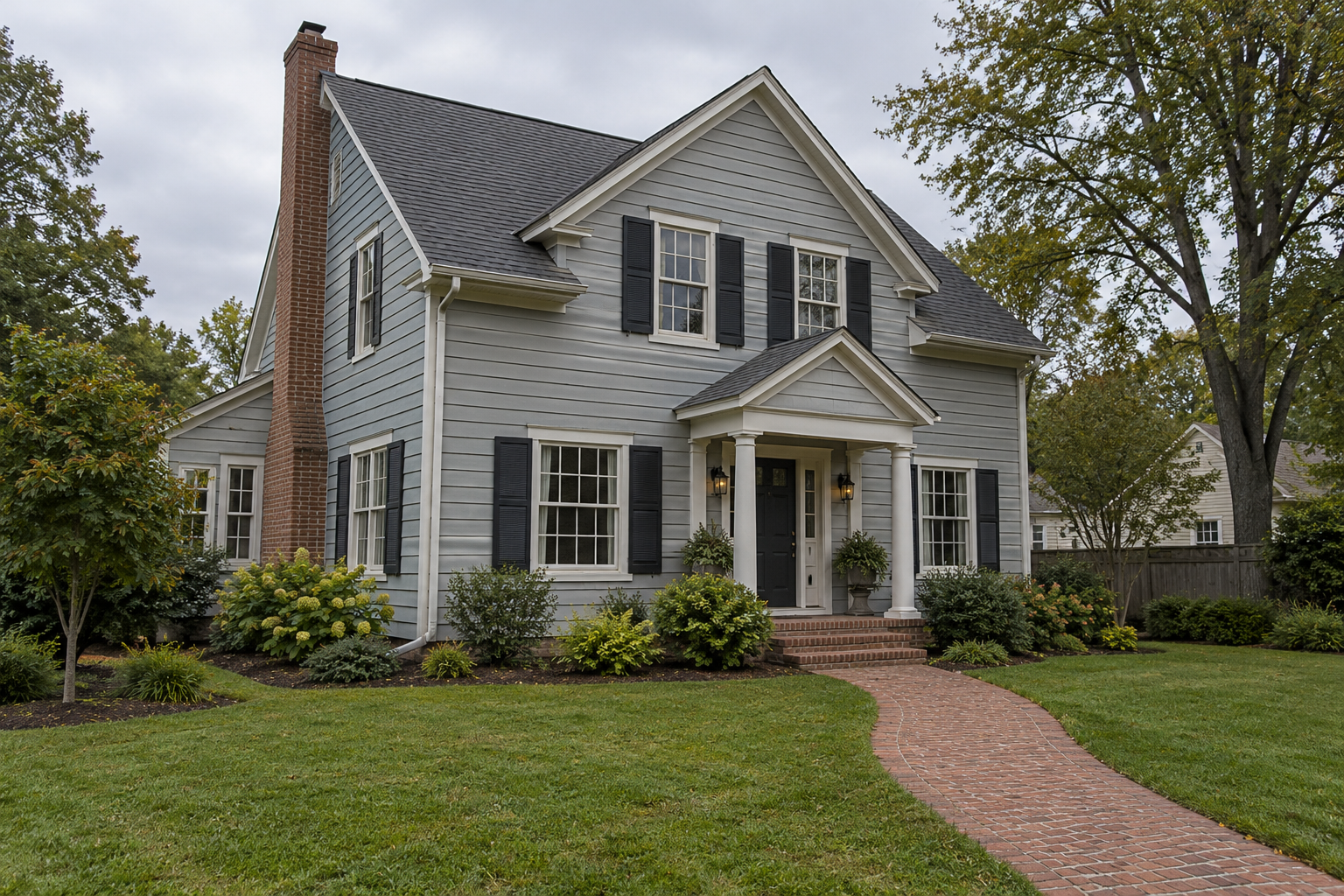
Visualize this house with warm off-white walls and deep green shutters. Keep the roof, windows, brick path and planting unchanged.
Please attach a clear exterior photo and identify the walls or shutters to recolor, the proposed colors and the areas to preserve. No edit of your house has been made without that source. Any color preview would be a visual approximation, not a verified paint-code match or a guarantee of the finished result.
I want this house painting visualizer result but have not attached a photo. Ask for the source rather than claiming to have edited it.
Checks the input and output boundary rather than silently substituting an unsupported result.
Provide one exterior photo, surfaces and colors to change, windows, roof and landscaping to preserve. A source photo is required.
Give the color name or reference, but do not treat the image as a calibrated match. Check physical samples on the actual surface in real lighting.
You can request that they stay, but a semantic edit can alter nearby details. Compare the result with the original photo.
No. This page focuses on imagined exterior finishes from an existing photo. It does not produce architectural drawings or a buildable renovation plan.
The house painting visualizer result is a raster image artifact in Vizify. Download the available image and inspect it before reuse. Editable source layers, vector paths and production files are not included.
Yes. Explain the next change to your house painting visualizer image and identify what should stay. Use a semantic reference edit; preserve major geometry and named untouched surfaces as closely as possible. Each generation or edit may use further allowance or credits.
Use a semantic reference edit; preserve major geometry and named untouched surfaces as closely as possible. Compare the actual result with the original brief, including any text or reference details.
The house painting visualizer brief opens in Vizify before any image is generated. Check one exterior photo, sign in and send when ready. The account’s current access and credit rules apply.