Subject, mood, and art style
Optional reference images
Aspect ratio
Describe the artwork you want — subject, style, palette, mood — add optional visual references, and Vizify prepares one focused image request you can review before it runs.
The request, selected options, and staged images open in Vizify for review before execution.
Subject, mood, and art style
Optional reference images
Aspect ratio
One reviewable artwork image
Reusable prompt and style settings
The composer asks for subject, style, palette, and use so the request reads like an art direction brief instead of a single vague line.
Add up to eight images to steer color, composition, or mood; the written brief stays the primary instruction and stays editable.
Review fine detail, text, and composition in Vizify before treating the artwork as final — generated detail can still drift from the brief.
Start with the subject, an art style such as watercolor, oil painting, line art, or digital illustration, a color palette, mood, and where the piece will be used.
Yes. Add up to 8 reference images for color, composition, or style direction; the written brief remains the primary instruction.
Choose Auto, Square, Landscape, or Portrait before you send the request.
Each request generates a new artifact from your brief. Identical prompts and settings are not guaranteed to render identically twice.
Generation may reconstruct fine detail; inspect identities, text, logos, and small textures before use.
No. The prepared request opens in Vizify, where you can review it before sending.
Yes. The request and resulting artifact can be reviewed, revised, and reused in Vizify.
AI Art Generator creates new artwork from a written brief. If you're starting from a specific photo you want changed, use an image editor instead.
Writing the brief here is free and needs no account. Generating the artwork needs sign-in: a free account includes a small image allowance paid from its sign-up credits, and more images need Pro or a credit pack. There is no unlimited free plan.
Describe the qualities you want instead: medium, brushwork, palette, era and composition. Requests built on a living artist's name or a copyrighted character carry rights risk, and the result is a new image that only resembles a style.
Vizify does not clear rights for generated images. Check the Vizify terms and the rights to any reference images you uploaded before you sell, print or publish the artwork.
Each request returns one artwork. Ask for a variation in the same conversation, change one thing at a time, and compare the versions side by side.
Name the subject, art style — watercolor, oil painting, line art, concept art, digital illustration — palette, mood, and where the piece will be used. Reference images help with color and composition, but the written brief stays the primary instruction.
Generation may reconstruct fine detail, so inspect identities, text, logos, and small textures before use. The prepared request opens in Vizify first — nothing runs until you review and send it.
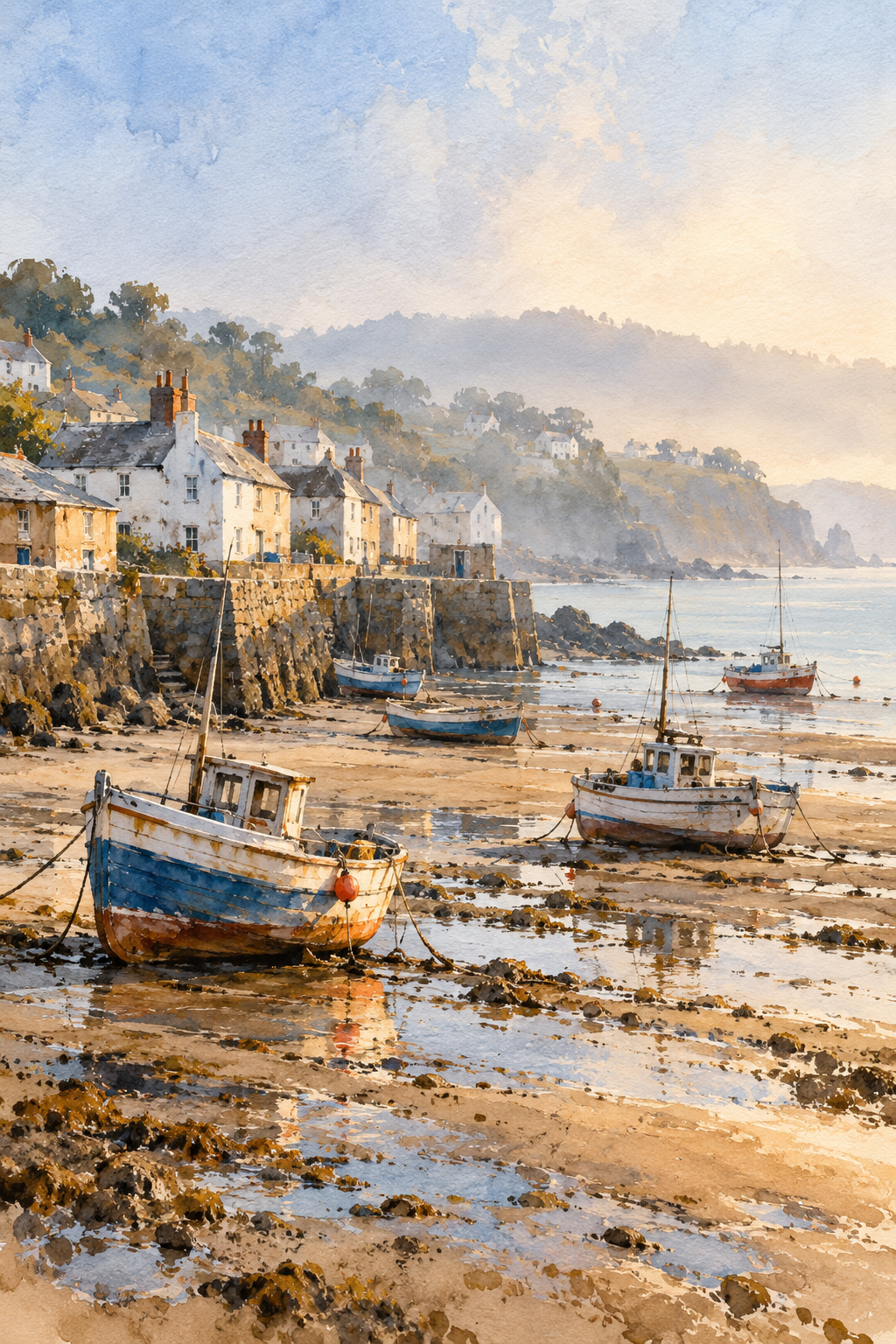
Paint a watercolor of a small fishing village at low tide, boats resting on wet sand, muted blues and warm ochre, soft morning haze, loose brushwork with visible paper texture. Portrait orientation for a framed print in a hallway. No text anywhere.
What subject should the three-color graphic poster show?
Make me some AI art in a bold graphic poster style with three flat colors. I haven't decided on the subject yet.
Checks that the reply asks for a subject or offers two or three subject options before generating, instead of picking a random subject and spending a generation.