Music mood and visual concept
Exact cover text, if any
Palette and composition
Develop cover artwork around your music’s mood, genre and visual identity, with an optional short title or artist name.
Sign-in and access checks apply in Vizify.
Explore your idea with AI before generating.
Chat could not be loaded. Your form is still available.
Review the brief and any reference in Vizify before sending it. Image generation uses your account’s current access and credits.
Music mood and visual concept
Exact cover text, if any
Palette and composition
One image artifact
Include music mood and visual concept, exact cover text, if any, palette and composition.
Preserve supplied title and artist spelling if text is requested; inspect every visible word.
The output is artwork, not a distributor-approved package, a music recording or an editable typography layout.
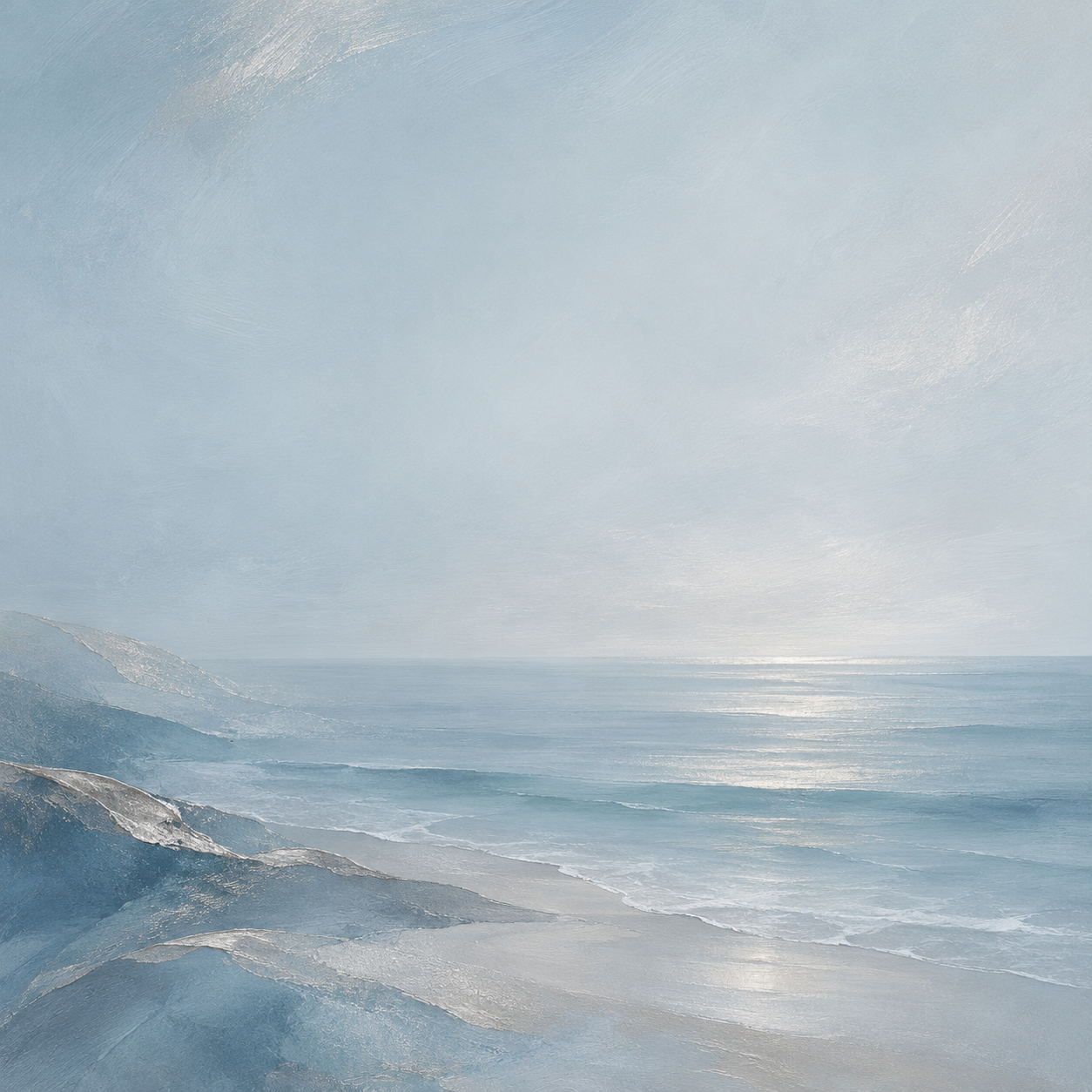
Create square album-cover artwork for an instrumental record called Quiet Tides: abstract coastal textures, muted blue and silver, no artist portrait. Leave room for typography.
Please share your distributor’s current cover requirements, including dimensions, file format and any rules for text or image content. Without those specifications, I cannot verify compliance. This image workflow provides cover artwork, not a distributor-approved package or editable typography; the actual file still needs checking against the requirements.
I need a cover certified to meet my distributor’s current specification, but I have not supplied it. Ask for the requirements and explain the image-output boundary.
Checks the input and output boundary rather than silently substituting an unsupported result.
Provide music mood and visual concept, exact cover text, if any, palette and composition. A reference image is optional.
Yes. Provide exact spelling and keep the text short. Review lettering carefully; generated text can be misspelled or uneven.
Check the current distributor specification yourself. This page does not certify pixel dimensions, file-size requirements or rights clearance.
Yes. Ask for artwork only and describe the atmosphere. Add precise typography later in a layout editor if you need exact control.
The album cover result is a raster image artifact in Vizify. Download the available image and inspect it before reuse. Editable source layers, vector paths and production files are not included.
Yes. Explain the next change to your album cover image and identify what should stay. Preserve supplied title and artist spelling if text is requested; inspect every visible word. Each generation or edit may use further allowance or credits.
Preserve supplied title and artist spelling if text is requested; inspect every visible word. Compare the actual result with the original brief, including any text or reference details.
The album cover brief opens in Vizify before any image is generated. Check music mood and visual concept, sign in and send when ready. The account’s current access and credit rules apply.