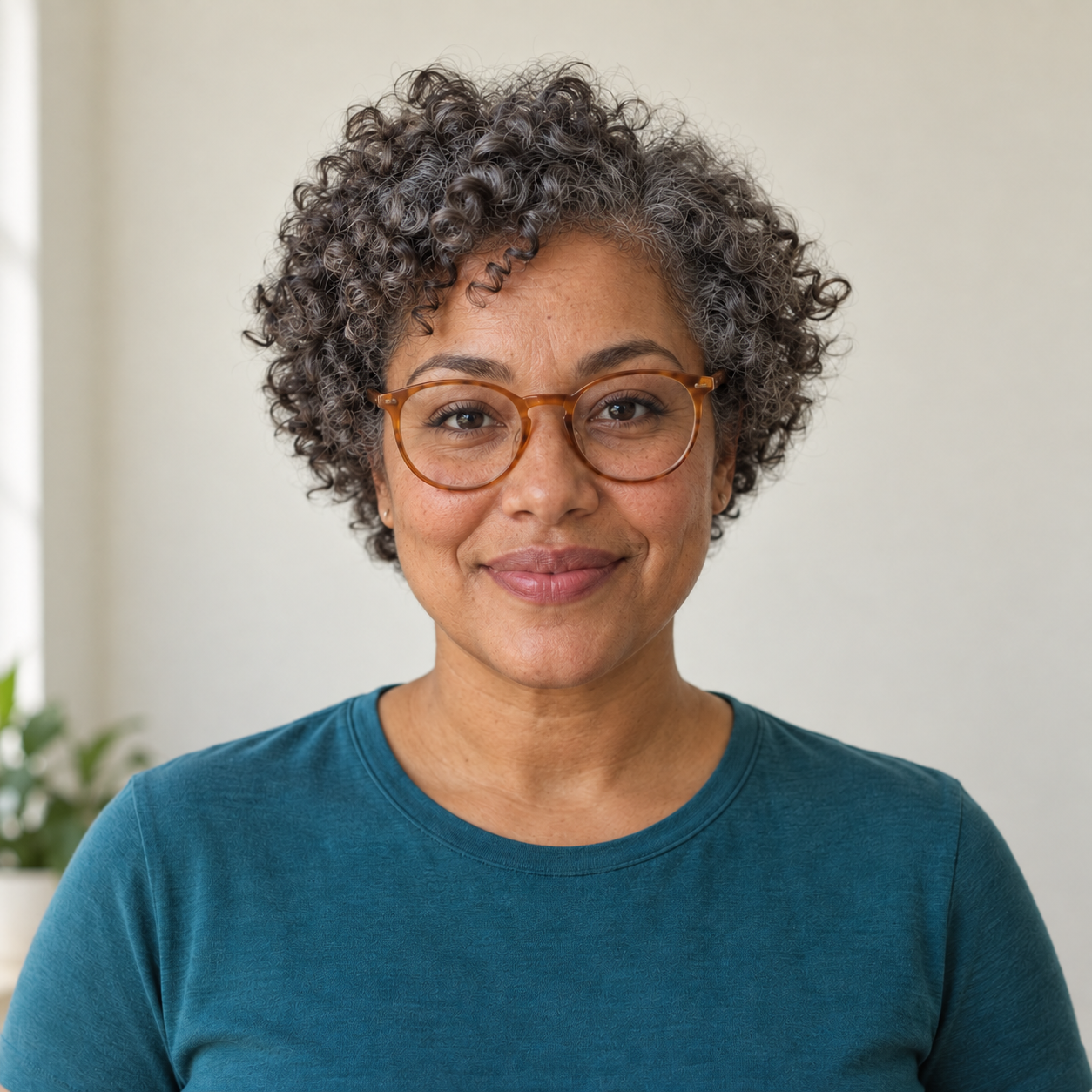
One portrait you have permission to use
Older or younger appearance and approximate direction
Expression, hairstyle or composition to preserve
Explore a stylized older or younger appearance from a portrait while keeping the expression and composition you want to preserve.
Sign-in and access checks apply in Vizify.
Explore your idea with AI before generating.
Chat could not be loaded. Your form is still available.
Review the brief and any reference in Vizify before sending it. Image generation uses your account’s current access and credits.
One portrait you have permission to use
Older or younger appearance and approximate direction
Expression, hairstyle or composition to preserve
One image artifact
Include one portrait you have permission to use, older or younger appearance and approximate direction, expression, hairstyle or composition to preserve.
Keep the supplied subject, expression and protected details recognizable; do not imply identity verification.
This is an imagined appearance, not a prediction of aging, an age estimate or a real-time camera filter.
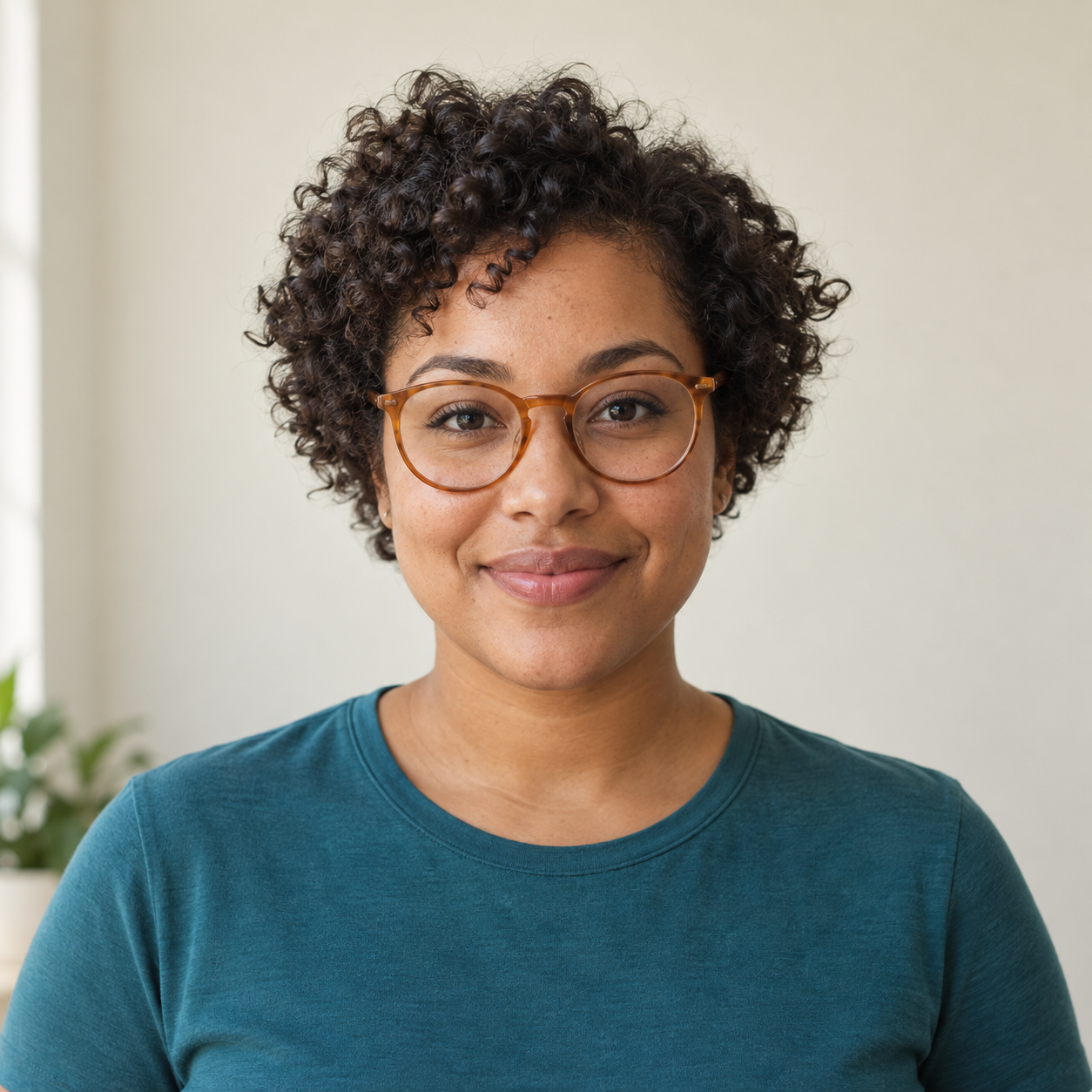
Give this portrait a gentle older appearance, with natural-looking gray hair and fine lines. Keep the smile, clothing and background.
Please attach a portrait you have permission to use and say whether you want an older or younger appearance. Specify the expression, hair and background to preserve. No photo has been edited without that source; the result would be an imagined appearance, not an age estimate or a prediction of aging.
I want this age filter result but have not attached a photo. Ask for the source rather than claiming to have edited it.
Checks the input and output boundary rather than silently substituting an unsupported result.
Provide one portrait you have permission to use, older or younger appearance and approximate direction, expression, hairstyle or composition to preserve. A source photo is required.
You can request an imagined age direction, but the result is a creative visualization. It cannot predict your future appearance.
No pixel-exact identity preservation is promised. Review the facial structure and expression before keeping or sharing the image.
You can request a younger-looking style. Specify what should stay recognizable and avoid treating the result as a record of the person’s real past.
The age filter result is a raster image artifact in Vizify. Download the available image and inspect it before reuse. Editable source layers, vector paths and production files are not included.
Yes. Explain the next change to your age filter image and identify what should stay. Keep the supplied subject, expression and protected details recognizable; do not imply identity verification. Each generation or edit may use further allowance or credits.
Keep the supplied subject, expression and protected details recognizable; do not imply identity verification. Compare the actual result with the original brief, including any text or reference details.
The age filter brief opens in Vizify before any image is generated. Check one portrait you have permission to use, sign in and send when ready. The account’s current access and credit rules apply.